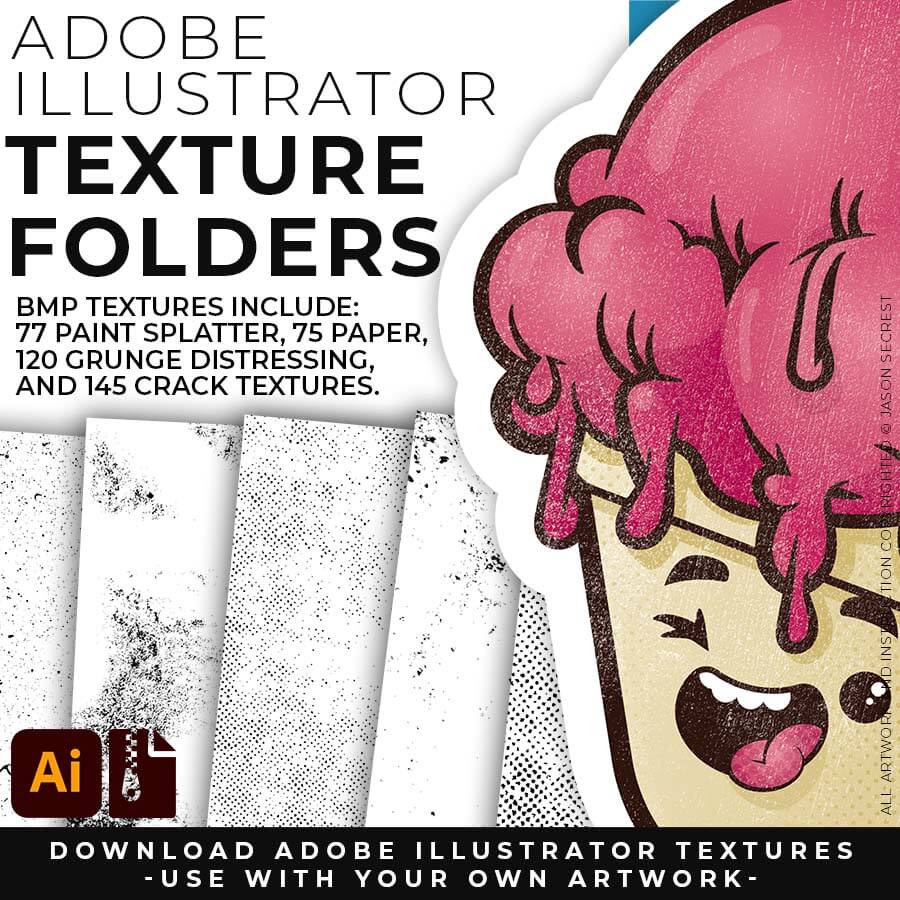
DIGITAL DOWNLOADS: Many of you are jumping over from YouTube looking to download our Adobe Illustrator Brushes and Textures Folders. Digital Downloads will come as Zipped Folders through Teachable. Once you have downloaded and extracted the folders, digital downloads are ready to be used. No Install is required.
PROMPT PACKS: Creative System with Digital Downloads and AI Prompts that work together to speed up your workflow. Access our Creative System Library of Prompts through Teachable. Our Creative System is in a Subscription Model to include Updates. New Prompts and Updates are added on a Weekly - Monthly Basis.
RESOURCE GUIDES: Full-Length Learning Modules include Workflow Guides, Directions, and Action Steps. Start with our Resource Guides inside of Teachable to understand how to apply resources in Adobe Illustrator. New Creative Memberships and Programs launched on May 15, 2026.
TUTORIALS: Our Adobe Illustrator Tutorials will focus on the core areas of your workflow: building, editing, and coloring. LEARNING TARGET (1): Understand the Building Tools and Options. LEARNING TARGET (2): Understand Line Variation along with Live and Expanded Editing Tools. LEARNING TARGET (3): Understand Color, Values, and Gradients using Advanced Coloring Techniques.
DIGITAL DOWNLOADS: Many of you are jumping over from YouTube looking to download our Adobe Illustrator Brushes and Resource Folders. Digital Downloads will come through our friends at Teachable. Download Adobe Illustrator Brush Libraries, Comic Halftones, T-Shirt Textures, or Resource Bundle.
RESOURCE GUIDES: Digital Downloads will come as Zipped Folders. Once you have downloaded and extracted the Resource Folders, they are ready to be used in Adobe Illustrator. Start with our Resource Guides, Illustrator Tutorials, or YouTube Playlists to understand how to apply resources in Adobe Illustrator.
Image

SKETCH TO CARTOON BRUSHES: Most people get stuck at one of two spots — they have a sketch, but can't build and ink it cleanly in Adobe Illustrator. This combo fixes both ends: sixteen AI prompts turn your rough sketch into clean, professional cartoon linework, formatted for Midjourney, Gemini, ChatGPT Images, Kittl, and Canva — then the actual 70-brush library lets you finish and edit it by hand in Illustrator. Sketch rough, ink like a pro.
Image

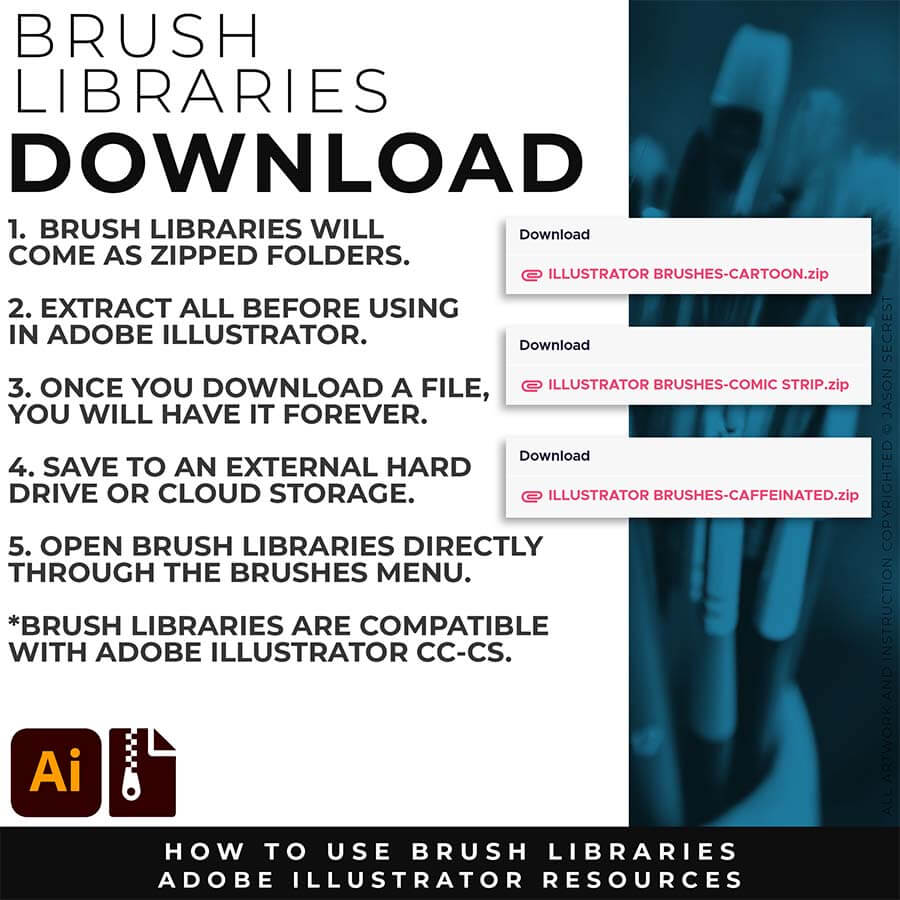
DOWNLOADING BRUSHES: Download the Zipped Folder. Extract All. Brushes are ready to load directly through the Brushes menu in Adobe Illustrator. Once you have downloaded and extracted the folder, save all files to an external hard drive or cloud-based storage. 
cartoon brush set

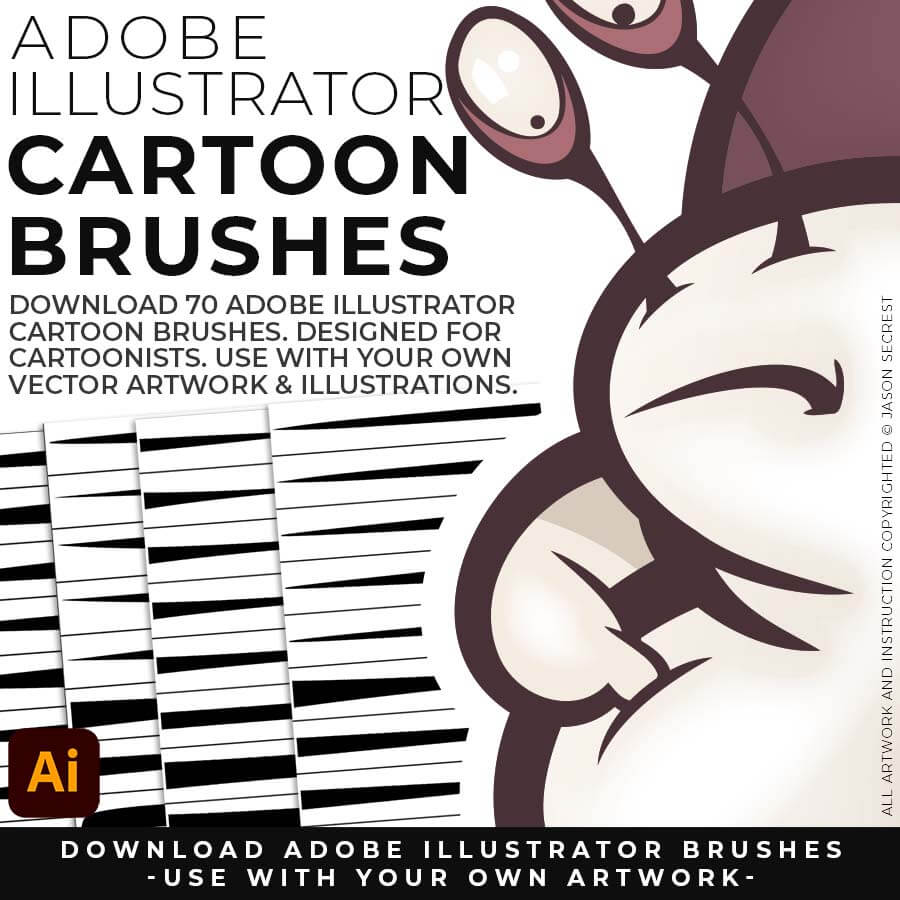
CARTOON BRUSHES: Mascot designers, logo designers, cartoon illustrators, and apparel designers working in Adobe Illustrator who want professional line quality without drawing every stroke from scratch.
comic strip brush set
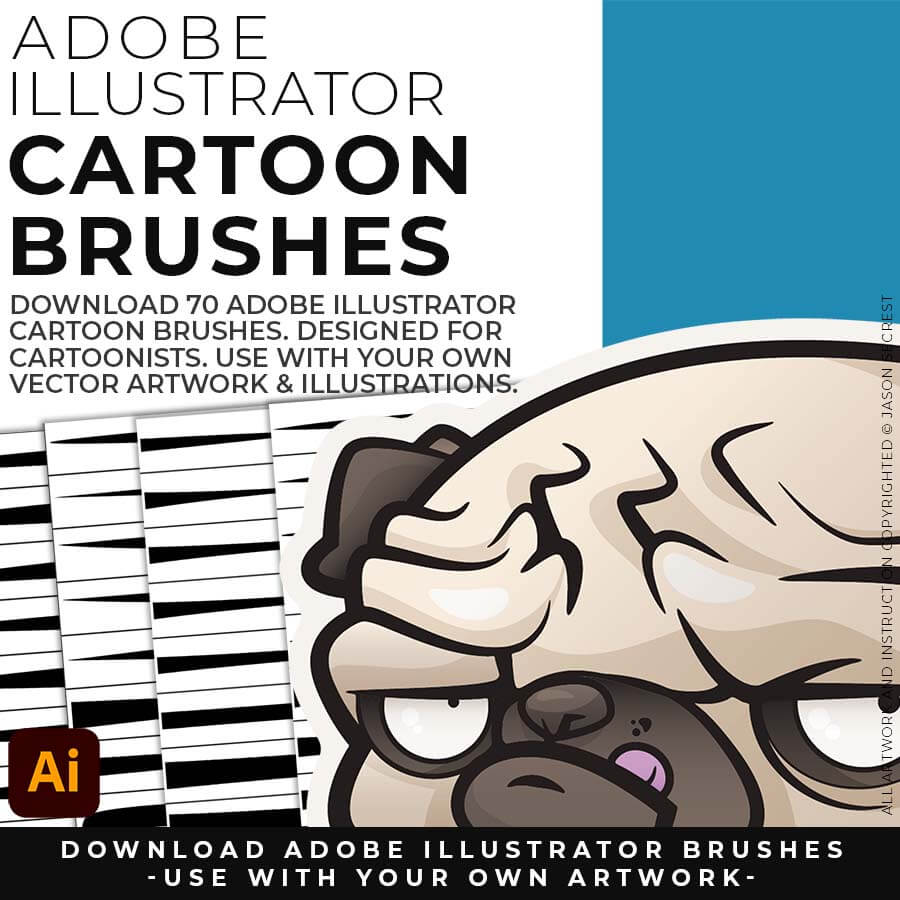
CARTOON BRUSHES: No install is necessary - open directly through the Brushes Panel in Adobe Illustrator. Open the Brushes Panel, select a Brush Library, and click the brush to apply to a selected path. Expand when you're ready to edit.
mascot brush set

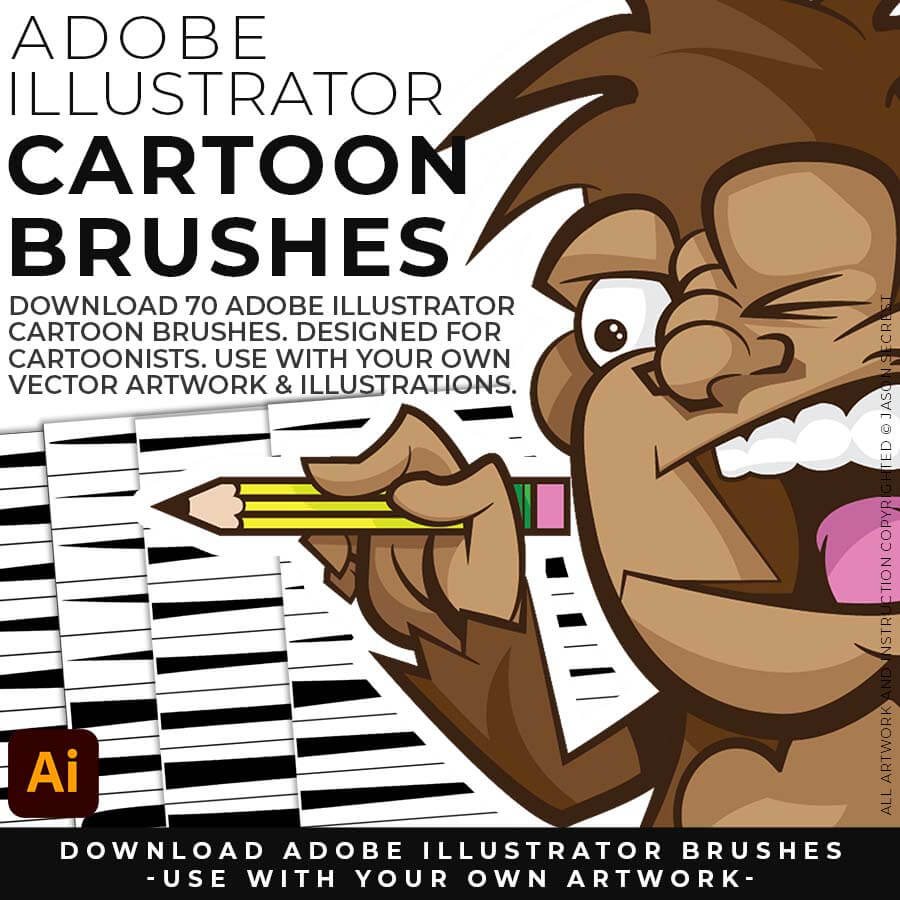
CARTOON BRUSHES: Professional cartoon illustration has a line quality that comes from tapered strokes, weight variation at the start and end of each path, and a slightly organic feel that signals the work was made by someone with a practiced hand.
Image
Free Bonus: I have included the  Anchor Point and Tablet Friendly Guides (as a Free Bonus) to Follow Along with the 50 Step by Steps on the Website or the 100 Beginner Tutorials Playlist on YouTube to Learn the Basics of Building, Applying Brushes, Editing, and Coloring in Adobe Illustrator. Follow Along with the Tutorials or use the Brushes with Your Own Artwork.
Downloads and Prompts live inside full course format resource guides through Teachable.
Copy the ready-made prompt - One click — no prompt-writing needed.
Paste into your AI tool - Generate the result in seconds.
Subscription Model -Updates Included - 365-day access includes every update to the pack.
Image

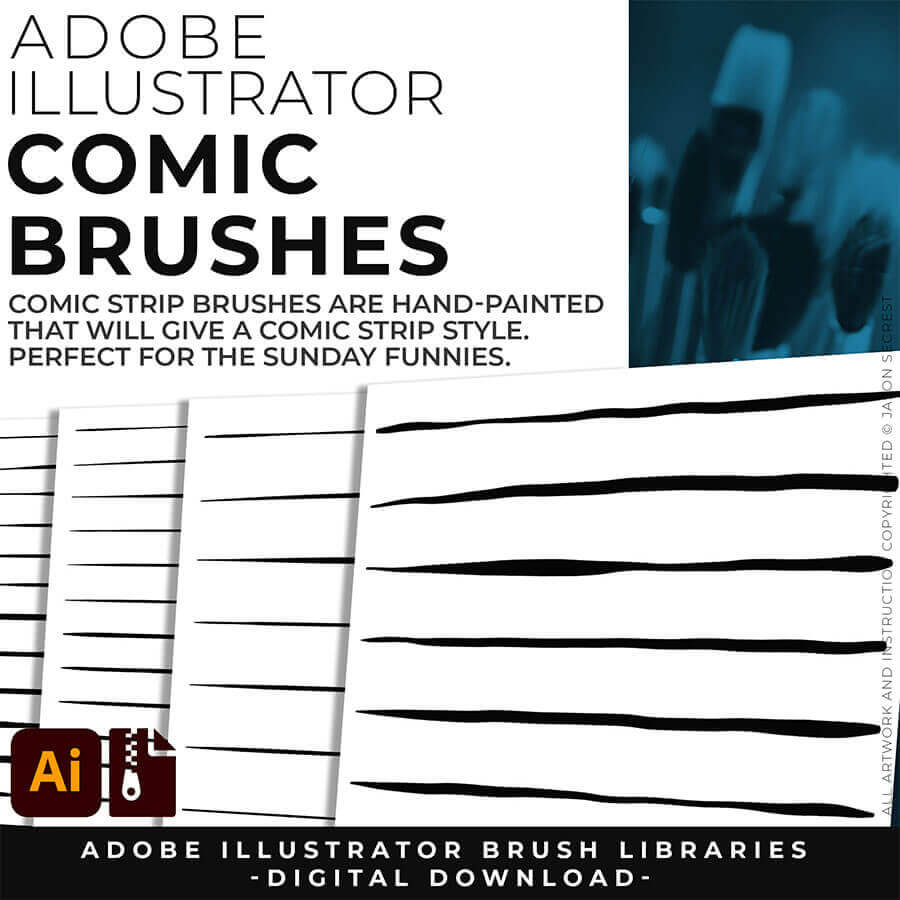
SKETCH TO COMIC STRIP BRUSHES: Real comic art has that bold-outline-to-fine-detail depth, and it takes forever to learn by hand. This pack gets you there faster: sixteen AI prompts built around that exact classic hierarchy, formatted for Midjourney, Gemini, ChatGPT Images, Kittl, and Canva, plus the 100-brush download to polish the final linework in Illustrator yourself. AI gets you 90% there, your hand gets you the last 10.
Image

PRIMARY PROMPTING: Instead of manually aligning Building Tools to your sketch's Shapes, Lines, and Curves, let AI generate your starting point. Attach your rough sketch, copy the prompt for your style, and the AI handles the inking — clean, professional linework aligned to your original drawing, ready to bring into Illustrator for tracing and finishing.
cartoon brushes bunny

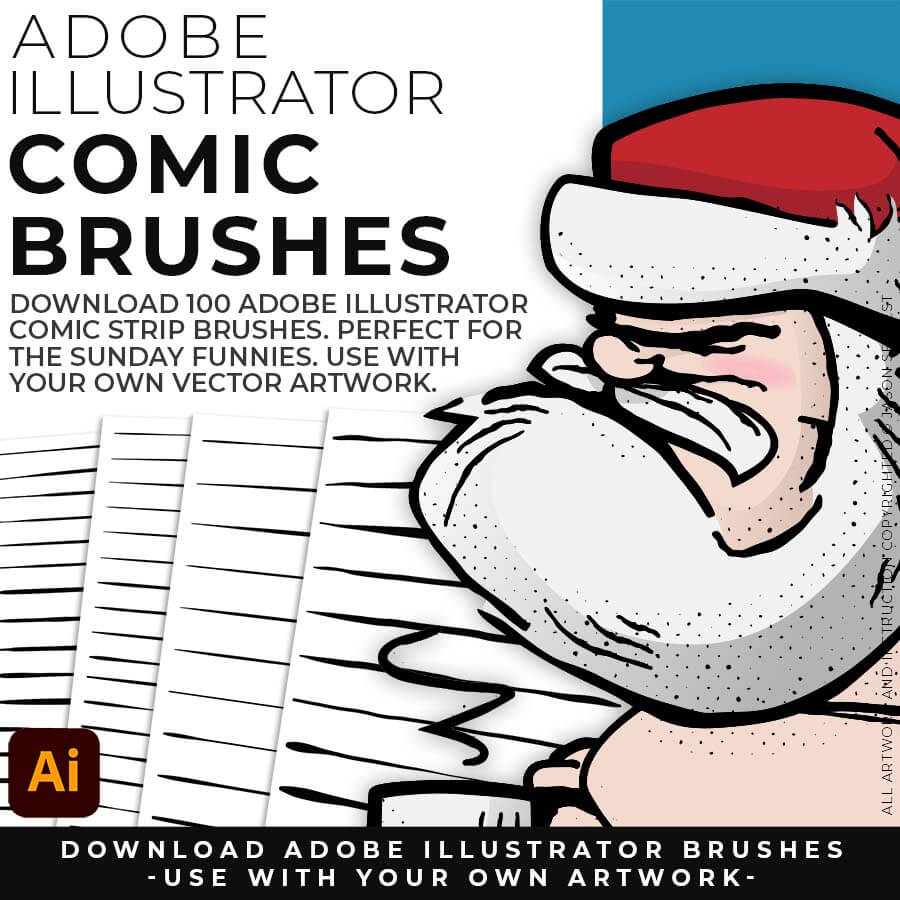
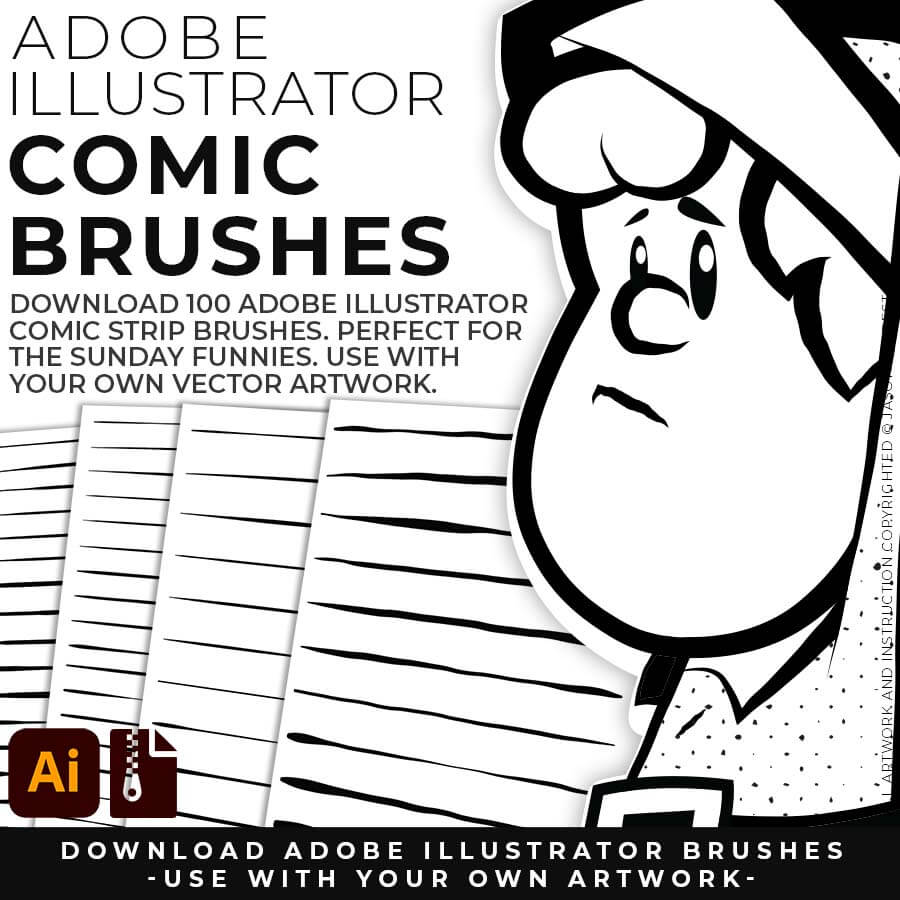
COMIC STRIP BRUSHES: Comic illustrators, character designers, editorial illustrators, and Illustrator users who want professional-grade inking brushes built around a real production workflow.
comic strip brushes santa

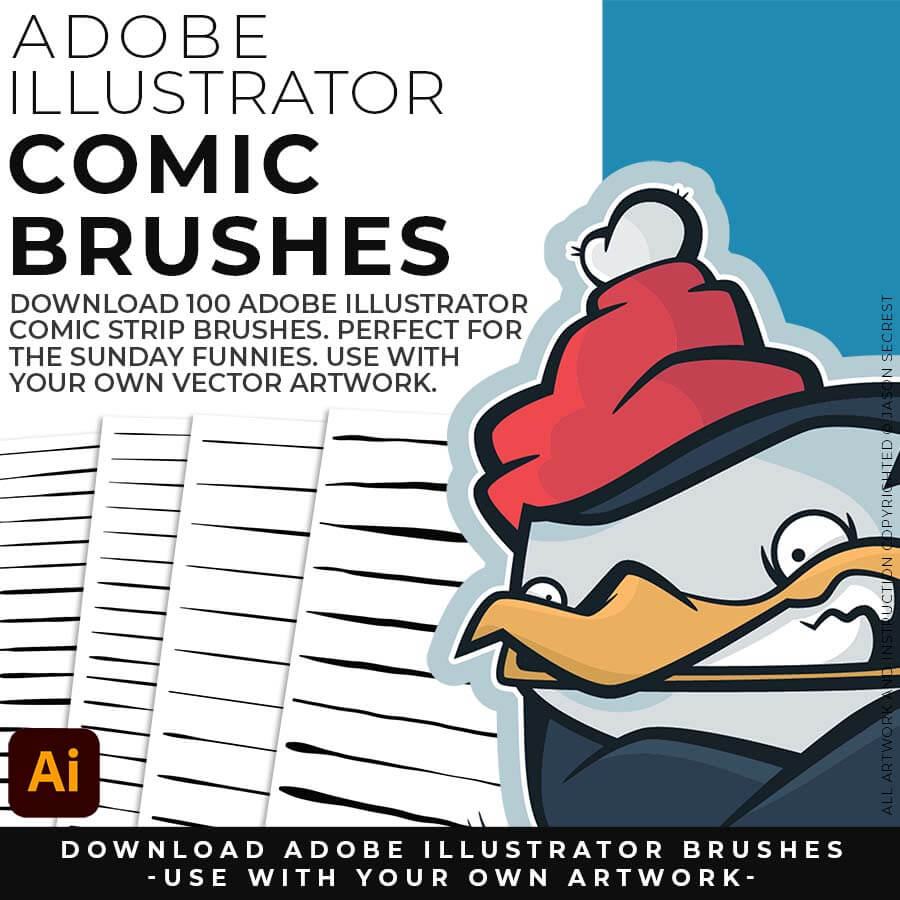
COMIC STRIP BRUSHES: Comic Strips and Hand Painted are painted based on some of my favorite artists and cartoonists. These brushes are designed to look ready for the Sunday Paper.
hand painted brushes ice cream cone

COMIC STRIP BRUSHES: The inking hierarchy: apply your heaviest brush to the dominant outer forms first, step down in weight for secondary shapes, and use your finest set for interior detail and texture.

Most people get stuck at one of two spots — they have a sketch, but can't build or ink it cleanly in Adobe Illustrator. This combo fixes both ends.
Attach your rough sketch to get clean, inked linework back from the prompts, then open the file in Illustrator and polish it with the matching brush set.
Everything you need is right here. Apply the prompts to your sketch and move directly to editing.
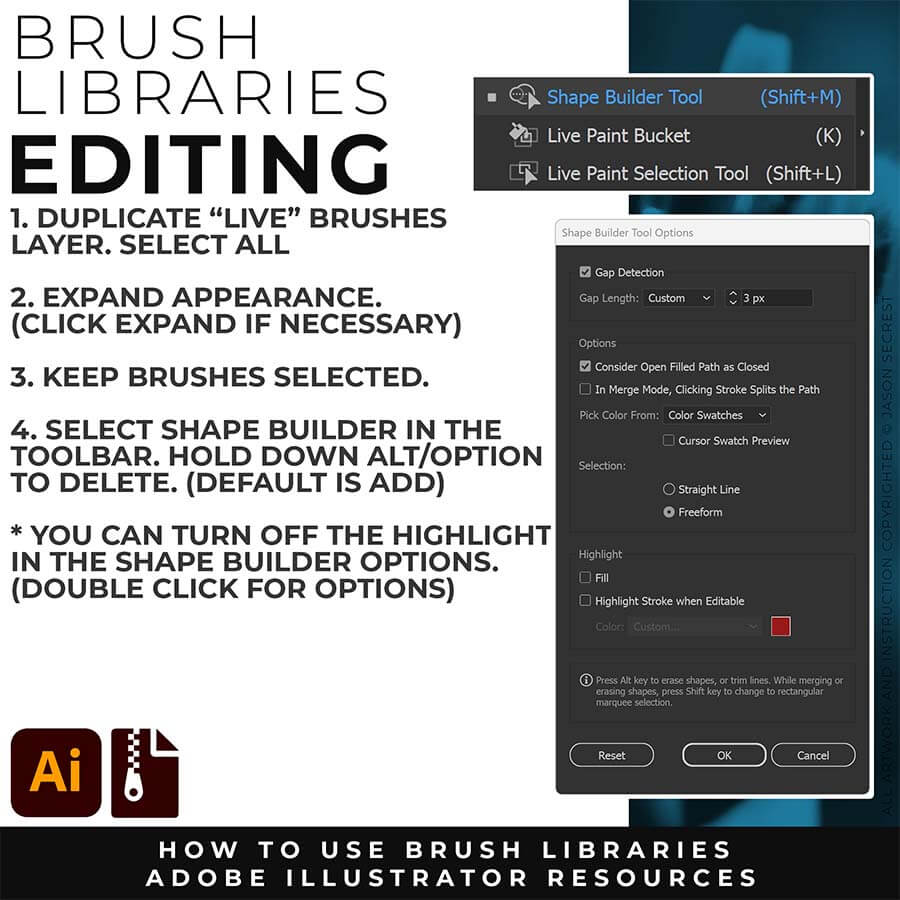
After creating your Vector (or Image Trace), use Smoothing, Path Simplify, or Expanded Editing Techniques.
ImageImage

SKETCH TO MASCOT BRUSHES: Mascot work has to hit hard on a T-shirt, not just look good on a screen. Sixteen AI prompts give you that bold, hand-inked mascot energy straight from a rough sketch, formatted for Midjourney, Gemini, ChatGPT Images, Kittl, and Canva, and the matching 50-brush download lets you finish it by hand in Illustrator so it's print-ready. Sketch rough, finish with real brushes.
Image

PATH SIMPLIFY: Whichever AI Prompt Pack or Concept to Vector option you used, the vector conversion likely placed more anchor points than you actually need — this is normal, not a mistake on your end. Before you move into coloring, select your paths and run Object > Path > Simplify. This reduces the anchor point count while preserving the shape of your line, using the Curve Precision and Angle Threshold sliders to control how aggressive the cleanup is.
cartoon brushes bunny

MASCOT BRUSHES: Apparel designers, t-shirt illustrators, mascot designers, and anyone building in Adobe Illustrator who wants their work to look like it was made by hand, not by software. 
comic strip brushes santa

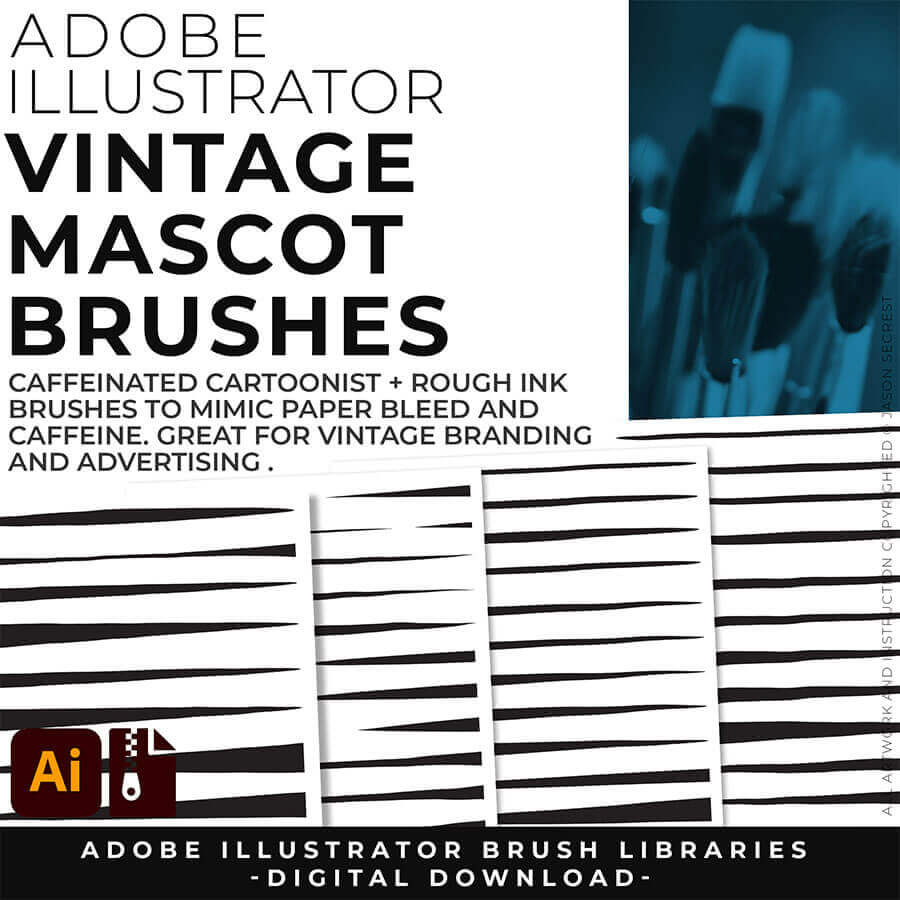
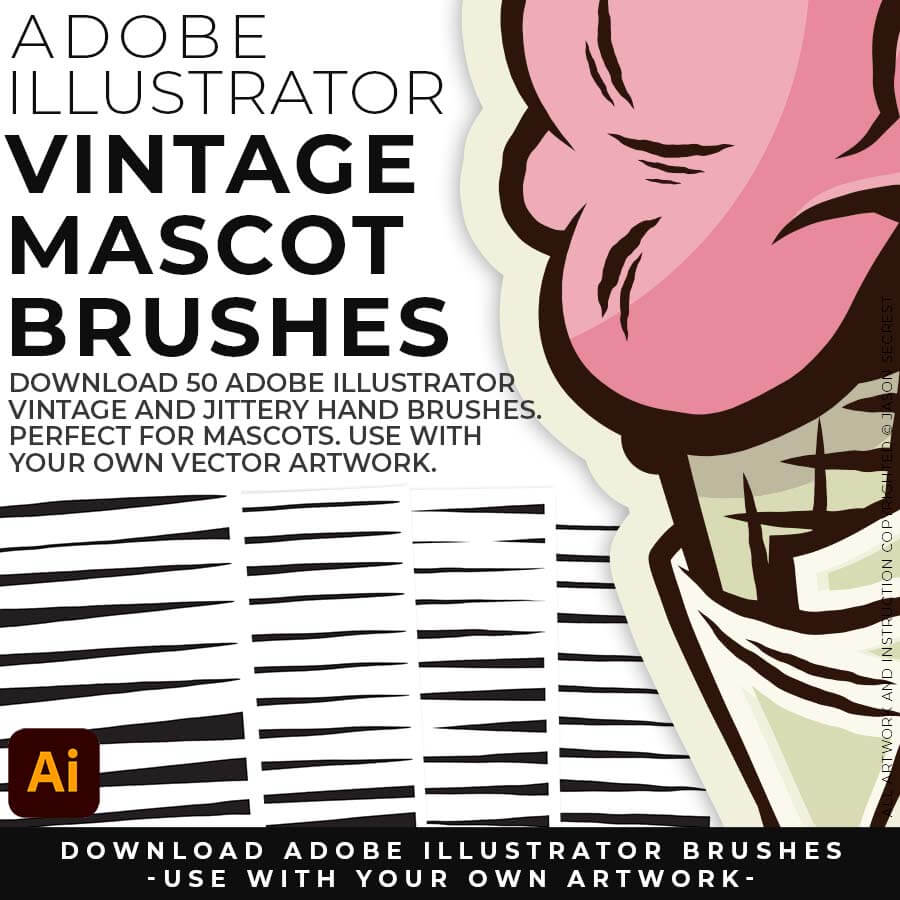
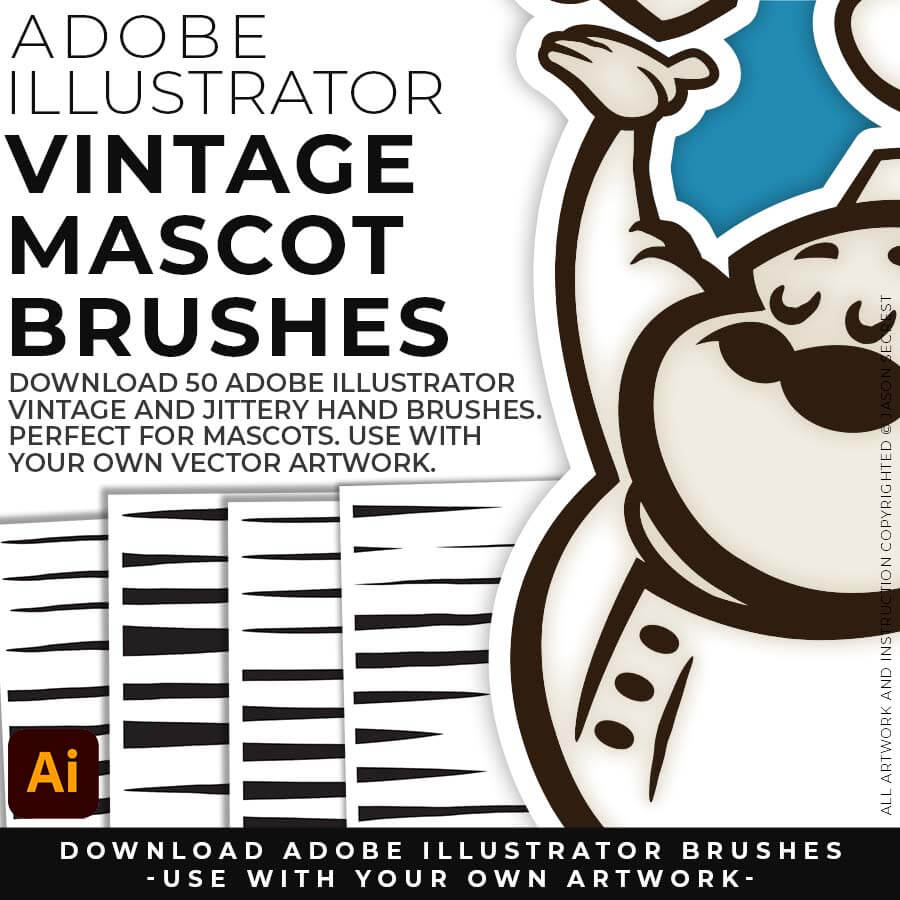
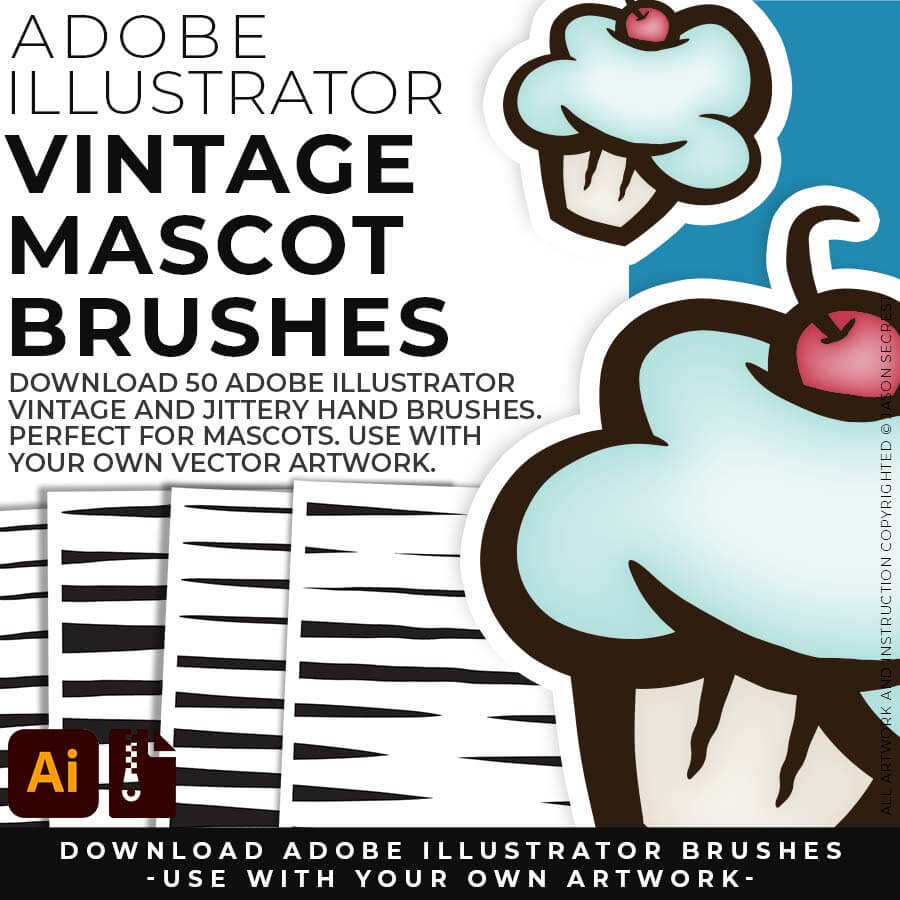
MASCOT BRUSHES: Designed to be a little less stiff with your vector art. Use these Brush Libraries to get more of a distressed look or ink bleed back in your own Vector Artwork.
hand painted brushes ice cream cone

MASCOT BRUSHES: You apply Rough Ink to your mascot outline. The line already has texture and organic variation. You run the Width Tool. You expand the stroke.
ADOBE ILLUSTRATOR

DIGITAL DOWNLOADS

DIGITAL DOWNLOADS

ADOBE ILLUSTRATOR

SKETCH TO BRUSHES

BRUSH LIBRARIES

ADOBE ILLUSTRATOR

BRUSH LIBRARIES

BRUSH LIBRARIES

ADOBE ILLUSTRATOR

BRUSH LIBRARIES

BRUSH LIBRARIES

ADOBE ILLUSTRATOR

BRUSHES BUNDLE

BRUSHES BUNDLE

Image

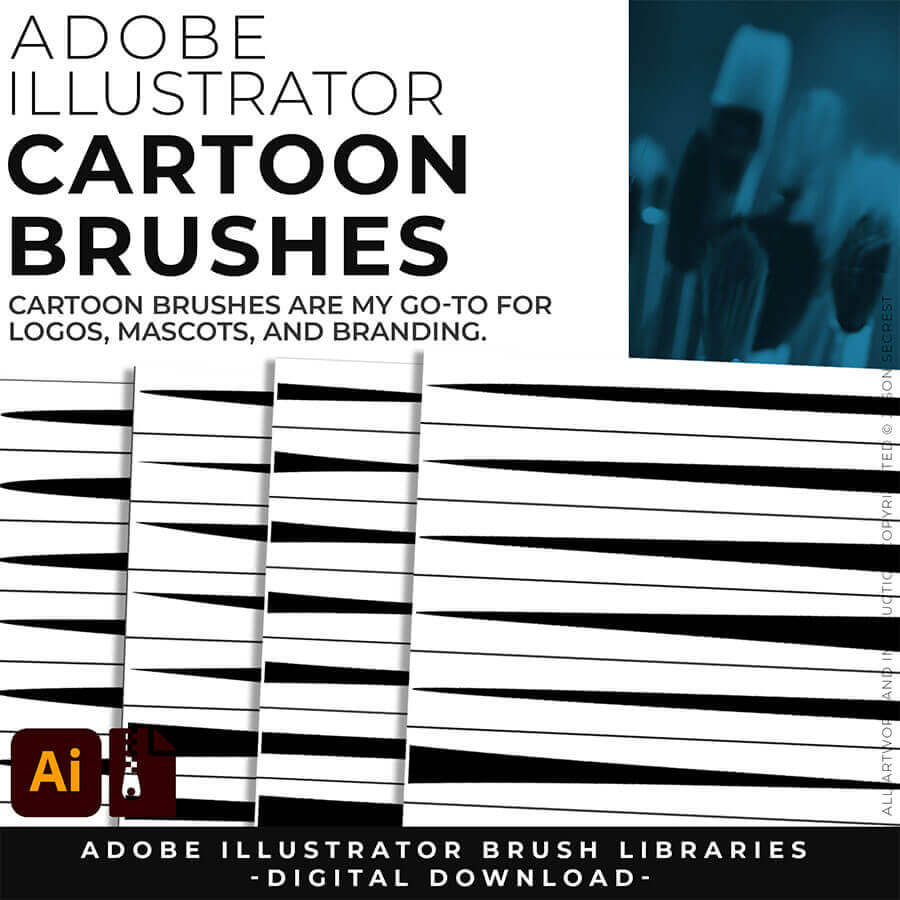
CARTOON BRUSHES: Cartoon Brushes are my go-to for Professional Logos, Cartoons, Mascots, and Branding. Use Cartoon Illustrator Brushes with the Pen, Pencil or Paint Brush Tools to Apply different Line Variation to your Vector Artwork. 

Image

DOWNLOADING BRUSHES: Once you download a file, you will have it forever. Save all files to an external hard drive or cloud-based storage. Start with our Beginner and Resource Guides to understand how to save, apply, and edit in Adobe Illustrator.

cartoon brush set

CARTOON BRUSHES: Cartoon Brushes are my go-to for Professional Logos, Cartoons, Mascots, and Branding.

comic strip brush set
CARTOON BRUSHES: (Updated) Libraries are Pressure Sensitive for those of you looking to apply brushes use with your tablet.
mascot brush set

CARTOON BRUSHES: Includes Updated Cartoon, Cartoon 2, and Original Cartoon Brush Libraries.

Image
Free Bonus: I have included the  Anchor Point and Tablet Friendly Guides (as a Free Bonus) to Follow Along with the 50 Step by Steps on the Website or the 100 Beginner Tutorials Playlist on YouTube to Learn the Basics of Building, Applying Brushes, Editing, and Coloring in Adobe Illustrator. Follow Along with the Tutorials or use the Brushes with Your Own Artwork.
ADOBE ILLUSTRATOR

CARTOON BRUSHES

DOWNLOAD BRUSHES
20% OFF (SAVE $15)

CARTOON BRUSHES

DOWNLOAD BRUSHES
20% OFF (SAVE $15)
Image

COMIC STRIP BRUSHES: Hand Painted + Comic Strip Brushes to get a lived in feel back into your Vector Art. Comic Strips and Hand Painted are painted based on some of my favorite artists and cartoonists. These brushes are designed to look ready for the Sunday Paper. 

Image

SAVING BRUSHES: Open All of the Brushes Libraries in Adobe Illustrator. (File - Open). Have your Brushes Panel Open. Under Window - Brushes. Click on Each Illustrator Document and Open the Brushes Menu in the Brushes Panel. Scroll down to Click on Save Brush Library. Default Location = User Defined. 

cartoon brushes bunny

COMIC STRIP BRUSHES: Hand Painted + Comic Strip Brushes to get a lived-in feel back into your Vector Art.

comic strip brushes santa

COMIC STRIP BRUSHES: Comic Strips and Hand Painted are painted based on some of my favorite artists and cartoonists. These brushes are designed to look ready for the Sunday Paper.

hand painted brushes ice cream cone

COMIC STRIP BRUSHES: Includes Updated Comic Strip, Hand-Painted, Paintbrush, and Fine Liner Brush Libraries.

ADOBE ILLUSTRATOR

COMIC BRUSHES

DOWNLOAD BRUSHES
20% OFF (SAVE $15)

COMIC BRUSHES

DOWNLOAD BRUSHES
20% OFF (SAVE $15)
ImageImage

MASCOT BRUSHES:  Jittery Hand, Caffeinated Cartoonist + Rough Ink Brushes to Mimic Paper Bleed and Caffeine. Designed to be a little less stiff with your vector art. Use these Brush Libraries to get more of a distressed look or ink bleed back in your own Vector Artwork. 

Image

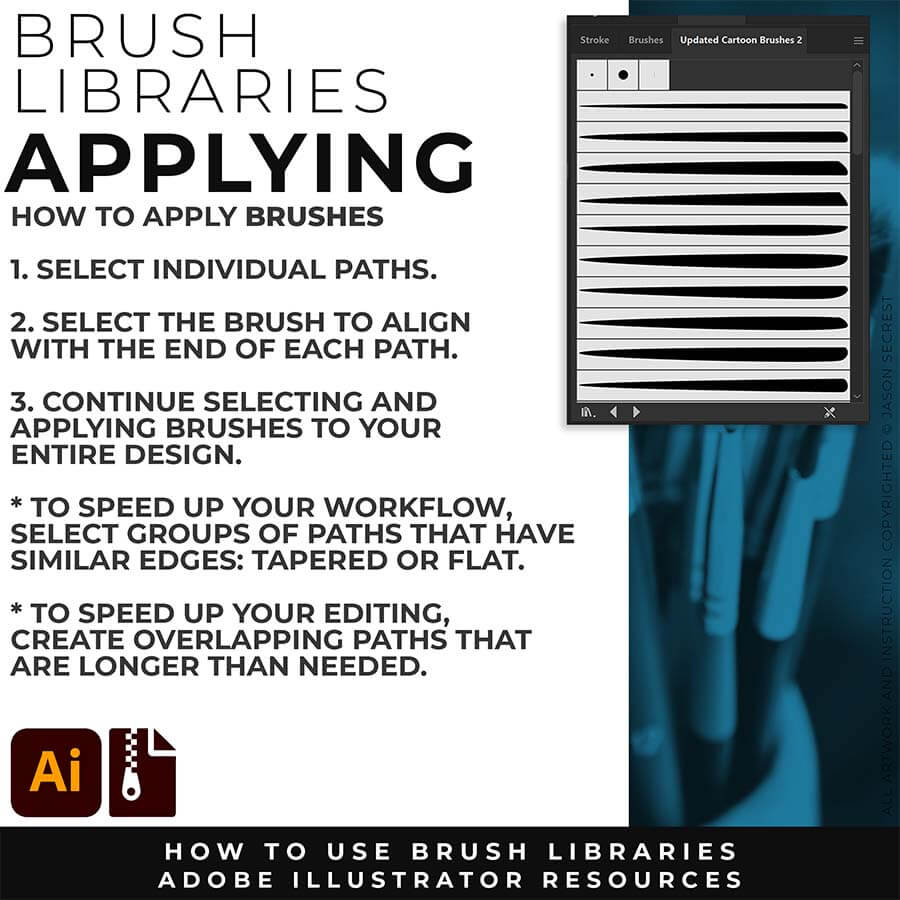
OPENING BRUSHES: Under Window - Select Brushes. In the Brushes Menu, drop-down to Open Brush Library. Hover over it and select "Other Library." A Normal Open Dialogue Box will appear to select any Brush Library to use in Illustrator. Almost all of our step-by-step tutorials on YouTube use this method.

cartoon brushes bunny

MASCOT BRUSHES: Jittery Hand, Caffeinated Cartoonist + Rough Ink Brushes to Mimic Ink on Paper Bleed and a little Caffeine. 

comic strip brushes santa

MASCOT BRUSHES: Designed to be a little less stiff with your vector art. Use these Brush Libraries to get more of a distressed look or ink bleed back in your own Vector Artwork.

hand painted brushes ice cream cone

MASCOT BRUSHES: Includes Updated Caffeinated Cartoonist, Rough Ink, and Jittery Hand Brush Libraries.

ADOBE ILLUSTRATOR

MASCOT BRUSHES

DOWNLOAD BRUSHES
20% OFF (SAVE $15)

MASCOT BRUSHES

DOWNLOAD BRUSHES
20% OFF (SAVE $15)
I appreciate your videos. I have been an illustrator user for years and have my own ways of doing things. It's great to see other ways of using tools and learning tricks I didn't know were available! It's also good to see you doing the same thing as me in other instances, confirming I'm on the right track!Andy Zenz
Awesome tutorial! I don't think I've picked up something so easily from someone who knows what they are doing. I managed to draw my first vector art and it was a joy! Great work keep it up!blitz145
Thank you loads! Compared to other tutorials, yours are just really well-explained and easy-to-follow. Can totally see that you've got a passion for what you're doing and that's just wonderful! 🙂 Keep it up, you're doing an amazing job. Yulia Kachurova
Love your video thanks so much. you blow Lynda.com out of the water!!!!Steve Yensel
Brilliant video. So much great info packed in here. I'm just getting started drawing cartoons with my Wacom tablet, and this was a huge help. Thumbs up and thanks!Dorian Staten
Wow Thanks Jason...was really struggling with making images with basic shapes. Your tutorial is helping me out!!Kishor Rajani
thanks a lot you are really one of my favorites, I like the steps you give us, and I'm so thankful for that effort you do for helping us :)Wessam Lotfi
Keep up the good work Jason. I’ve been doing Lynda.com tutorials for a few months now and I got more out of your videos than what I’ve received at Lynda. Keep it up and Thank You!!bobby jacobs • 1 year ago
These tutorials are amazing. Just started using illustrator and really glad I found your channel. The only videos that explain everything step by stepAida Stan
You are definitely one of the best teachers I've found dealing with start to finish creative process. Great work!!!Jasen Fisher
Thank you so much man, I loved the way you explain this, I spent days looking for a good tutorial vid, thanks a lot, gonna keep watching your videos!!!Karel Marccenaro
Awesome tutorial! I don't think I've picked up something so easily from someone who knows what they are doing. I managed to draw my first vector art and it was a joy! Great work keep it up!blitz145
Thank you loads! Compared to other tutorials, yours are just really well-explained and easy-to-follow. Can totally see that you've got a passion for what you're doing and that's just wonderful! 🙂 Keep it up, you're doing an amazing job. Yulia Kachurova
Love your video thanks so much. you blow Lynda.com out of the water!!!!Steve Yensel
Brilliant video. So much great info packed in here. I'm just getting started drawing cartoons with my Wacom tablet, and this was a huge help. Thumbs up and thanks!Dorian Staten
Keep up the good work Jason. I’ve been doing Lynda.com tutorials for a few months now and I got more out of your videos than what I’ve received at Lynda. Keep it up and Thank You!!bobby jacobs • 1 year ago
These tutorials are amazing. Just started using illustrator and really glad I found your channel. The only videos that explain everything step by stepAida Stan
You are definitely one of the best teachers I've found dealing with start to finish creative process. Great work!!!Jasen Fisher