DIGITAL DOWNLOADS: Many of you are jumping over from YouTube looking to download our Adobe Illustrator Brushes and Textures Folders. Digital Downloads will come as Zipped Folders through Teachable. Once you have downloaded and extracted the folders, digital downloads are ready to be used. No Install is required.
PROMPT PACKS: Creative System with Digital Downloads and AI Prompts that work together to speed up your workflow. Access our Creative System Library of Prompts through Teachable. Our Creative System is in a Subscription Model to include Updates. New Prompts and Updates are added on a Weekly - Monthly Basis.
RESOURCE GUIDES: Full-Length Learning Modules include Workflow Guides, Directions, and Action Steps. Start with our Resource Guides inside of Teachable to understand how to apply resources in Adobe Illustrator. New Creative Memberships and Programs launched on May 15, 2026.
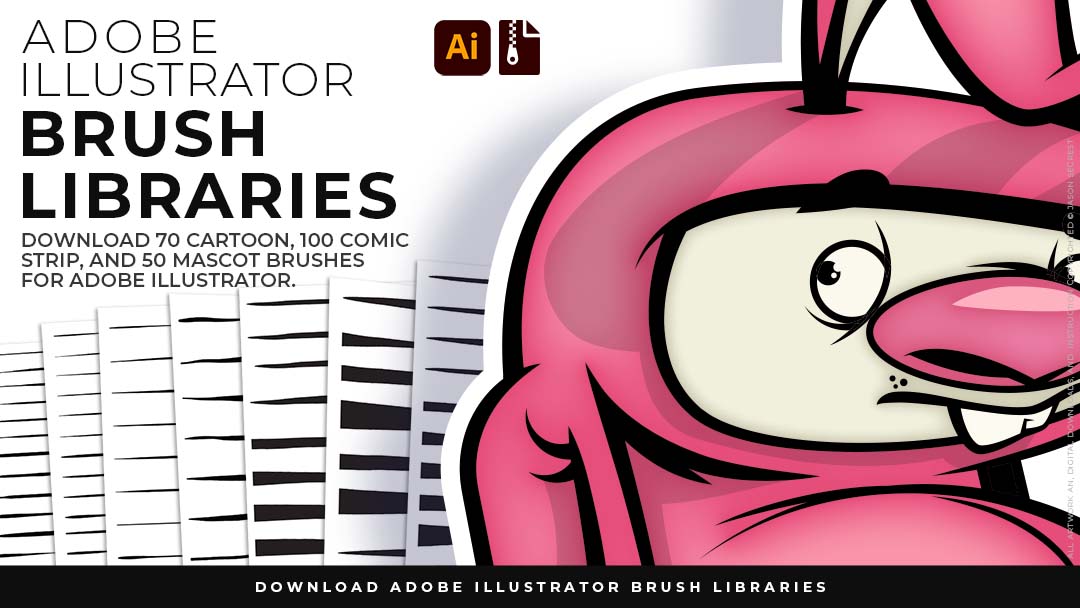
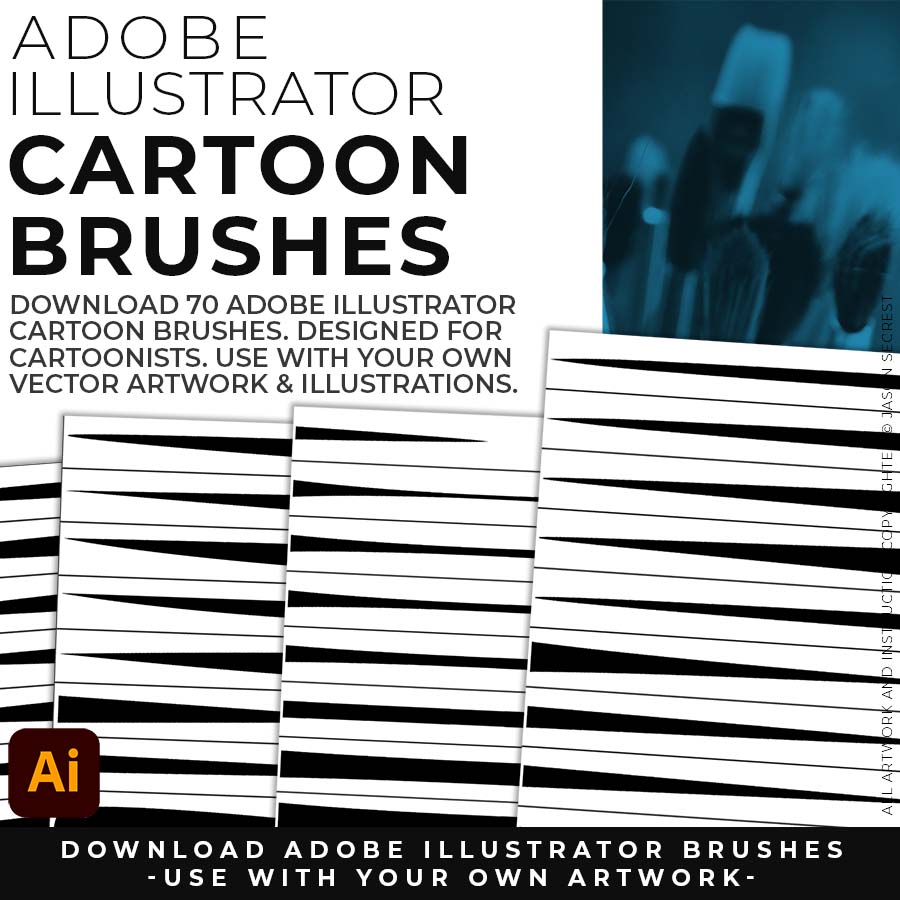
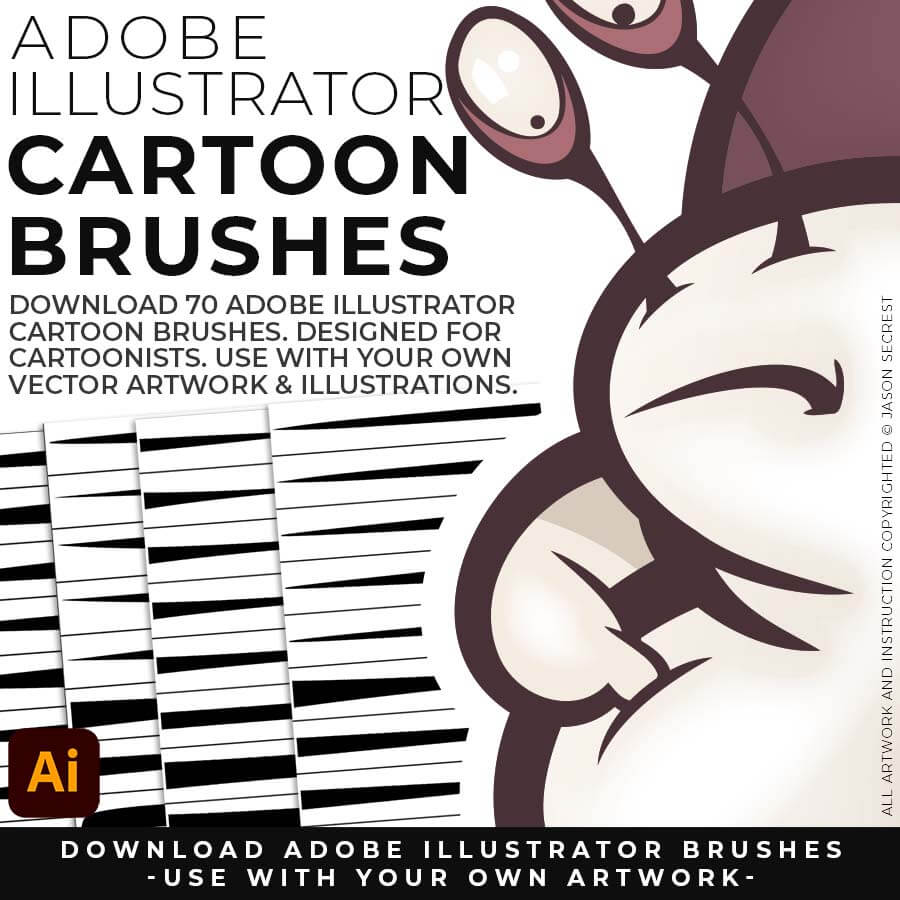
70 CARTOON BRUSHES: Adobe Illustrator Cartoon Brushes are my go-to brushes for Professional Logos, Cartoons, Mascots, and Branding. Use Cartoon Illustrator Brushes with the Pen, Pencil or Paint Brush Tools to Apply different Line Variation to your Vector Artwork. (includes Updated Cartoon, Cartoon 2, and Original Cartoon Brush Libraries).
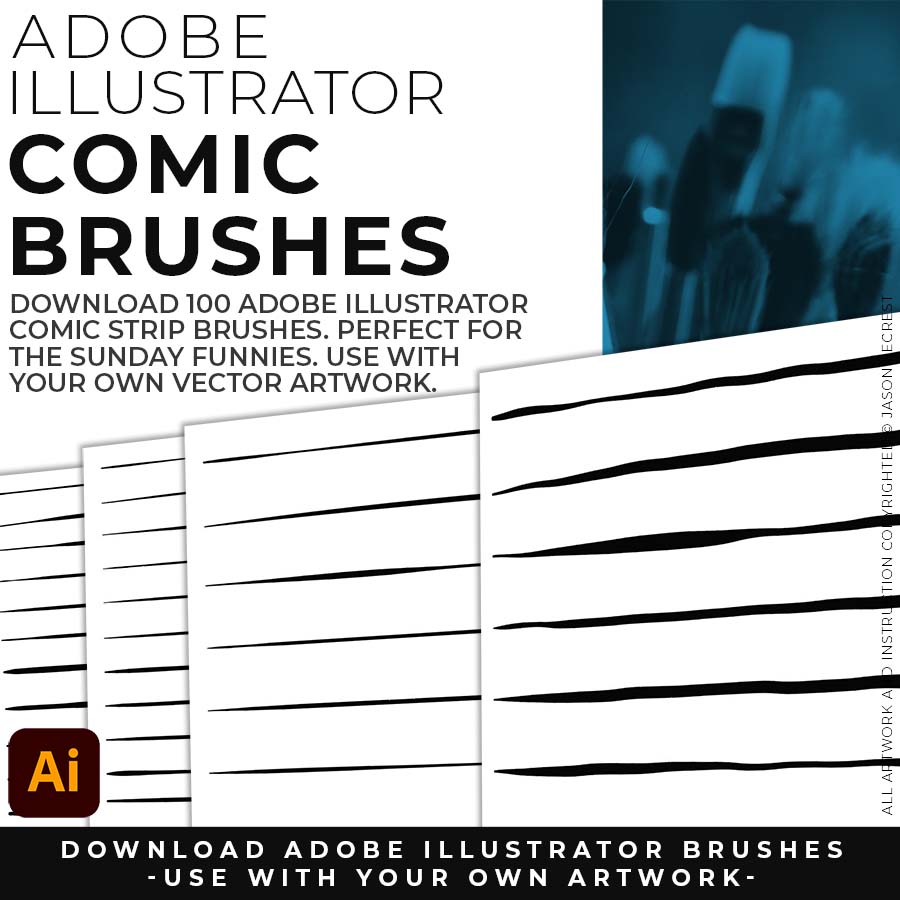
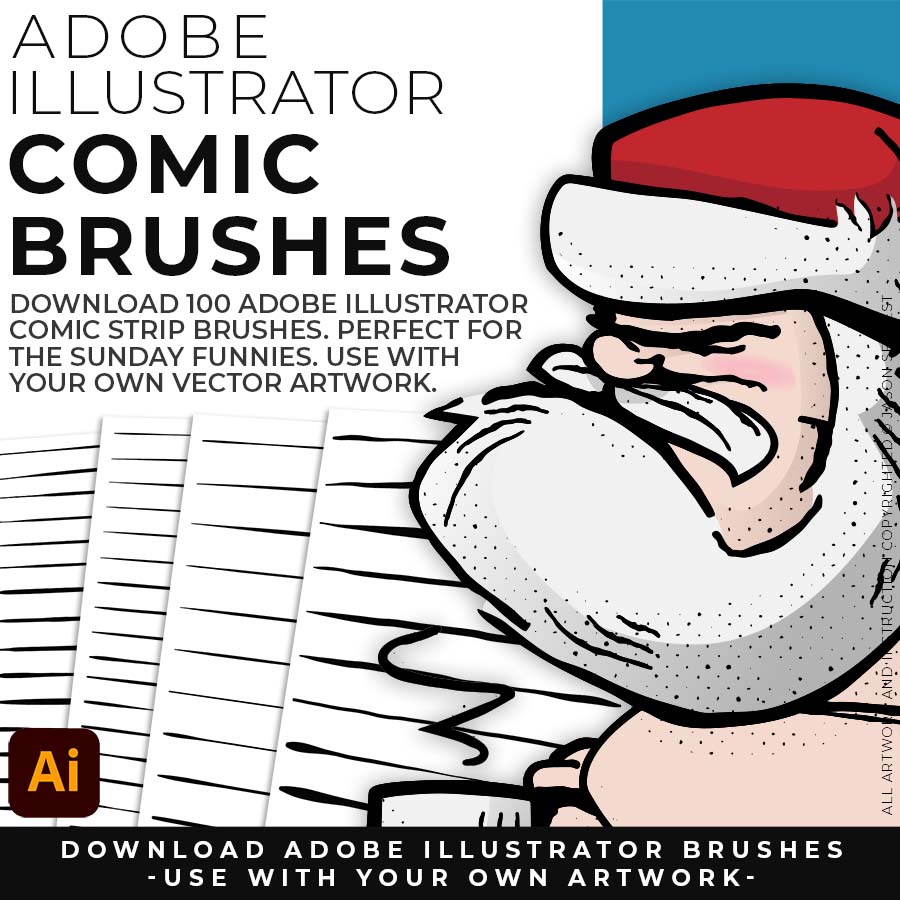
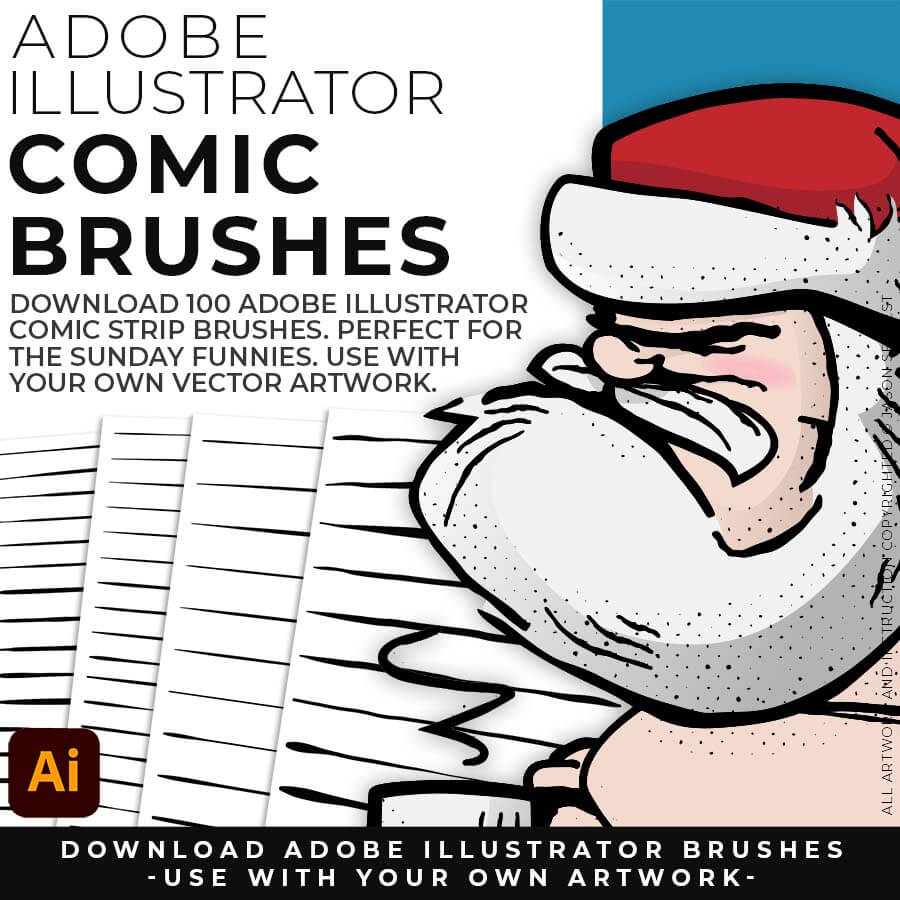
100 COMIC STRIP BRUSHES: Hand Painted + Comic Strip Brushes to get a lived-in feel back into your Vector Art. Comic Strips and Hand Painted are painted based on some of my favorite artists and cartoonists. These brushes are designed to look ready for the Sunday Paper. (includes Updated Comic Strip, Hand-Painted, Paintbrush, and Fine Liner Brush Libraries).
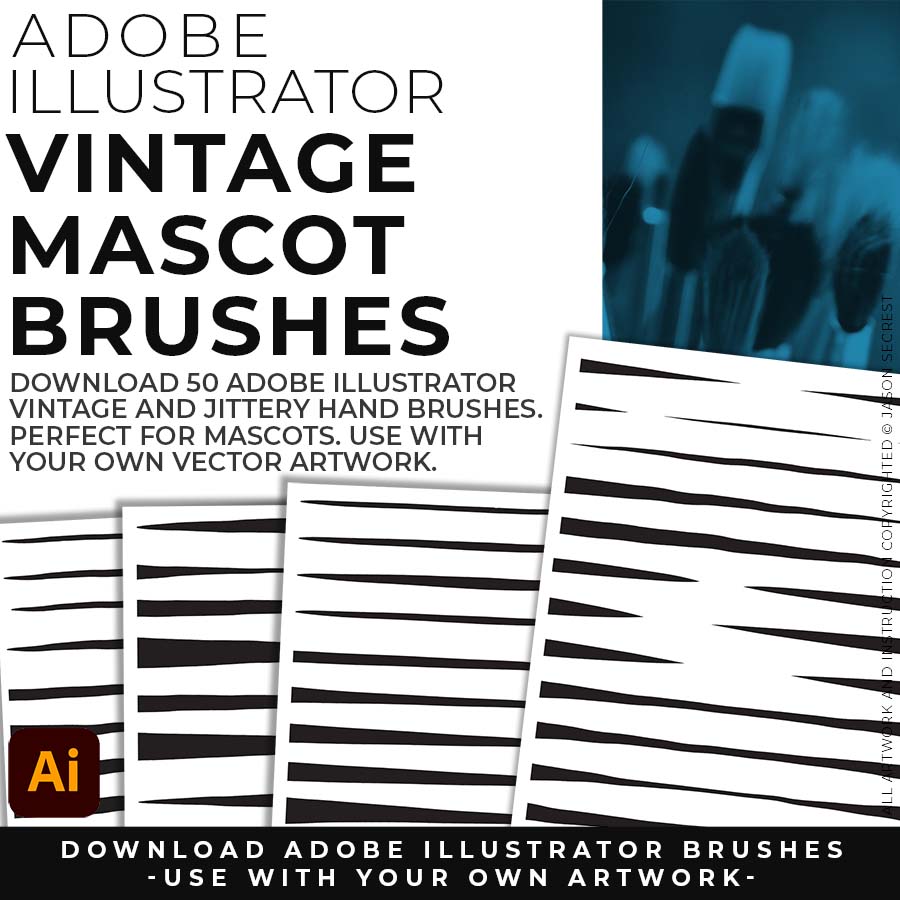
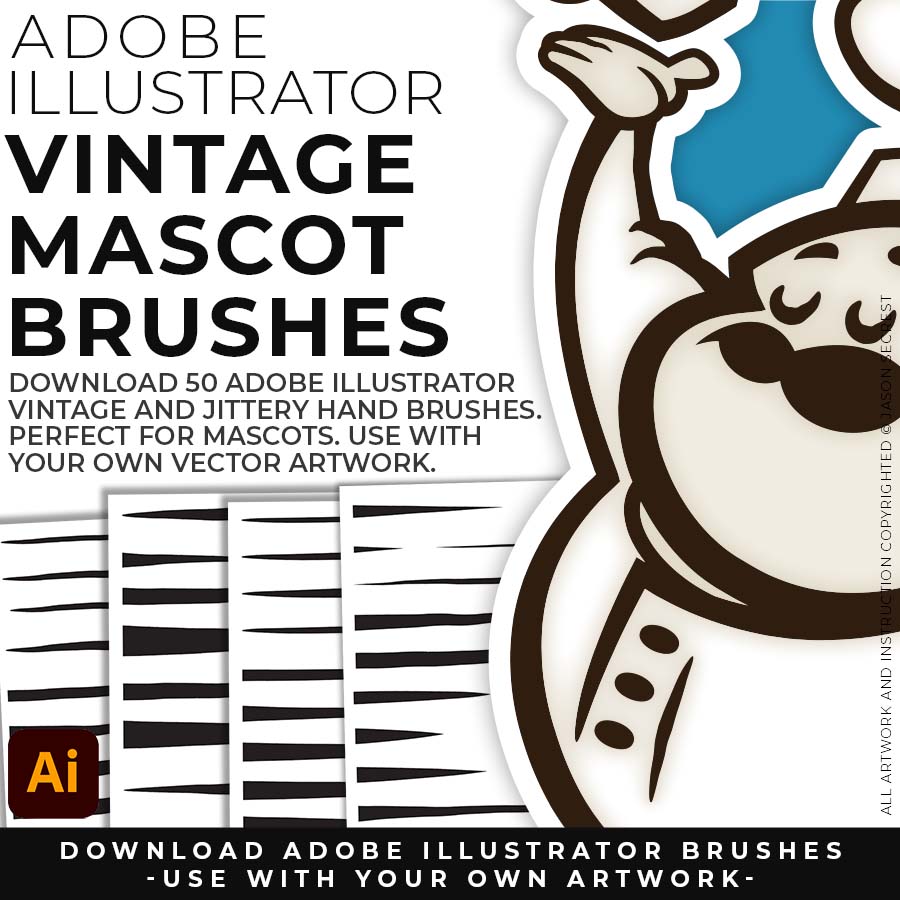
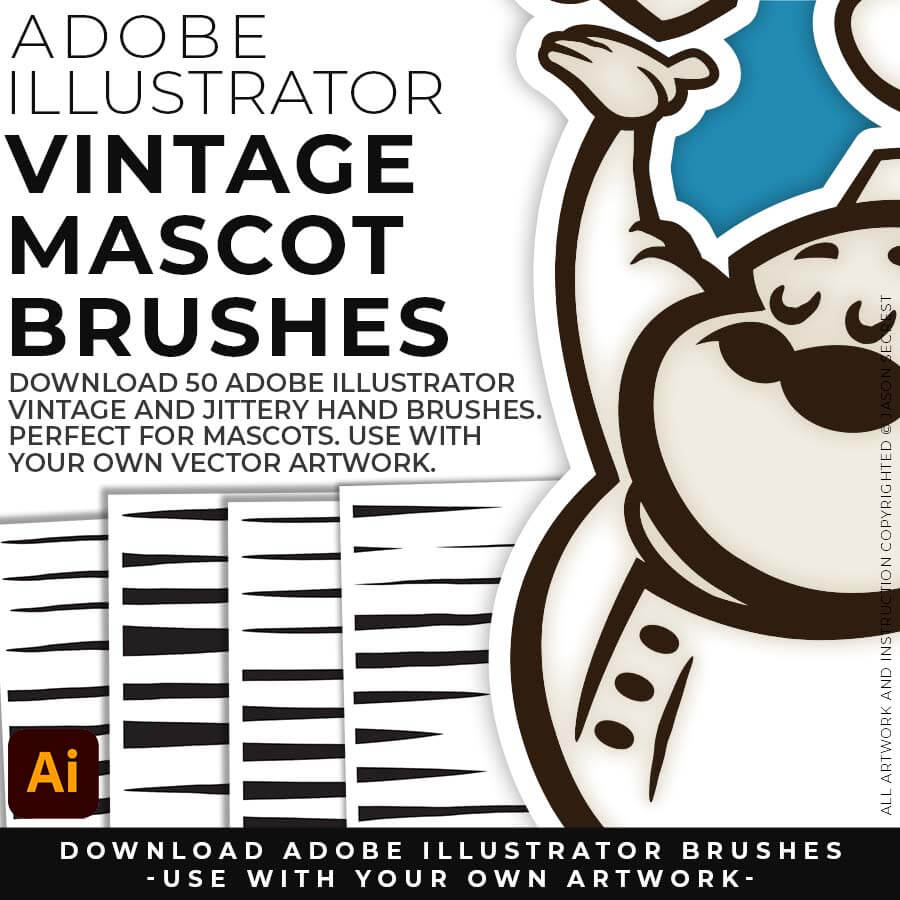
50 MASCOT BRUSHES: Jittery Hand, Caffeinated Cartoonist + Rough Ink Brushes to Mimic Paper Bleed and Caffeine. Designed to be a little less stiff with your vector art. Use these Brush Libraries to get a distressed or ink bleed style back in your own Vector Artwork. (includes Updated Caffeinated Cartoonist, Rough Ink, and Jittery Hand Brush Libraries).
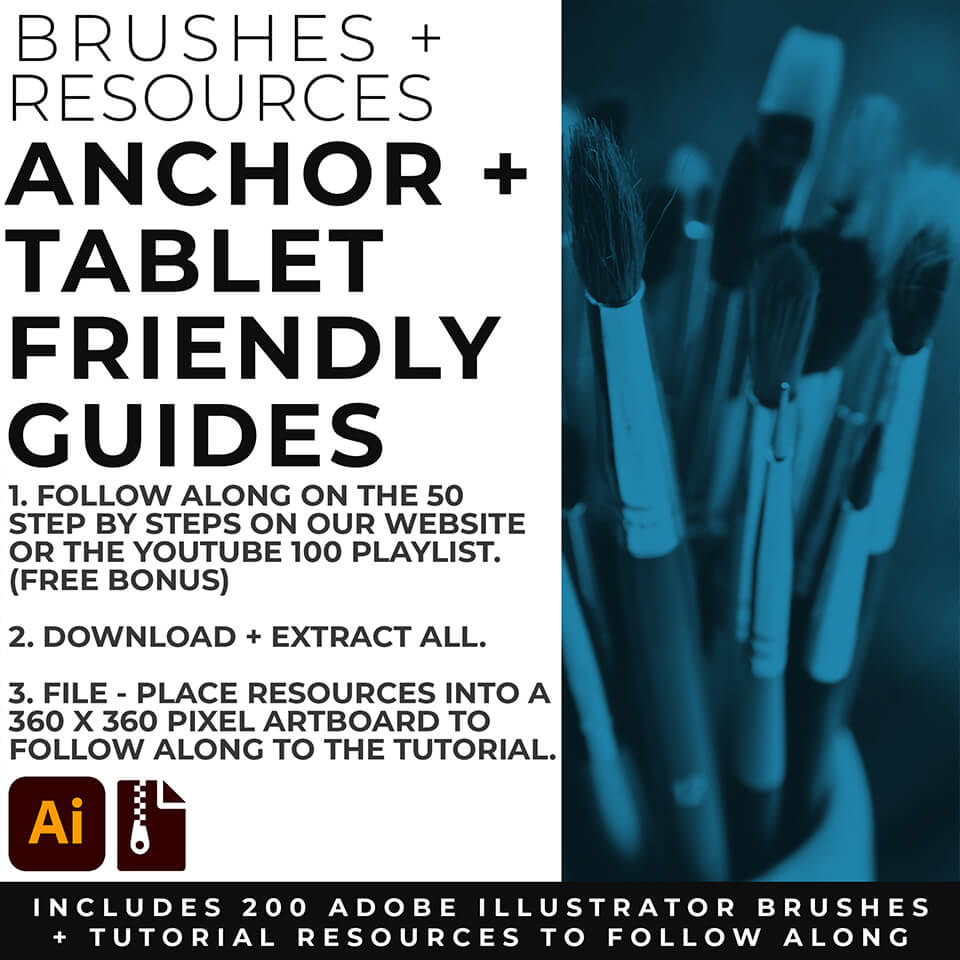
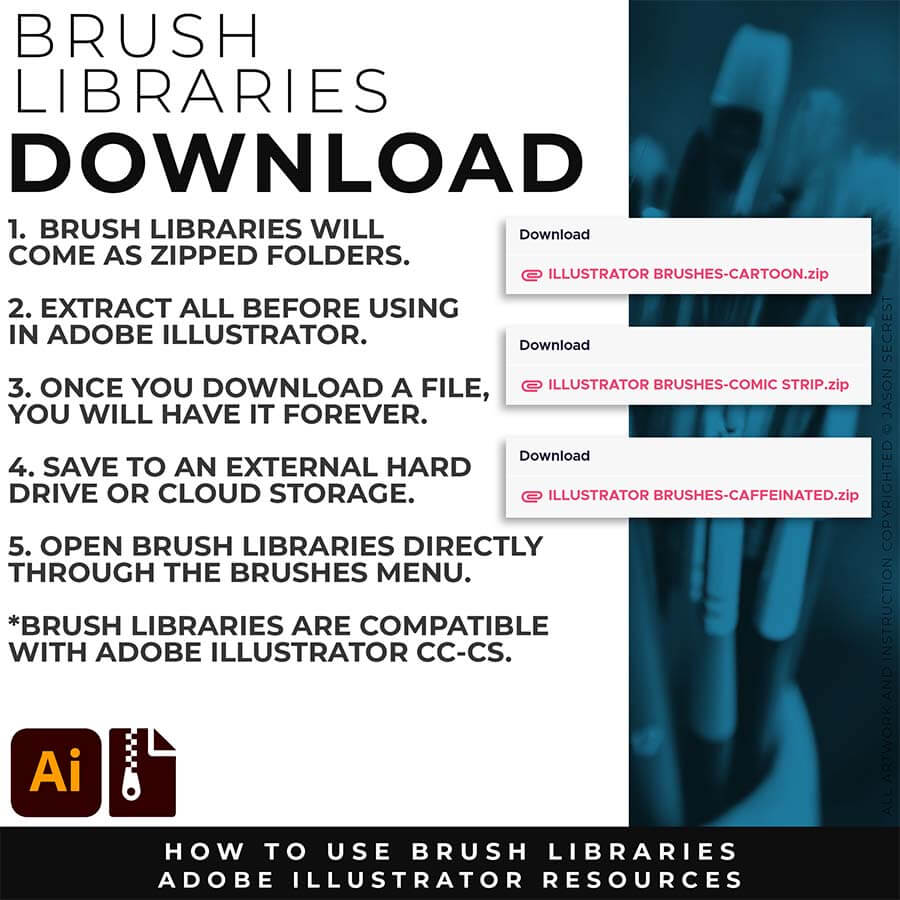
DOWNLOADING BRUSHES: Brush Libraries will come to you as a Zipped Folder. Extract All before using in Adobe Illustrator. No Install is required. Just open the Brush Libraries directly through the Brushes Panel in Aodbe Illustrator.
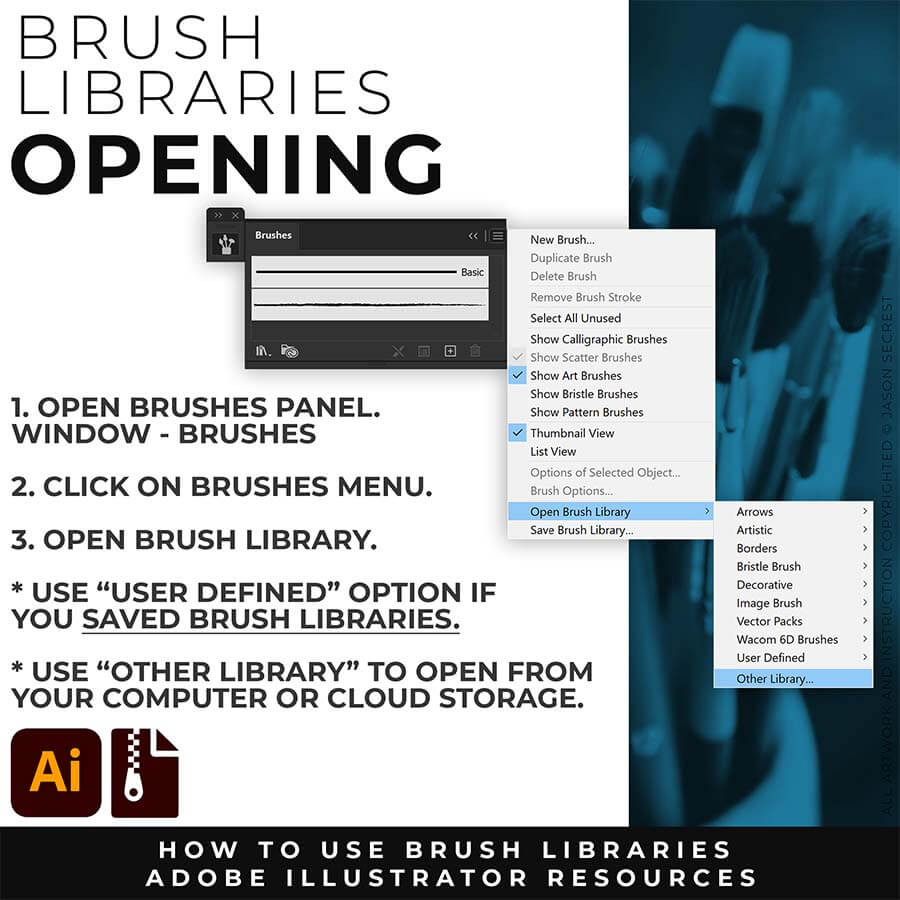
OPENING BRUSHES: Under Window - Select Brushes. In the Brushes Menu, drop-down to Open Brush Library. Hover over it and select "Other Library." A Normal Open Dialogue Box will appear to select and open any Brush Library.
Most people get stuck at one of two spots — they have a sketch, but can't build or ink it cleanly in Adobe Illustrator. This combo fixes both ends.
Attach your rough sketch to get clean, inked linework back from the prompts, then open the file in Illustrator and polish it with the matching brush set.
Everything you need is right here. Apply the prompts to your sketch and move directly to editing.
After creating your Vector (or Image Trace), use Smoothing, Path Simplify, or Expanded Editing Techniques.
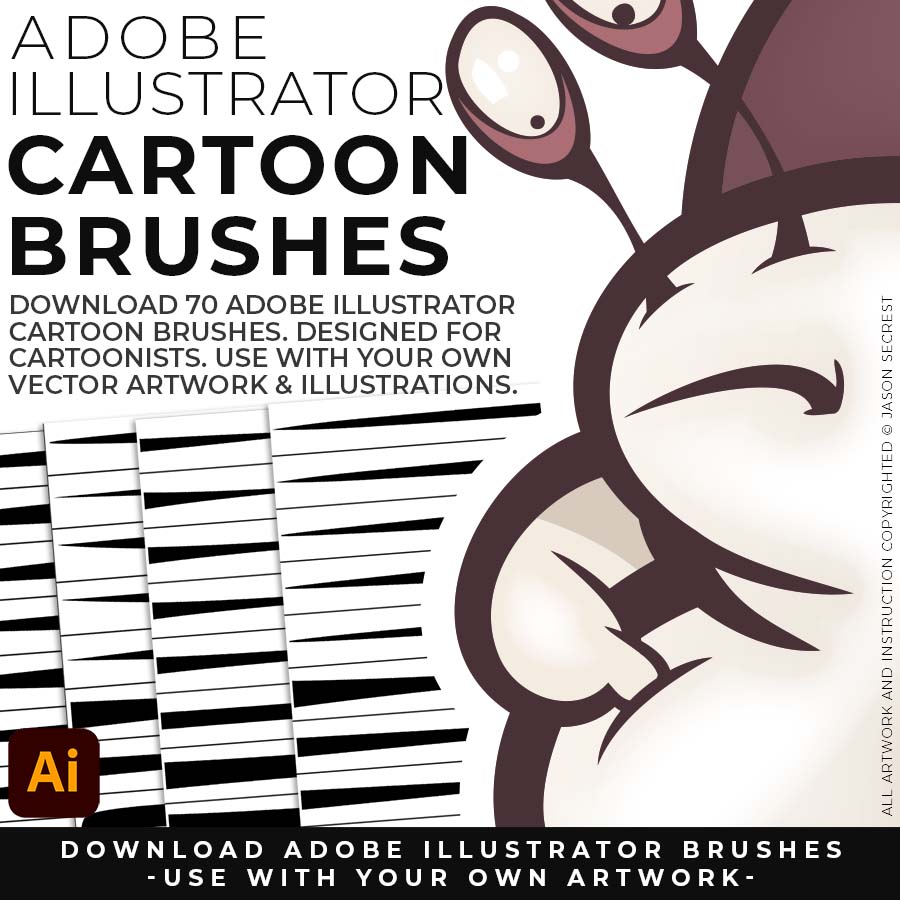
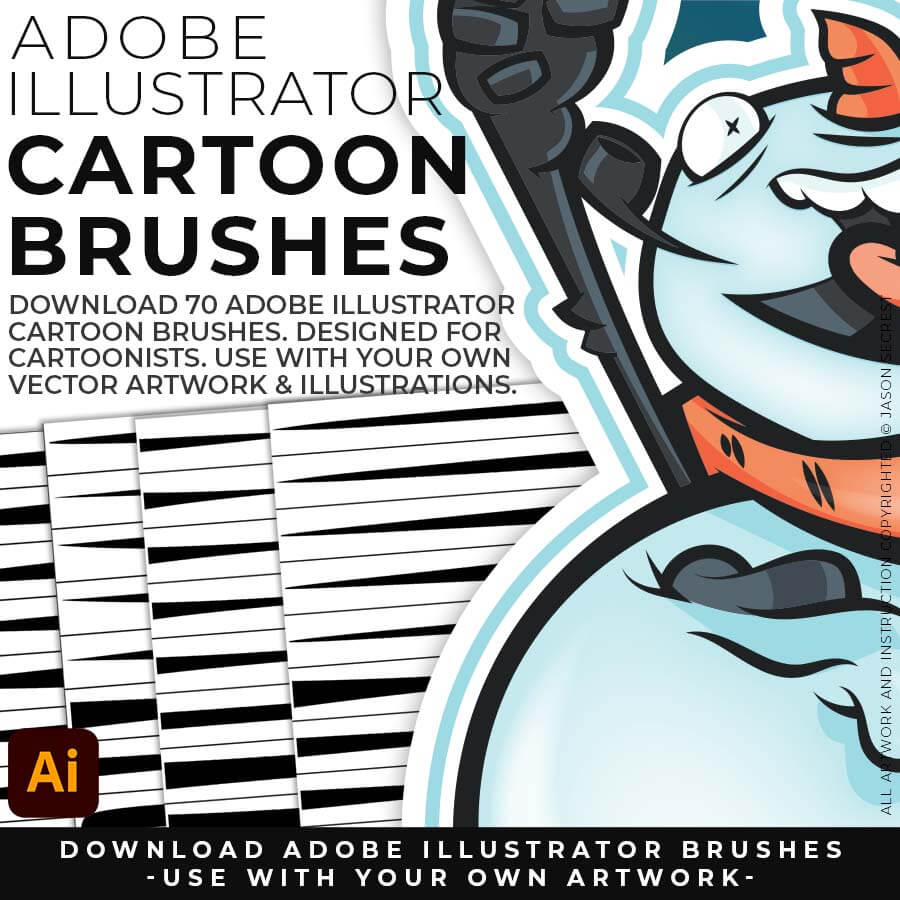
70 Cartoon Brushes are my go-to brushes for Logos, Mascots, and Branding. (includes Updated Cartoon, Cartoon 2, and Original Cartoon Brush Libraries).
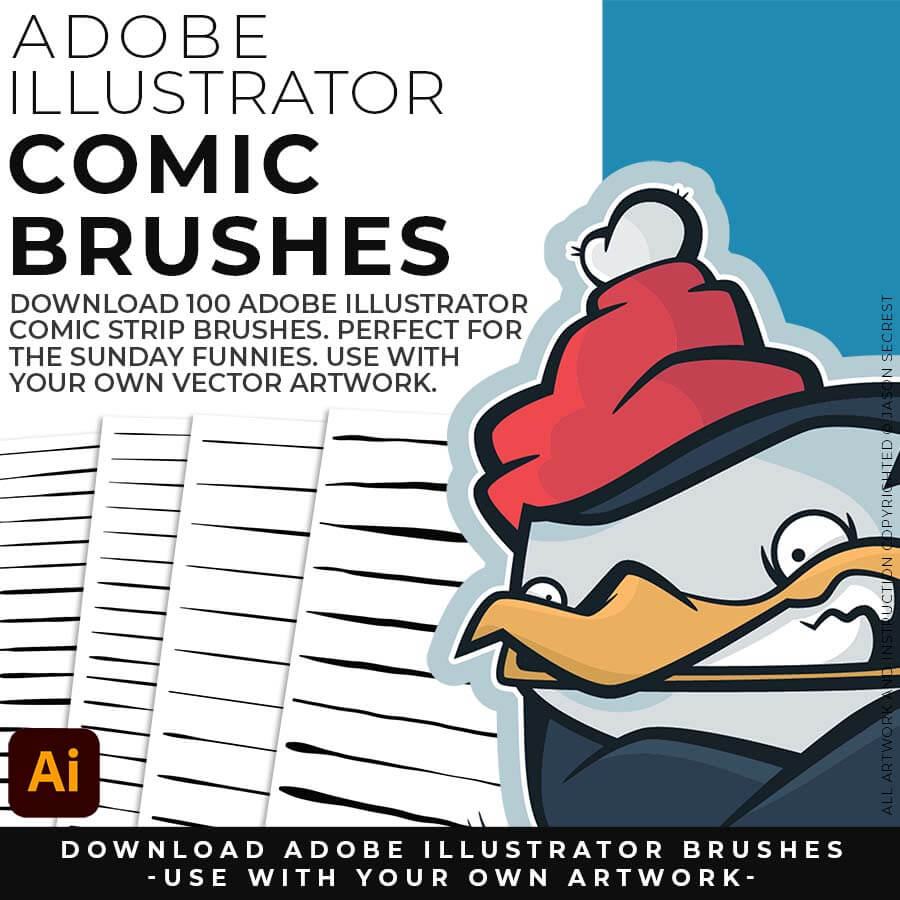
100 Comic Strip Brushes are my Hand Drawn Brushes that will give a Comic Strip Style. (includes Updated Comic Strip, Hand-Painted, Paintbrush, and Fine Liner Brush Libraries).
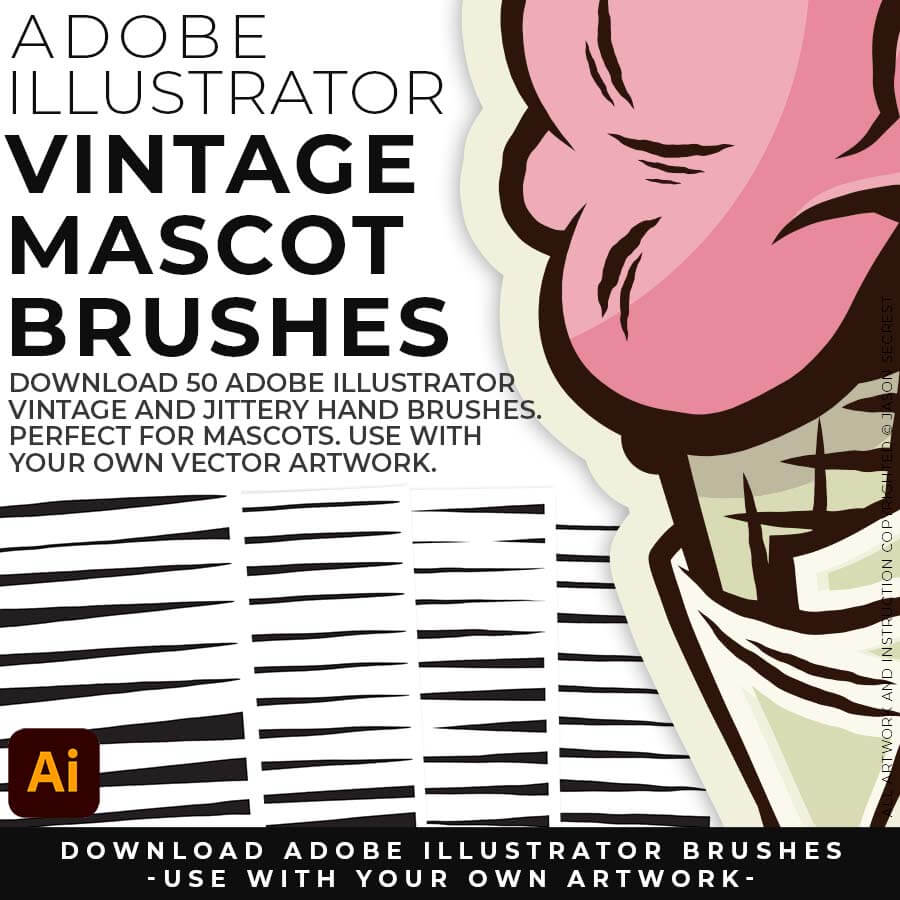
50 Mascot Brushes are great for Vintage Advertising and Branding. (includes Updated Caffeinated Cartoonist, Rough Ink, and Jittery Hand Brush Libraries).
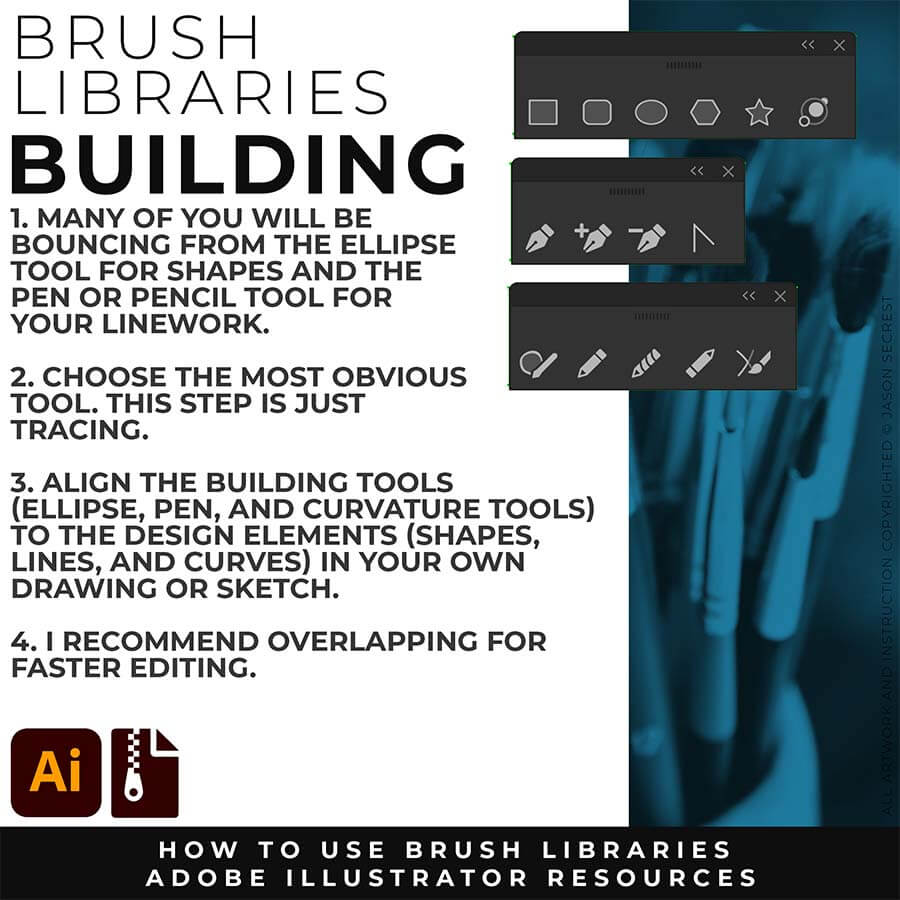
PRIMARY BUILDING: Many of you will use Shape, Pencil, and Pen Tools as your Primary Building Tools. Understand the Building Tools and Options in Adobe Illustrator. Align the Building Tools (Ellipse, Pen, and Curvature Tools) to the Design Elements (Shapes, Lines, and Curves) in your own drawing or sketch.
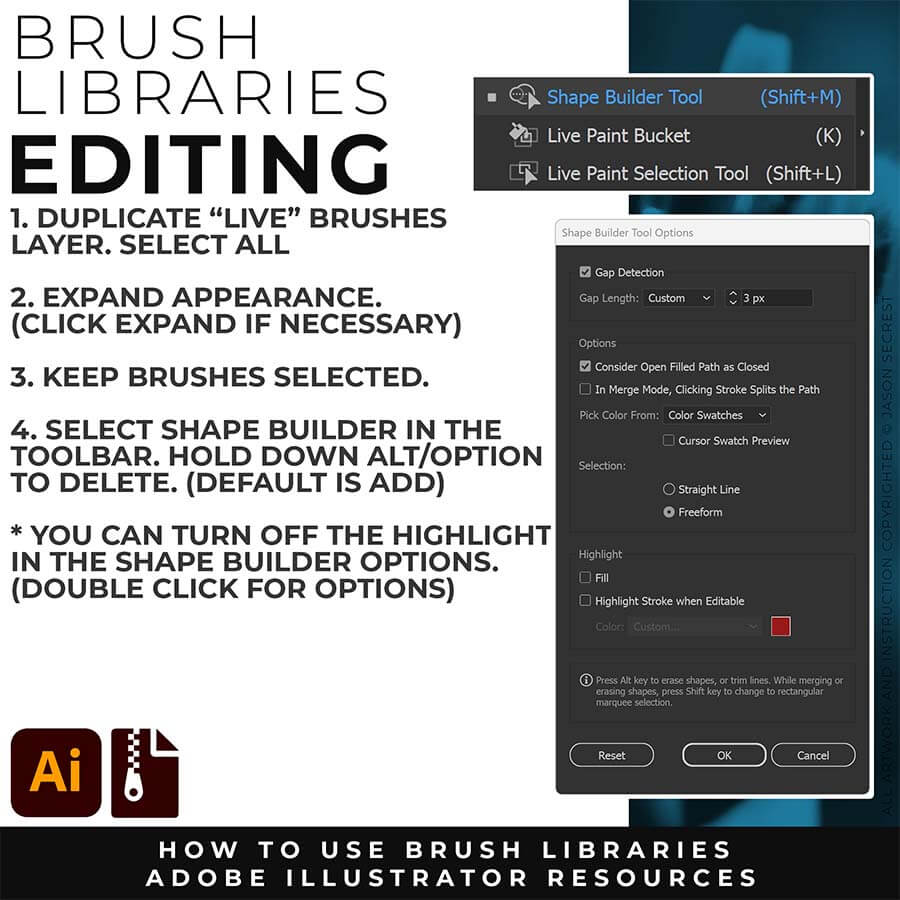
EXPANDED EDITING: To use Shape Builder, you must Duplicate and Expand the Brush Layer. Select All - Expand (Expand Appearance). I recommend duplicating the Brushes Layer to preserve a Live Brush Layer for future edits. Go long with your initial paths to create a larger target for editing with Shape Builder.
SKETCH TO BRUSHES
Every sketch-to-ink style in one place. Turn a rough sketch into cartoon, comic, mascot, or anime linework without choosing a single style first. The collection includes the Sketch to Cartoon, Sketch to Comic Strip, and Sketch to Mascot + Anime prompt courses, each with its own presets and guide. Sketch-to-Brush family: 8 packs and 139 presets in total.
— From a rough sketch to clean, confident cartoon linework in seconds.
— Artists who can sketch an idea but get stuck inking it cleanly, and designers who need cartoon linework fast.
— Attach your rough sketch to a prompt in Midjourney, Gemini, ChatGPT Images, Kittl, or Canva.
Downloads and Prompts live inside full course format resource guides through Teachable.
Copy the ready-made prompt - One click — no prompt-writing needed.
Paste into your AI tool - Generate the result in seconds.
Subscription Model -Updates Included - 365-day access includes every update to the pack.
CARTOON BRUSHES: Cartoon Brushes are my go-to for Professional Logos, Cartoons, Mascots, and Branding. Use Cartoon Illustrator Brushes with the Pen, Pencil, or Paint Brush Tools to Apply different Line Variation to your Vector Artwork. 70 Cartoon Brushes includes Updated Cartoon, Cartoon 2, and Original Cartoon Brush Libraries.
COMIC BRUSHES: Hand-painted and Comic Strip Brushes to get a lived-in feel back into your Vector Art. Comic Strips and Hand Painted are painted based on some of my favorite artists and cartoonists. These brushes are designed to look ready for the Sunday Paper. 100 Comic Strip Brushes includes Updated Comic Strip, Hand-Painted, Paintbrush, and Fine Liner Brush Libraries.
MASCOT BRUSHES: Jittery Hand, Caffeinated Cartoonist, and Rough Ink Brushes to Mimic Paper Bleed and Caffeine. Designed to be a little less stiff with your vector art. Use these Brush Libraries to get more distressed look or ink bleed back in your Vector Artwork. 50 Mascot Brushes includes Updated Caffeinated Cartoonist, Rough Ink, and Jittery Hand Brush Libraries.
COMIC HALFTONES: Halftones and Patterns Fills are designed for easy application even if you are new to Adobe Illustrator. Halftone Fills behave the same as a Color Swatch so you can apply them quickly using the Blob Brush, Live Paint, or Basic Fills. Simply Paint in Halftones into your own Illustrations and Comics. Halftones: 70 Comic Strip Halftone Fills and Pattern Fills.
CRACK BMP TEXTURES: Cracks and Distressing BMP Textures to Apply Opacity Masks to your Own Original Artwork and T-shirt Designs. Use BMP Textures to apply Cracks and Distressing Effects to your Artwork and Designs by Applying Opacity or Transparency Masks for Adobe Illustrator. Created for T-Shirt distressing using your own Original Artwork and Opacity Masks to show through to the garment color.
GRUNGE BMP TEXTURES: Grunge Distressing BMP Textures to Apply Opacity Masks to your Own Original Artwork and T-shirt Designs. Use BMP Textures to apply Grunge and Distressing Effects to your Artwork and Designs to use with the Transparency Panel and Opacity Masks for Adobe Illustrator. Great for t-shirt distressing using BMP Textures and Opacity Masks to show the garment color on your Own Original Artwork.
PAPER BMP TEXTURES: Paper BMP Textures to use along with the Transparency Panel to create soft texture overlays for your own original artwork. This is great for those of you who are using Textures for Web, Print, and Social Media Sites. Use Textures with Color Swatches, Transparency, Blending Modes, and Clipping Masks to create a subtle texture overlay on your print or web exports.
PHOTO TO SKETCH PROMPTS: Six complete prompt packs, sixty-six presets, all built from a real photo instead of a sketch. Graphite and Fine Ink for classic pencil and hatched-ink rendering, Contour Line for pure unbroken linework, Hand-Drawn & Naive Art for deliberate imperfection, plus real Pencil Types and Pen Types — four genuine tools each, crossed with three real papers. Includes the Batch Processing system to run one style across a whole folder of photos at once.
PHOTO TO PAINT PROMPTS: Seven complete prompt packs, one hundred fourteen presets. Painterly gives you six real painting tools crossed with three real surfaces. Ink Wash and Confident Marker & Pen cover authentic wet-line and professional rendering. Four Movements packs bring twenty-six real historical painting techniques — Classical, Baroque, Impressionist, Modern, and Contemporary. Includes the Batch Processing system to run any style across a whole folder at once.
PHOTO TO PRINT PROMPTS: Four complete prompt packs, forty-six presets, built from real print production techniques. Tonal Grain covers stippling, aquatint, mezzotint, and lithograph. Bold Print brings genuine woodcut and linocut character. Print Process adds six techniques including Risograph, Duotone, Drypoint, and Scratchboard. Punk & Collage covers raw Xerox-degrade energy. Includes the Batch Processing system for running any style across a whole folder.
PHOTO TO MODERN PROMPTS: Three complete prompt packs, thirty presets, covering the styles that don't fit anywhere else. Pixel Art gives real block-size control across 8-bit, 16-bit, and 32-bit chunkiness. Digital & Reflective Effects covers chrome, glitch, holographic, and Y2K surface treatment. Homemade Craft delivers genuinely hand-crafted, not-AI-generated texture. Includes the Batch Processing system for running any style across a whole folder.
BRUSHES + PROMPT BUNDLE: This is the whole brush collection in one shot — Cartoon, Comic Strip, and Mascot libraries (200 brushes total), plus the matching AI Sketch-to-Brush prompt pack for each style. Sketch with AI to get your linework fast, then finish and edit it with real, pressure-sensitive brushes in Illustrator. Everything lines up together.
TEXTURES + PROMPT BUNDLE: Grunge, Paint + Paper, and Crack — all 400 BMP textures in one bundle, plus the AI prompt pack that matches each style. Generate your texture look with AI first, then finish the real print-ready file in Illustrator with the actual BMP textures and Opacity Masks.
Tutorial page teaser: Whatever texture mood you're after — grungy, paint-splattered, or cracked and vintage — it's all in here, generated and finished side by side.
PHOTO TO STYLE PROMPT BUNDLE: Twenty complete prompt packs, two hundred fifty-six presets, organized into four collections so you can find your exact direction fast: Sketch, Paint, Print, and Modern Styles. Every bundle includes the Batch Processing system, so one chosen style can run across a whole folder of your own photos instead of one at a time.
Previous purchases, legacy Teachable accounts, and purchases made through other shops or merchants of record (including Fourthwall, Lemon Squeezy, Spring, Gumroad, and Etsy) do not include access to current memberships, programs, or updates through Teachable. Legacy purchase history and billing information have been removed from the system for billing security. To gain access, enroll or renew an active membership. Files downloaded during a previous active period are yours to keep under the original license; no updates are provided for legacy downloads.