DOWNLOAD

T-SHIRT TEXTURES

DIGITAL DOWNLOADS: Many of you are jumping over from YouTube looking to download our Adobe Illustrator Brushes and Textures Folders. Digital Downloads will come as Zipped Folders through Teachable. Once you have downloaded and extracted the folders, digital downloads are ready to be used. No Install is required.
PROMPT PACKS: Creative System with Digital Downloads and AI Prompts that work together to speed up your workflow. Access our Creative System Library of Prompts through Teachable. Our Creative System is in a Subscription Model to include Updates. New Prompts and Updates are added on a Weekly - Monthly Basis.
RESOURCE GUIDES: Full-Length Learning Modules include Workflow Guides, Directions, and Action Steps. Start with our Resource Guides inside of Teachable to understand how to apply resources in Adobe Illustrator. New Creative Memberships and Programs launched on May 15, 2026.
TUTORIALS: Our Adobe Illustrator Tutorials will focus on the core areas of your workflow: building, editing, and coloring. LEARNING TARGET (1): Understand the Building Tools and Options. LEARNING TARGET (2): Understand Line Variation along with Live and Expanded Editing Tools. LEARNING TARGET (3): Understand Color, Values, and Gradients using Advanced Coloring Techniques.
DIGITAL DOWNLOADS: Many of you are jumping over from YouTube looking to download our Adobe Illustrator Brushes and Resource Folders. Digital Downloads will come through our friends at Teachable. Download Adobe Illustrator Brush Libraries, Comic Halftones, T-Shirt Textures, or Resource Bundle.
RESOURCE GUIDES: Digital Downloads will come as Zipped Folders. Once you have downloaded and extracted the Resource Folders, they are ready to be used in Adobe Illustrator. Start with our Resource Guides, Illustrator Tutorials, or YouTube Playlists to understand how to apply resources in Adobe Illustrator.
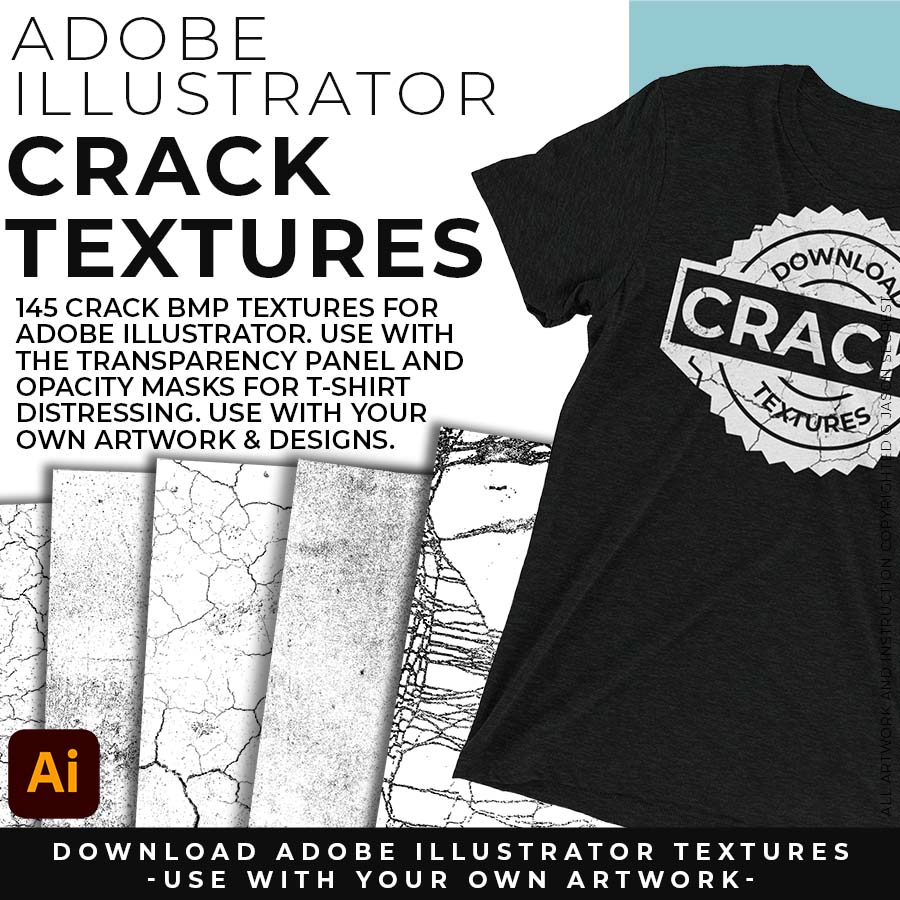
DOWNLOAD TEXTURES:  Adobe Illustrator BMP Textures will come to you as a Zipped Folders. Once you have downloaded and extracted the folders, Textures are ready to be used in Adobe Illustrator. BMP Textures include our Crack Textures. 
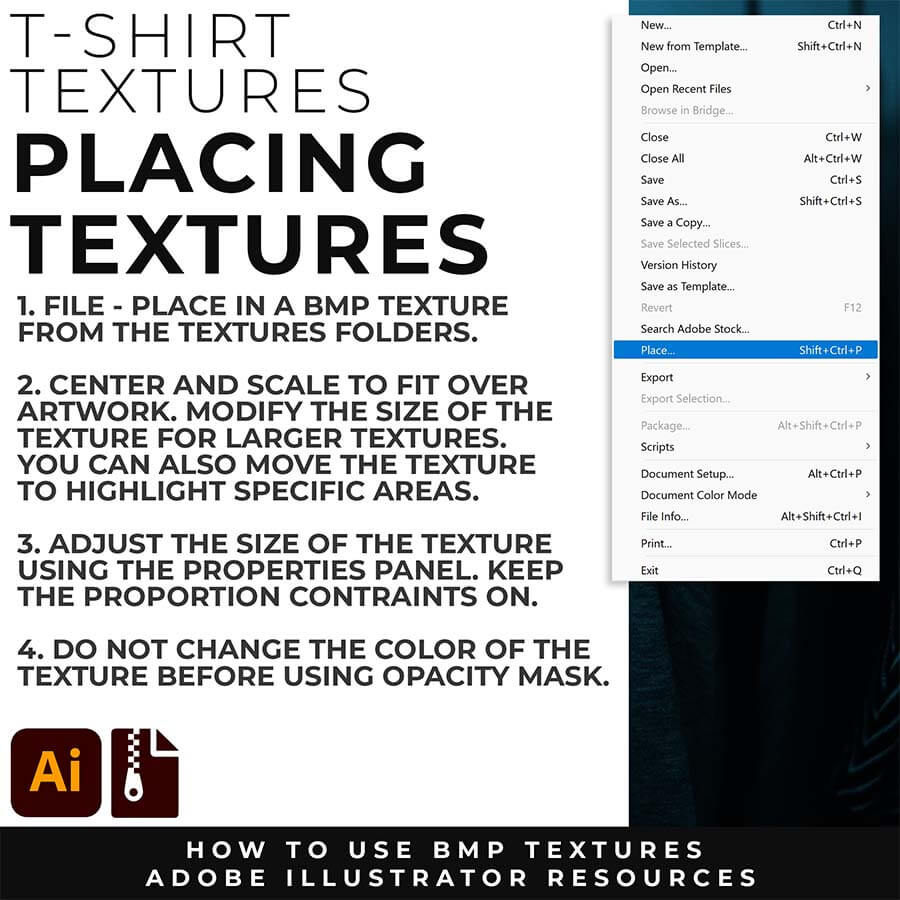
FILE + PLACE: Place a BMP Texture over your finished vector artwork. Simple File-Place. I recommend scaling the texture to fit over your completed artwork before you export or save. Simply scale the texture file using the Bounding Box or the Properties Panel.
APPLY TEXTURES: Most adjustments to the Adobe Illustrator BMP Textures will be made in the Transparency Panel. Use Opacity Masks in the Transparency Panel to create T-Shirt Distressing on your own original artwork and designs.
Image
STEP #1: DOWNLOAD RESOURCES. Many of you are jumping over from YouTube looking to download our Adobe Illustrator Resources. You can download our Brushes + Halftones + Textures to follow along with the Tutorials or use them with Your Own Vector Artwork. You can just download our 200 Brushes or add on 70 Halftones + 400 Textures to save on our Adobe Illustrator Resource Bundle.
Image
STEP #2: EXTRACT FOLDERS. The first step will be to download and extract the Resource Folders. The Folders will come as a Zipped Folder on Teachable. Once you have Downloaded and Extracted the Folders, they are ready to be used in Adobe Illustrator. Follow Along with our Resource Guides on Teachable to practice applying and editing Brushes + Halftones + Textures. (based on enrollment)
Image
STEP #3: FOLLOW ALONG. If you are following along on YouTube, I recommend starting with our 100 Adobe Illustrator Beginner Tutorials Playlists. *I have included our Resources (as a free bonus) to follow along with the 100 Tutorials Playlist on YouTube and 50 Step by Steps on the Website. This playlist will focus on Building Tools, Applying Brushes, Editing Options, and Basic Coloring Techniques.

DOWNLOAD CRACK TEXTURES

Crack T-shirt Textures for Adobe Illustrator

WHAT IS NEW: The Surface Damage prompt pack gives you AI-generated grunge, grit, fold marks, and acid wash in one prompt. The 145-file Crack BMP download lets you get the same authentic distress by hand with an Opacity Mask in Illustrator. Both live in this one bundle, so you're covered either way you like to work. 

Crack T-shirt Textures for Adobe Illustrator

WHO IS THIS FOR: Created for specifically for T-Shirt And Print on Demand T-Shirt Printing. Add vintage and distressing using your own Original Artwork and Opacity Masks to show through to the garment color. Works for vintage apparel, distressed badges, or anything that's supposed to feel like it came from a different era.  
Crack T-shirt Textures for Adobe Illustrator

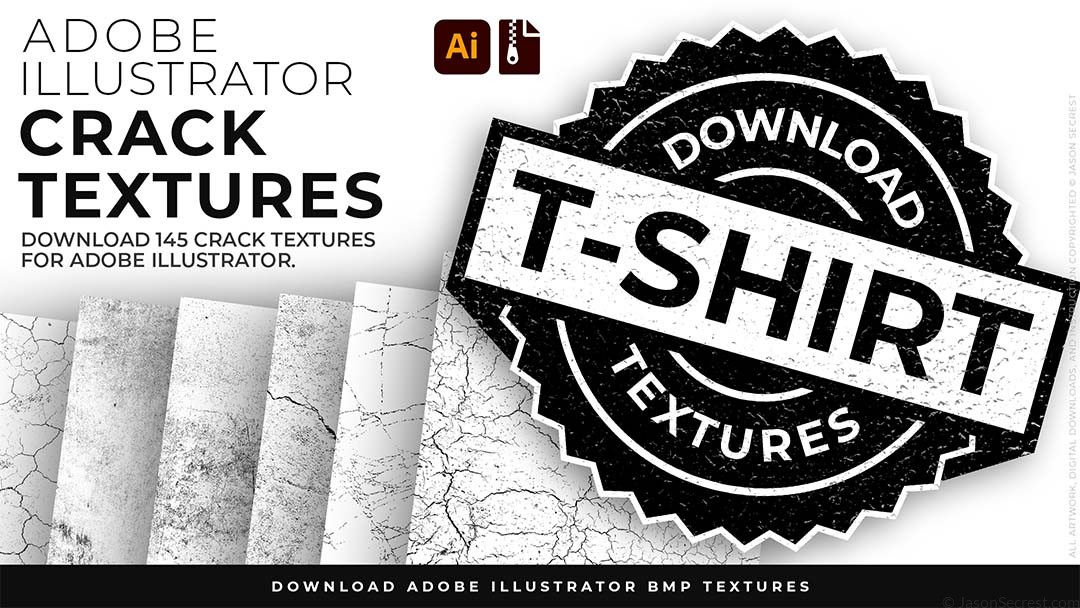
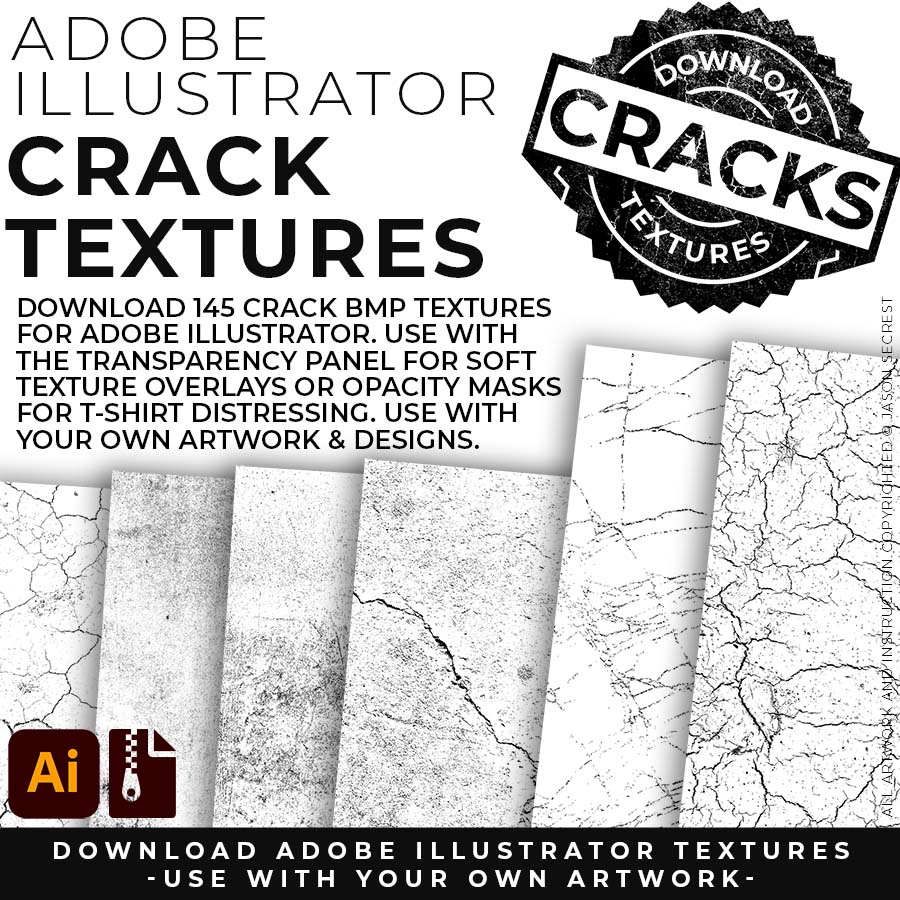
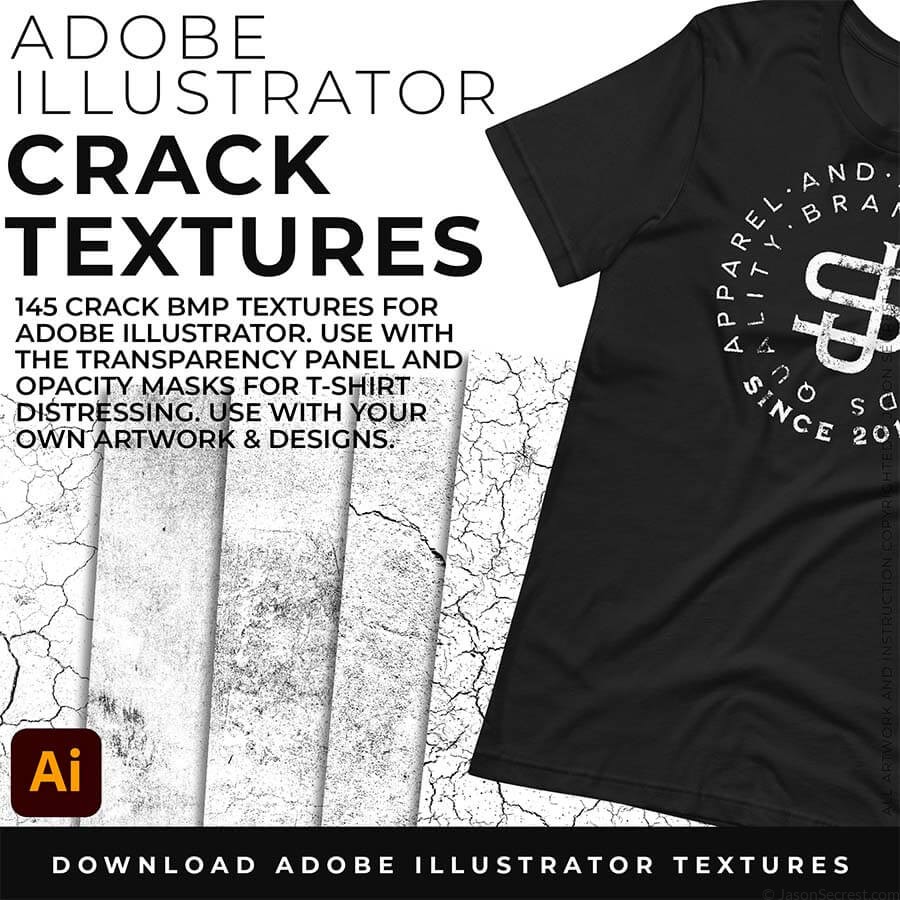
WHAT THIS LOOKS LIKE: 145 BMP files covering the full spectrum of crack and fracture character — hairline surface fractures for subtle worn-print effects, medium surface breaks for a clearly aged graphic, and deep dramatic cracks for designs that are supposed to look like they survived decades of washing and sun. 

Crack T-shirt Textures for Adobe Illustrator

WHAT THIS HELPS YOU DO: Place BMP texture over the artwork in Adobe Illustrator, select both, click Make Opacity Mask. The textures pattern knocks through your disign to show through to the garment color. The design now reads like it was screenprinted years ago.
Image

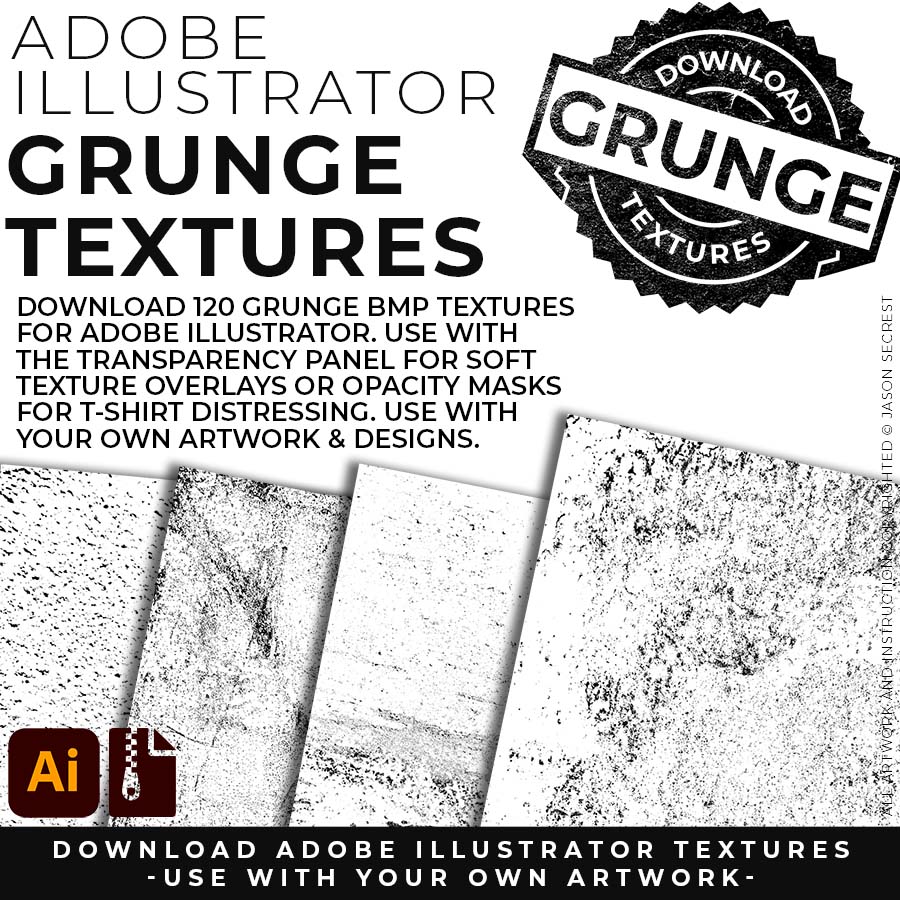
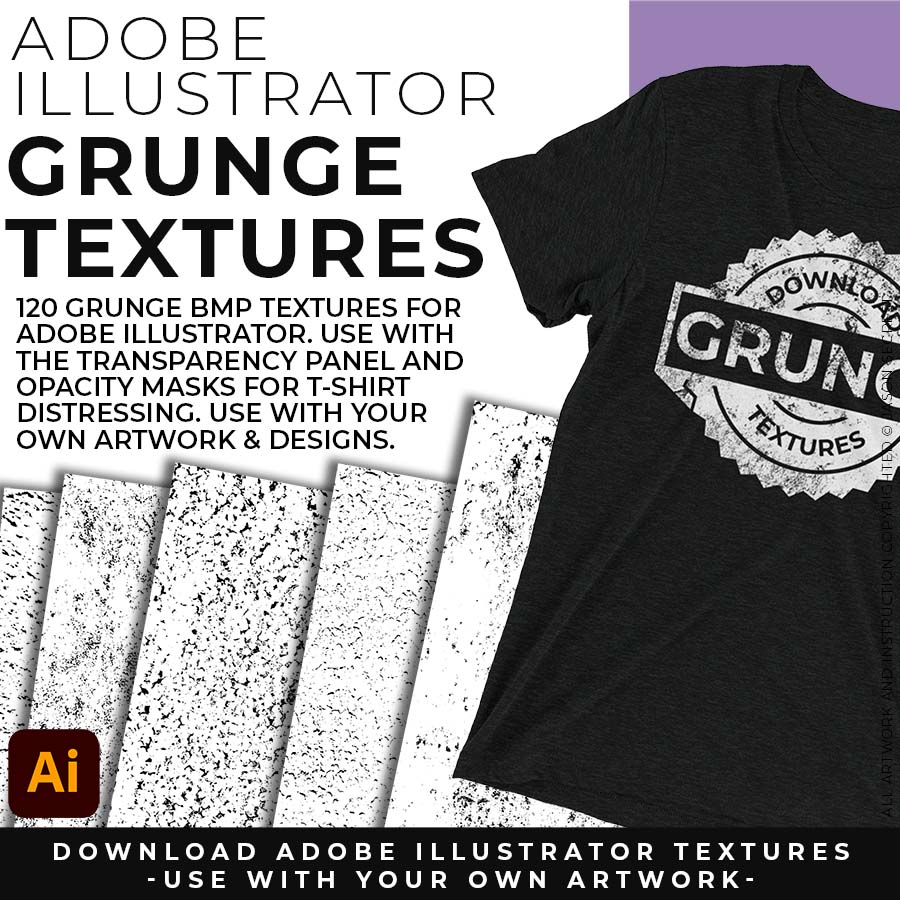
120 GRUNGE BMP TEXTURES: 120 Grunge Distressing Textures to Apply Opacity Masks to your Own Original Artwork and T-shirt Designs. Use BMP Textures to apply Grunge and Distressing Effects to your Artwork and Designs to use with the Transparency Panel and Opacity Masks for Adobe Illustrator. Great for t-shirt distressing using BMP Textures and Opacity Masks to show the garment color on your Own Original Artwork. DIGITAL DOWNLOAD: GRUNGE BMP TEXTURES

Image

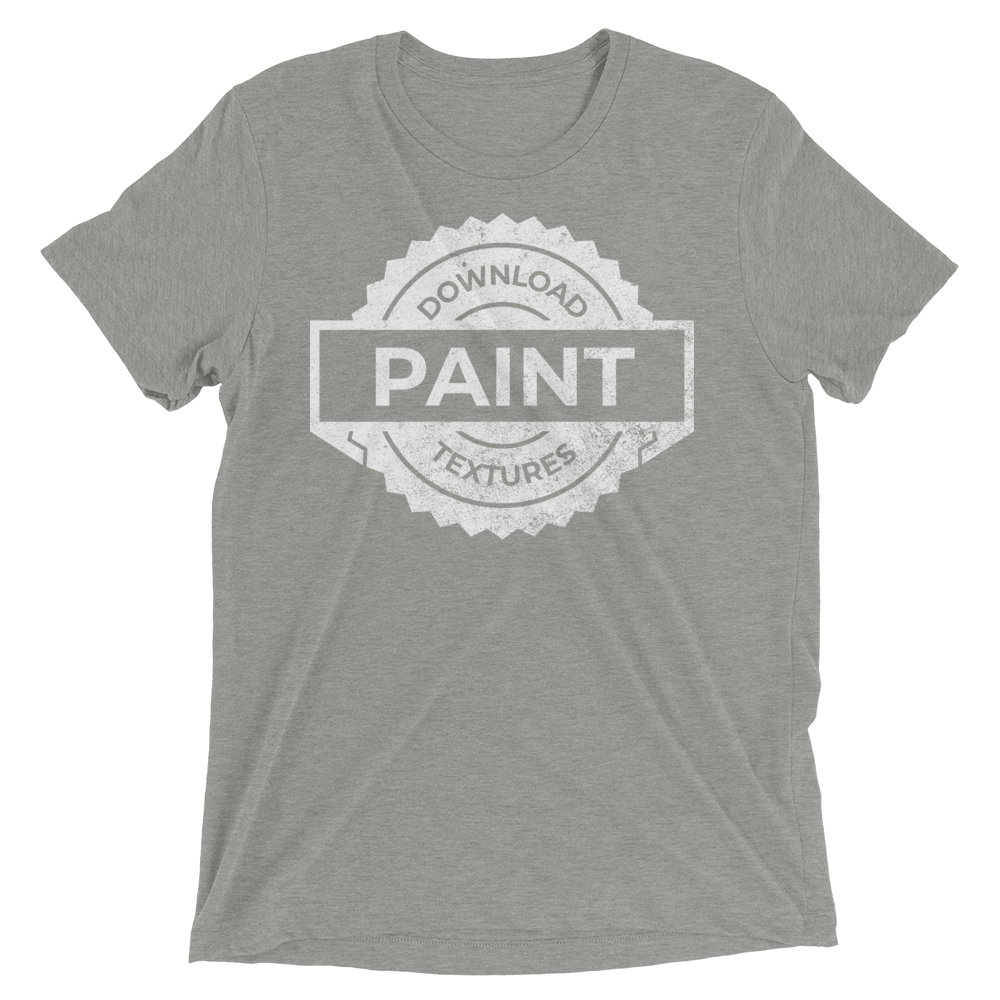
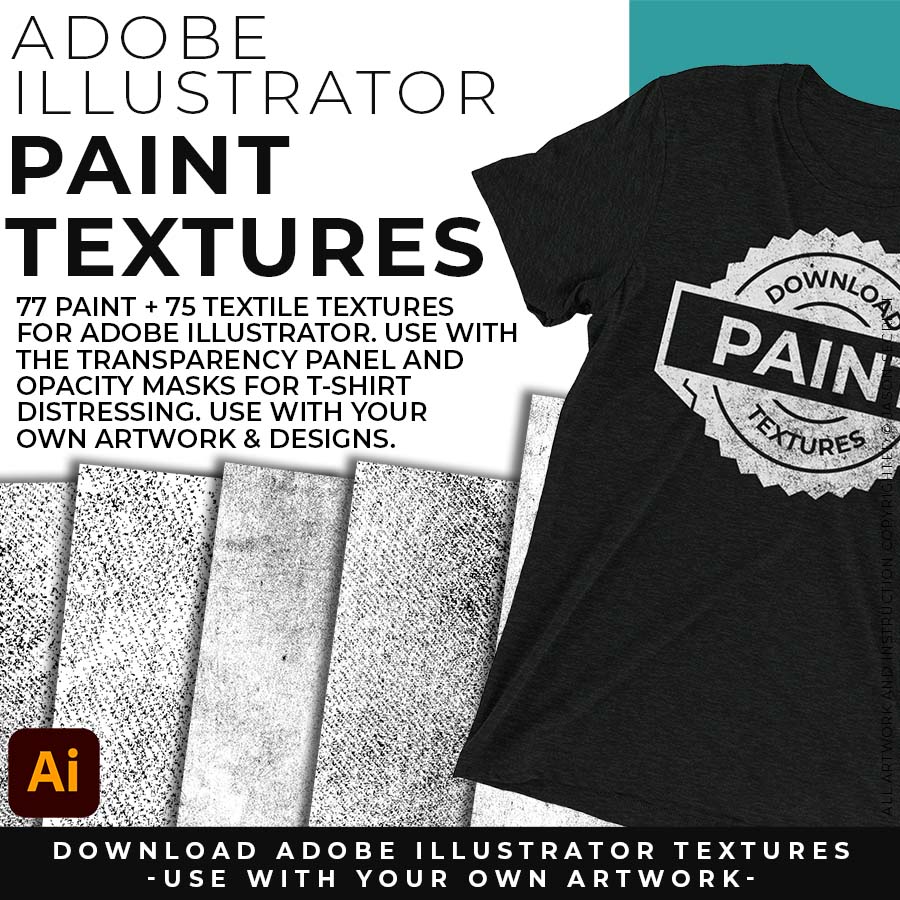
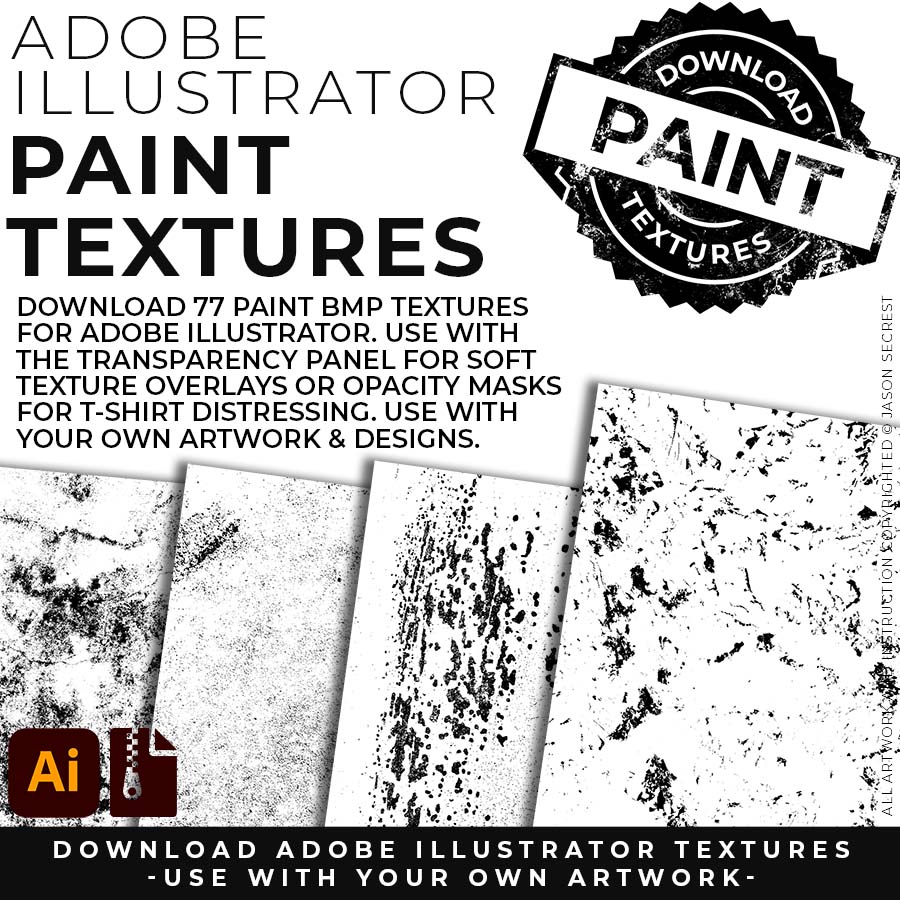
75 PAPER + 77 PAINT BMP TEXTURES: 75 Paper + 77 Paint Splatter Textures to use along with the Transparency Panel to create soft texture overlays for your own original artwork. This is great for those of you who are using Textures for Web, Print, and Social Media Sites. Use Textures with a combination of Color Swatches, Transparency, Blending Modes, and Clipping Masks to create a subtle texture overlay on your print or web exports. DIGITAL DOWNLOAD: PAPER + PAINT BMP TEXTURES

Image

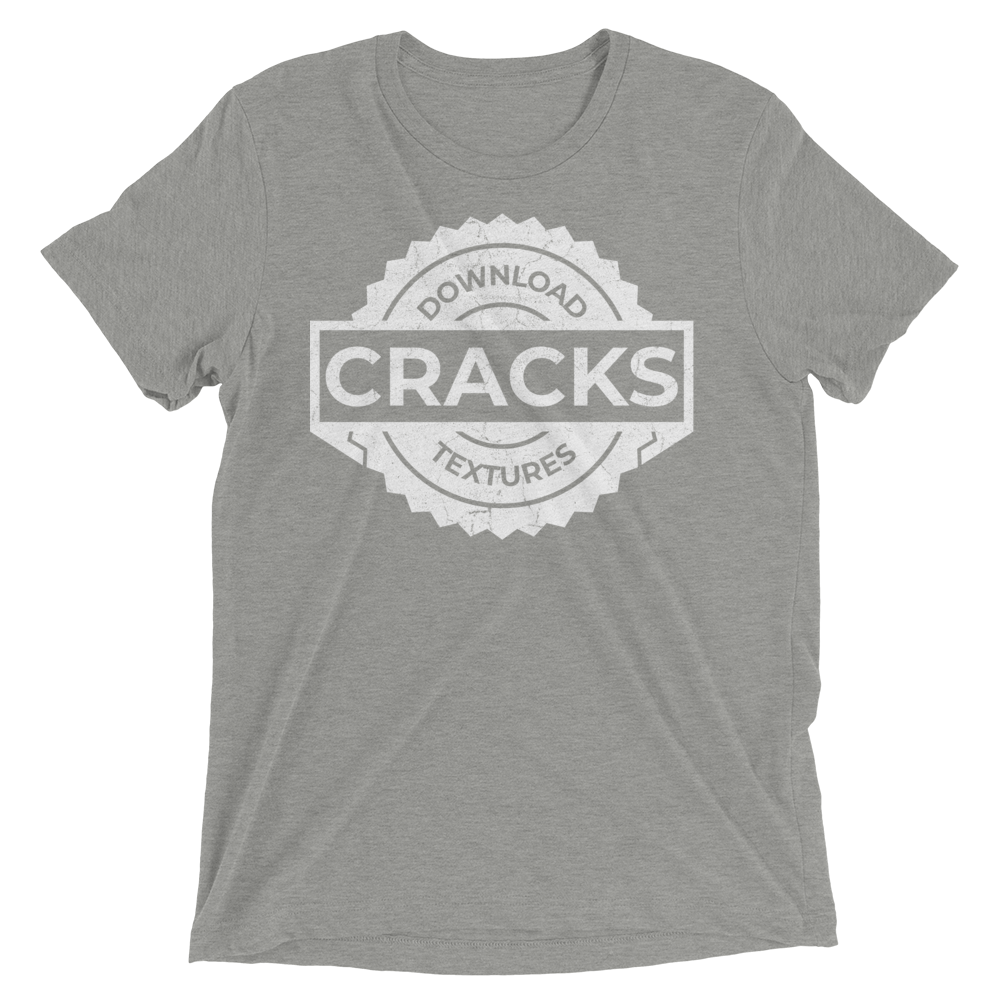
145 CRACK BMP TEXTURES: 145 Cracks and Distressing Textures to Apply Opacity Masks to your Own Original Artwork and T-shirt Designs. Use BMP Textures to apply Cracks and Distressing Effects to your Artwork and Designs by Applying Opacity or Transparency Masks for Adobe Illustrator. Created for T-Shirt distressing using your own Original Artwork and Opacity Masks to show through to the garment color. DIGITAL DOWNLOAD: CRACK BMP TEXTURES

OPENING TEXTURES

Crack T-shirt Textures for Adobe Illustrator

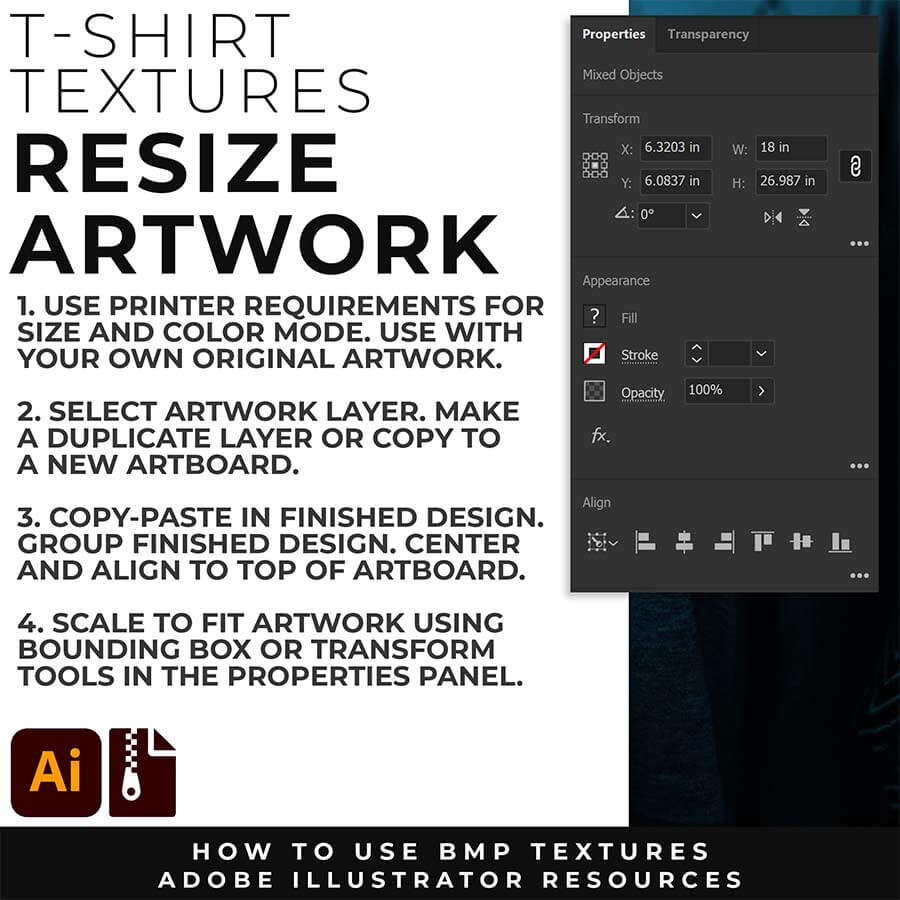
RESIZE ARTWORK: If you are building in a smaller scale you will need to resize your artwork before applying textures. I recommend duplicating the layer or copying and pasting to a new artboard. Select All - Group. Use the Properties Panel to transform your original Artwork or Design to fit Printer Requirements.
Crack T-shirt Textures for Adobe Illustrator

FILE - PLACE: Once you have grouped and resized (if needed) your own finished original artwork, you are ready to bring in the BMP Textures. Under File - Place Textures into your working Artboard. Scale to Fit over your entire design. To use Textures with Opacity Masks you will need to Group and Scale your Finished Artwork before Applying.
T-SHIRT DISTRESSING

Crack T-shirt Textures for Adobe Illustrator

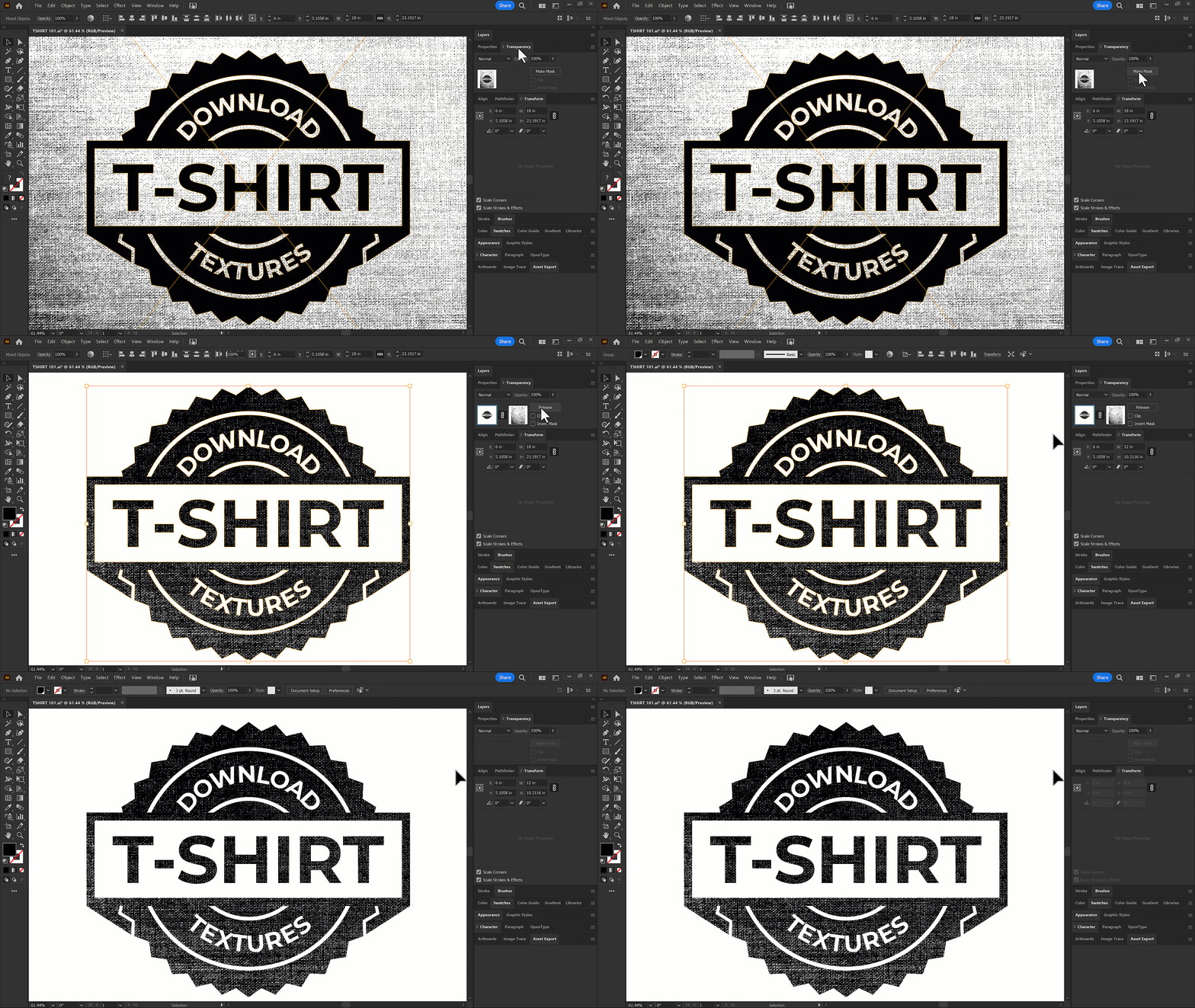
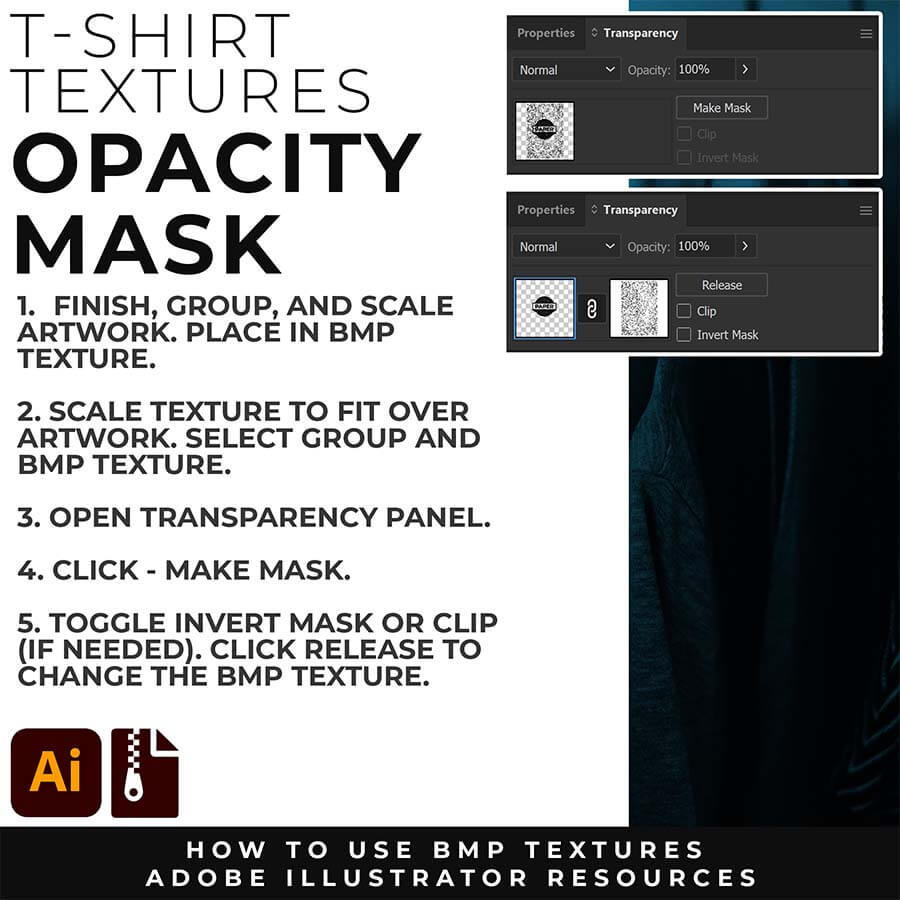
OPACITY MASKS: Applying Opacity Masks is extremely user-friendly. Group your Finished Artwork. Scale and Center to fit your artboard. Place in BMP Texture. Scale to Fit over Artwork. Select All. Click "Make Mask" in the Transparency Panel. Click "Release" to change BMP Texture.

APPLYING TEXTURES

Crack T-shirt Textures for Adobe Illustrator

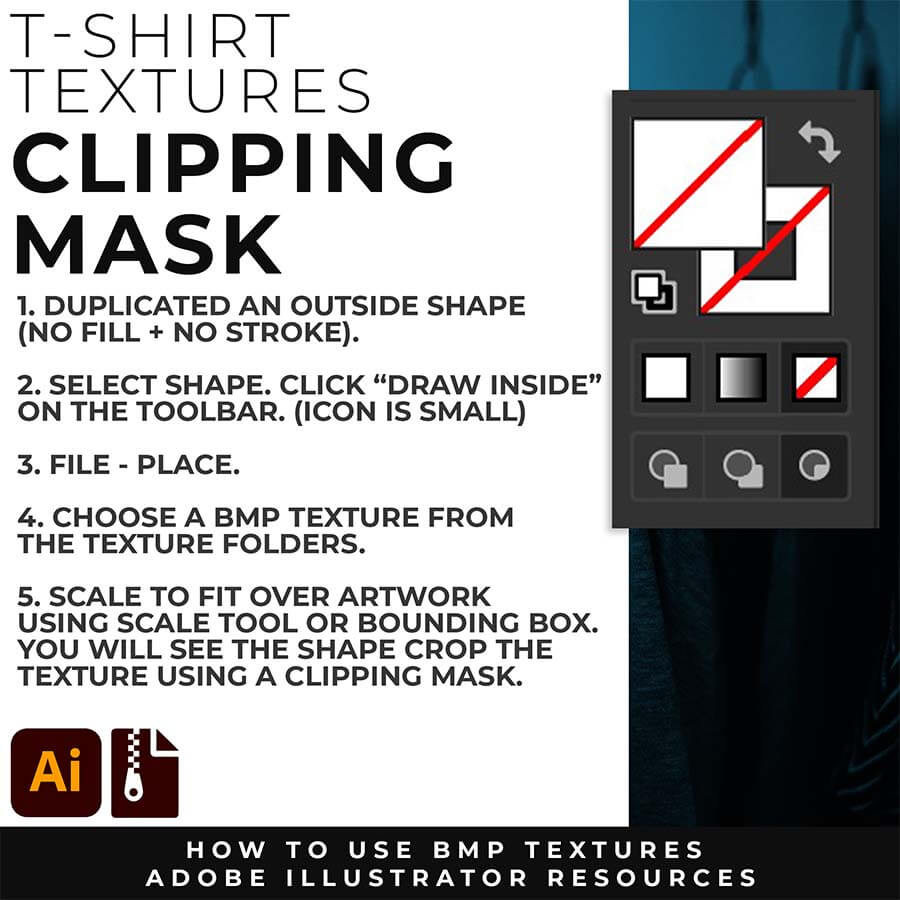
CLIPPING MASKS: Using the "Draw Inside" feature is an easy way to use Clipping Masks in Adobe Illustrator. Simply File - Place in the BMP Texture into the selected "Draw Inside" Shape.
Crack T-shirt Textures for Adobe Illustrator

OPACITY MASKS: Using Opacity Masks in Adobe Illustrator is extremely fun. Click on "Make Mask" in the Transparency Panel. This will be for your own original artwork for T-shirt Distressing. 
T-SHIRT DISTRESSING

Image

File - Place a BMP Texture over your finished Design (Group.) Scale to Fit Texture over your own Design using the Properties Panel or Scale Tool.

Image

Select the BMP Texture and Group. Click "Make Mask" in the Transparency Panel. Toggle Invert and Clip to show the garment color.

Image

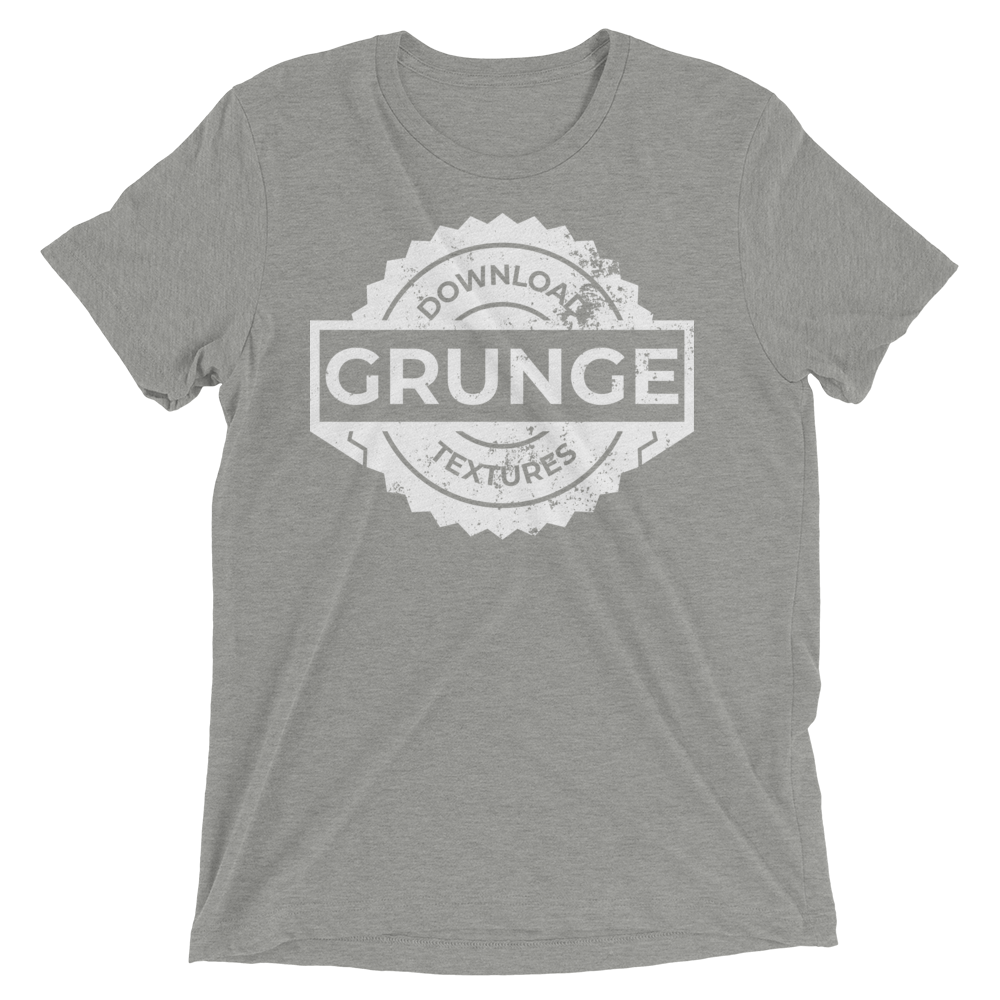
Applying a BMP Texture with an Opacity Mask will punch through the Texture to show the garment color through your design.

Downloads and Prompts live inside full course format resource guides through Teachable.
Copy the ready-made prompt - One click — no prompt-writing needed.
Paste into your AI tool - Generate the result in seconds.
Subscription Model -Updates Included - 365-day access includes every update to the pack.

CRACK TEXTURES
Crack T-shirt Textures for Adobe Illustrator

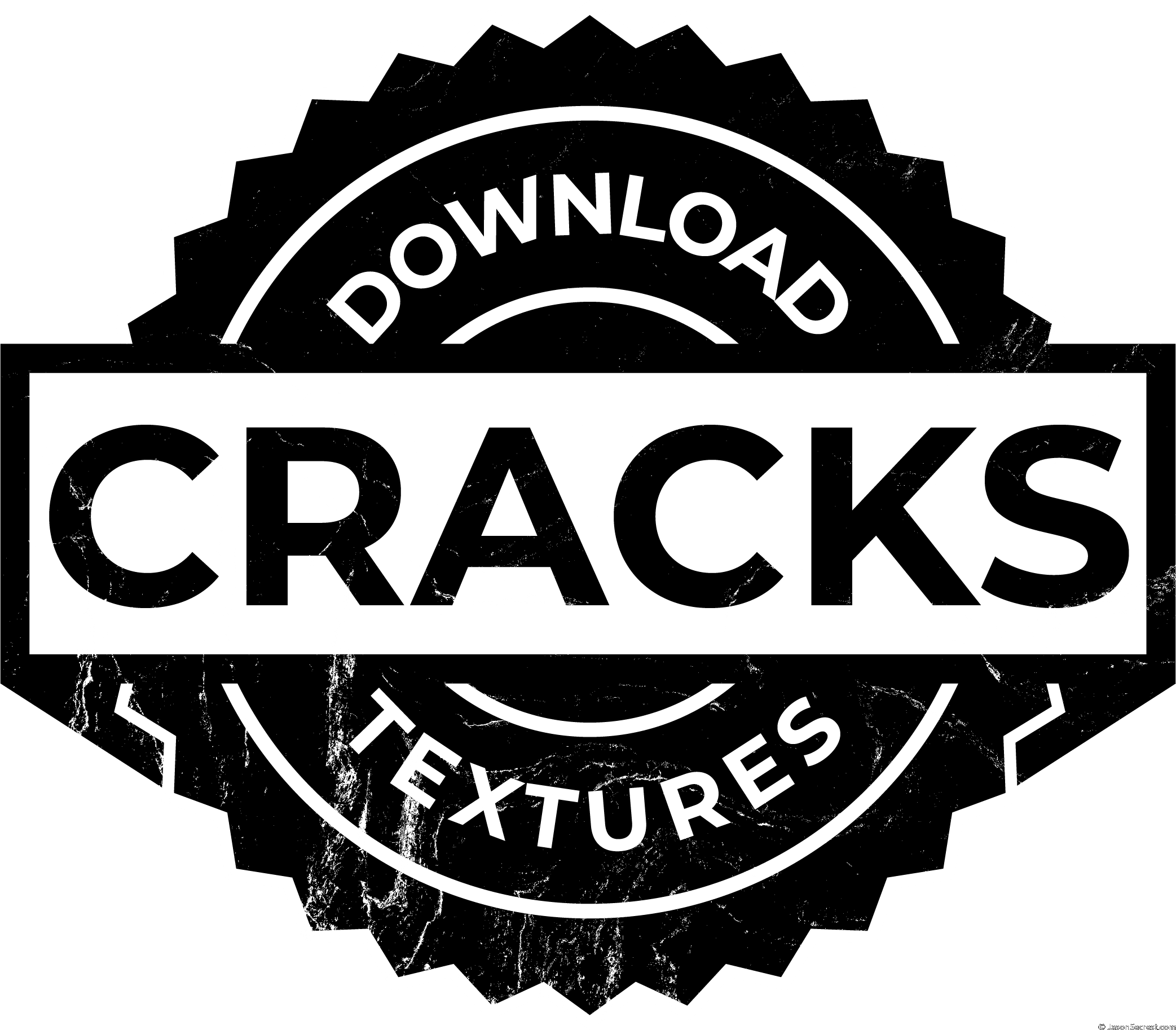
Make any vector design look genuinely aged, weathered, and worn — not just stylistically distressed
Crack T-shirt Textures for Adobe Illustrator

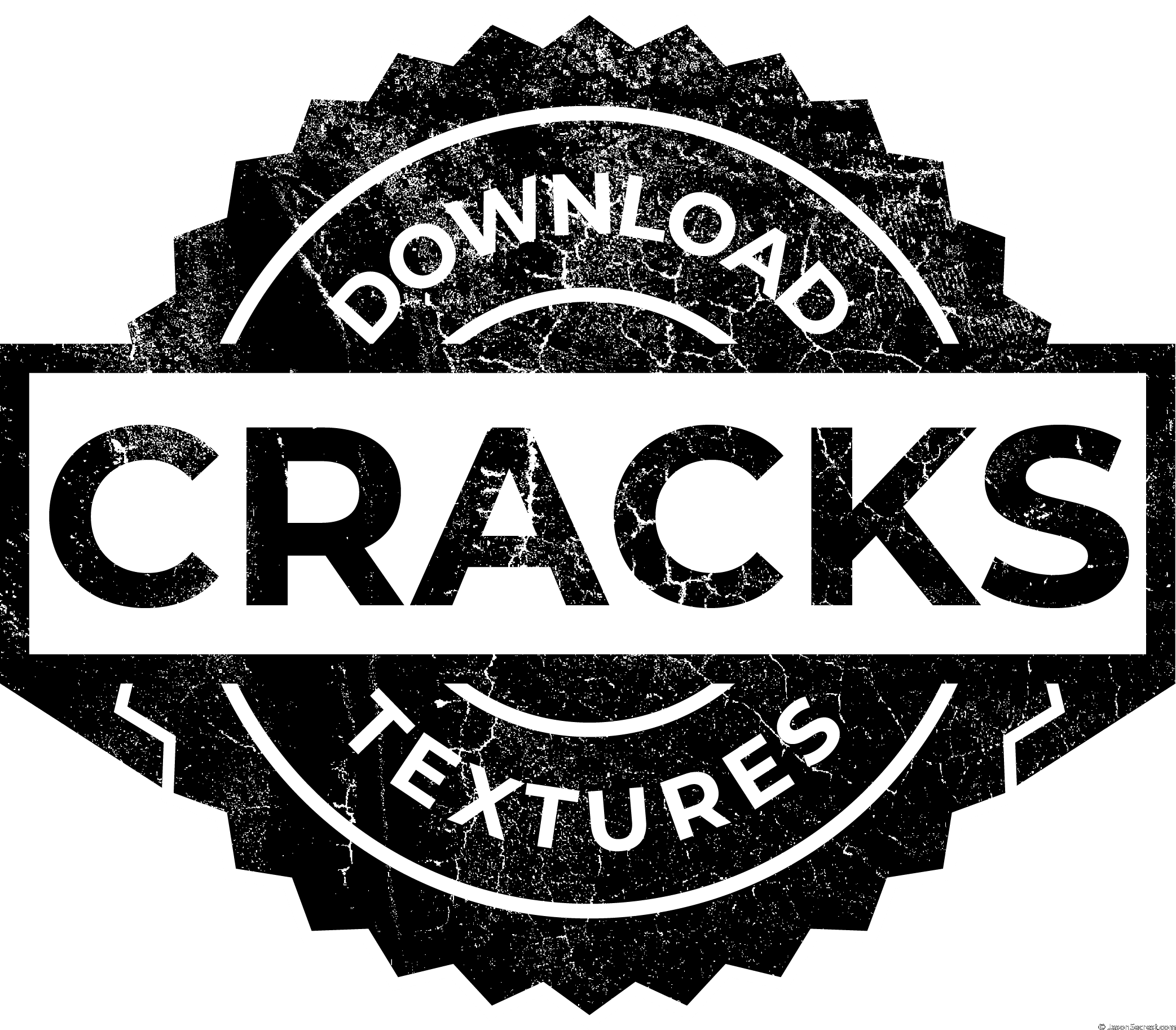
Work across the full crack spectrum: subtle hairline for worn-print to dramatic break for vintage distress
Crack T-shirt Textures for Adobe Illustrator

Apply and control with precision using the Opacity Masks in the Transparency Panel 
Image

120 Grunge Distressing BMP Textures 

Image

75 Paper and 77 Paint Splatter BMP Textures

Image

145 Cracks and Distressing BMP Textures

ADOBE ILLUSTRATOR

CRACK TEXTURES

T-SHIRT TEXTURES

ADOBE ILLUSTRATOR

CRACK TEXTURES

T-SHIRT TEXTURES

ENROLL IN TEXTURES
Membership — includes all future updates. $47/year · Renews automatically · Cancel anytime. Previous purchasers: an active membership is required for access. Enroll or renew to continue. Digital products are non-refundable. See Terms & Conditions.
ADOBE ILLUSTRATOR

T-SHIRT TEXTURES

T-SHIRT TEXTURES

I appreciate your videos. I have been an illustrator user for years and have my own ways of doing things. It's great to see other ways of using tools and learning tricks I didn't know were available! It's also good to see you doing the same thing as me in other instances, confirming I'm on the right track!Andy Zenz
Awesome tutorial! I don't think I've picked up something so easily from someone who knows what they are doing. I managed to draw my first vector art and it was a joy! Great work keep it up!blitz145
Thank you loads! Compared to other tutorials, yours are just really well-explained and easy-to-follow. Can totally see that you've got a passion for what you're doing and that's just wonderful! 🙂 Keep it up, you're doing an amazing job. Yulia Kachurova
Love your video thanks so much. you blow Lynda.com out of the water!!!!Steve Yensel
Brilliant video. So much great info packed in here. I'm just getting started drawing cartoons with my Wacom tablet, and this was a huge help. Thumbs up and thanks!Dorian Staten
Wow Thanks Jason...was really struggling with making images with basic shapes. Your tutorial is helping me out!!Kishor Rajani
thanks a lot you are really one of my favorites, I like the steps you give us, and I'm so thankful for that effort you do for helping us :)Wessam Lotfi
Keep up the good work Jason. I’ve been doing Lynda.com tutorials for a few months now and I got more out of your videos than what I’ve received at Lynda. Keep it up and Thank You!!bobby jacobs • 1 year ago
These tutorials are amazing. Just started using illustrator and really glad I found your channel. The only videos that explain everything step by stepAida Stan
You are definitely one of the best teachers I've found dealing with start to finish creative process. Great work!!!Jasen Fisher
Thank you so much man, I loved the way you explain this, I spent days looking for a good tutorial vid, thanks a lot, gonna keep watching your videos!!!Karel Marccenaro
Awesome tutorial! I don't think I've picked up something so easily from someone who knows what they are doing. I managed to draw my first vector art and it was a joy! Great work keep it up!blitz145
Thank you loads! Compared to other tutorials, yours are just really well-explained and easy-to-follow. Can totally see that you've got a passion for what you're doing and that's just wonderful! 🙂 Keep it up, you're doing an amazing job. Yulia Kachurova
Love your video thanks so much. you blow Lynda.com out of the water!!!!Steve Yensel
Brilliant video. So much great info packed in here. I'm just getting started drawing cartoons with my Wacom tablet, and this was a huge help. Thumbs up and thanks!Dorian Staten
Keep up the good work Jason. I’ve been doing Lynda.com tutorials for a few months now and I got more out of your videos than what I’ve received at Lynda. Keep it up and Thank You!!bobby jacobs • 1 year ago
These tutorials are amazing. Just started using illustrator and really glad I found your channel. The only videos that explain everything step by stepAida Stan
You are definitely one of the best teachers I've found dealing with start to finish creative process. Great work!!!Jasen Fisher