LINEAR WORKFLOW: Learning Modules are in full-course format that walk you through the foundations — from creating artboards to file prep and export specs. New Programs on Teachable launched on May 15, 2026.
WORKFLOW IMPLEMENTATION: Every Learning Module has 1-1 Coaching and Workflow Implementation built into the curriculum. Go straight through the workflow in order so we can work on each step together. If you would like more focus on an individual step in your workflow - then you can jump to that section.
LEARN TO LAUNCH: Our Learn to Launch Curriculum on Teachable walks you through the foundations — from niche building all the way through to file prep and launching products.
NICHE DEVELOPMENT
Everything that comes before pixels. Pick a niche, define the brand, validate demand, and plan the launch so you stop spinning your wheels. On September 23, 2026, I updated the Designed Learning Paths and Learn to Launch Curriculum on Teachable. If you are not currently enrolled - you will be slightly reminded and delicately nudged to enroll to access Learning Modules on Teachable. → ACCOUNT LOGIN
NICHE COMPASS: A niche isn't a category — it's a specific person you could describe in one sentence. This lesson covers why narrow beats broad, and why the specificity you bring to the next tool changes everything downstream.
BRANDING KIT: You finished Niche Building knowing who you're making things for. Now it's time to decide how you show up to them. This lesson covers the gap between a name and a usable brand identity — and why this step comes right after niche.
STYLE DNA: Start with style. On-brand isn't something you eyeball design by design — that's how brands drift. It's a system: a specific, written set of colors, fonts, keywords, and rules that you can hand to anyone and get a consistent result, without relying on your memory or your mood that day.
GATHER RESOURCES
Start with gathering and building your asset library, then move through the units in order. On September 23, 2026, I updated the Designed Learning Paths and Learn to Launch Curriculum on Teachable. If you are not currently enrolled - you will be slightly reminded and delicately nudged to enroll to access Learning Modules on Teachable. → ACCOUNT LOGIN
STOCK PHOTOS + REFERENCES GUIDE: Stock photos are your raw material. You are not using them in your final design — you are tracing over them or using them as proportion and pose references. A clean, well-lit photo reference makes the difference between a tight, professional build and one that looks off.
COLOR TOOLS + PALETTE GUIDE: Color decisions made before you open Illustrator save enormous amounts of time during the build. A focused palette of 3–5 colors with a clear structure gives every design a professional, intentional look. These free tools make palette building fast and accurate.
FONT + TYPOGRAPHY GUIDE: Typography is a design element on its own. The right font can carry a t-shirt design by itself. Know where to find fonts, how to license them correctly for commercial use, and what to look for when pairing two fonts for apparel work.
GETTING STARTED
Dial in your workspace before you draw a single anchor point — so every build runs clean and to spec. On September 23, 2026, I updated the Designed Learning Paths and Learn to Launch Curriculum on Teachable. If you are not currently enrolled - you will be slightly reminded and delicately nudged to enroll to access Learning Modules on Teachable. → ACCOUNT LOGIN
ARTBOARD SETUP GUIDE: Your artboard size determines your working canvas. Since all Illustrator artwork is vector, you can build small and export at any size — but matching your build size to your output platform's requirements from the start means no resizing surprises at export time.
PREFERENCES + SETTINGS GUIDE: Preferences are set once and persist across every file you open. These are not per-document settings — they are application-level. Spending 10 minutes on preferences now prevents frustrating surprises every session after this.
TEMPLATE LAYERS GUIDE: Every project starts with a reference image on a template layer. This is not optional — a blank artboard is not a starting point. The template layer holds your dimmed reference at the bottom of the stack. Your build layer sits above it. This structure is the same for every single project you ever build.
BUILDING MODES
Master the core construction methods and choose the right one for any design — pen, shapes or tablet. On September 23, 2026, I updated the Designed Learning Paths and Learn to Launch Curriculum on Teachable. If you are not currently enrolled - you will be slightly reminded and delicately nudged to enroll to access Learning Modules on Teachable. → ACCOUNT LOGIN
PEN TOOL WORKFLOW GUIDE: The Pen Tool is the most powerful path-building tool in Adobe Illustrator. One consistent workflow model is enough to build any design professionally. This guide takes you from raw sketch to finished, export-ready artwork — step by step.
SHAPE-BASED WORKFLOW GUIDE: Build complex designs from simple geometry. Ellipses, rectangles, and segments — overlapped and combined with Shape Builder. No Pen Tool required for the core build. This workflow gets you to professional results faster on geometric, symmetrical, and modern designs.
PENCIL TOOL WORKFLOW GUIDE: The Pencil Tool is the most intuitive path into vector drawing in Adobe Illustrator. If you are starting with a tablet, start here. High fidelity smoothing handles the curve math — you focus on drawing. This guide covers the Pencil Tool, Blob Brush, line variation, and the complete workflow from sketch to export.
BRUSHES TO TEXTURES
Complete the Workflow Builder and print your personalized workflow. Use it as your process checklist for your next three designs. Every guide is a written, step-by-step reference to use with your own artwork and designs. On September 23, 2026, I updated the Designed Learning Paths and Learn to Launch Curriculum on Teachable. If you are not currently enrolled - you will be slightly reminded and delicately nudged to enroll to access Learning Modules on Teachable. → ACCOUNT LOGIN
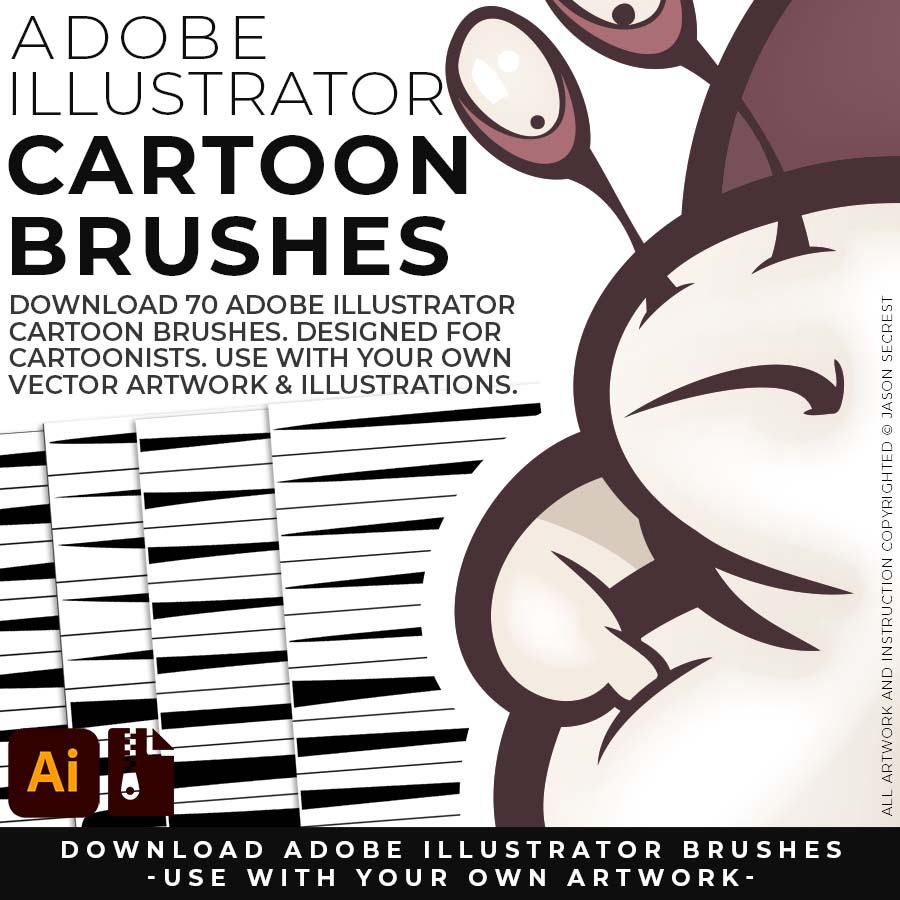
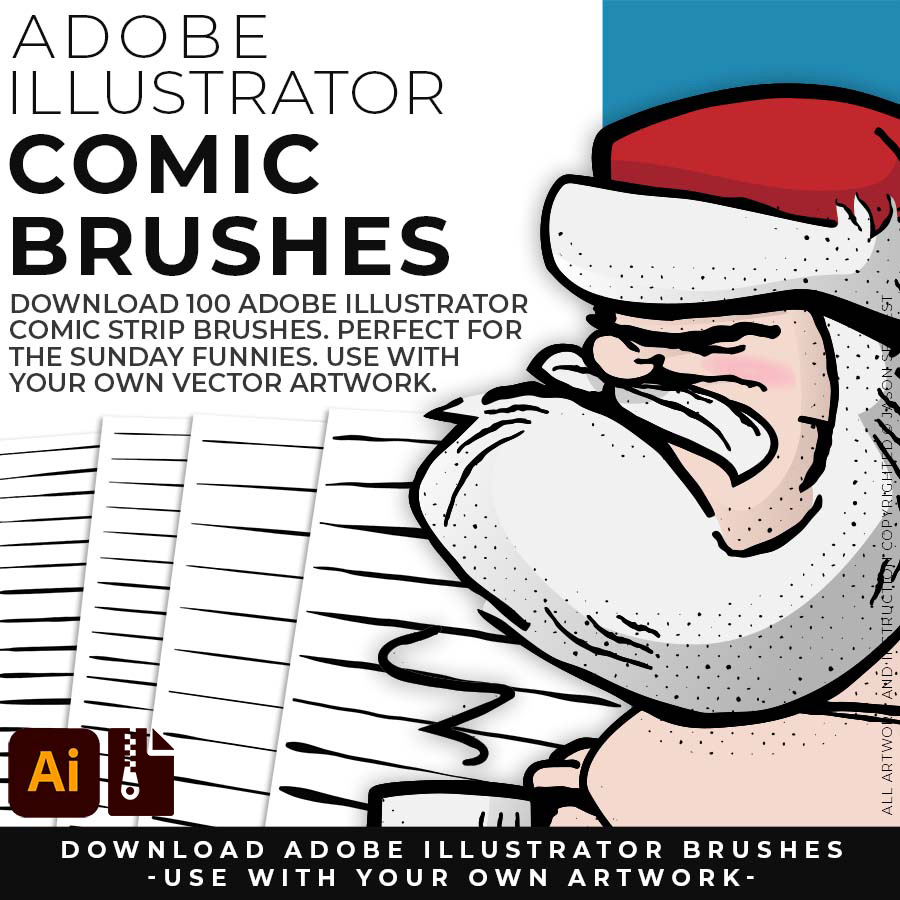
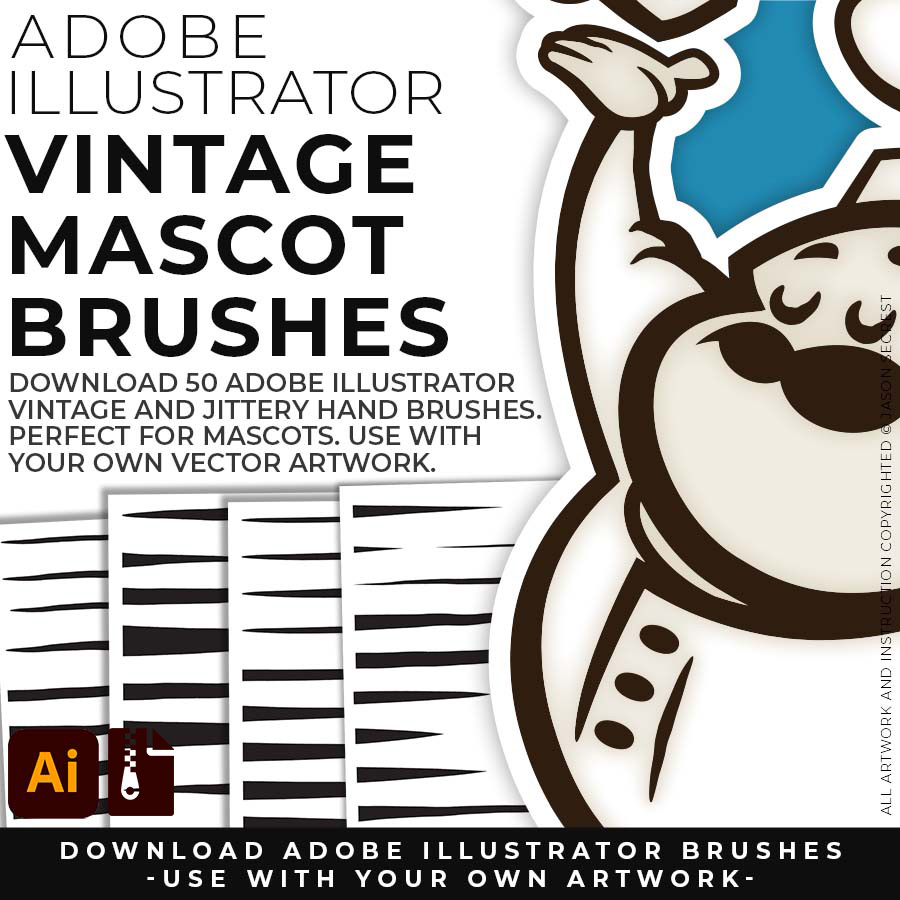
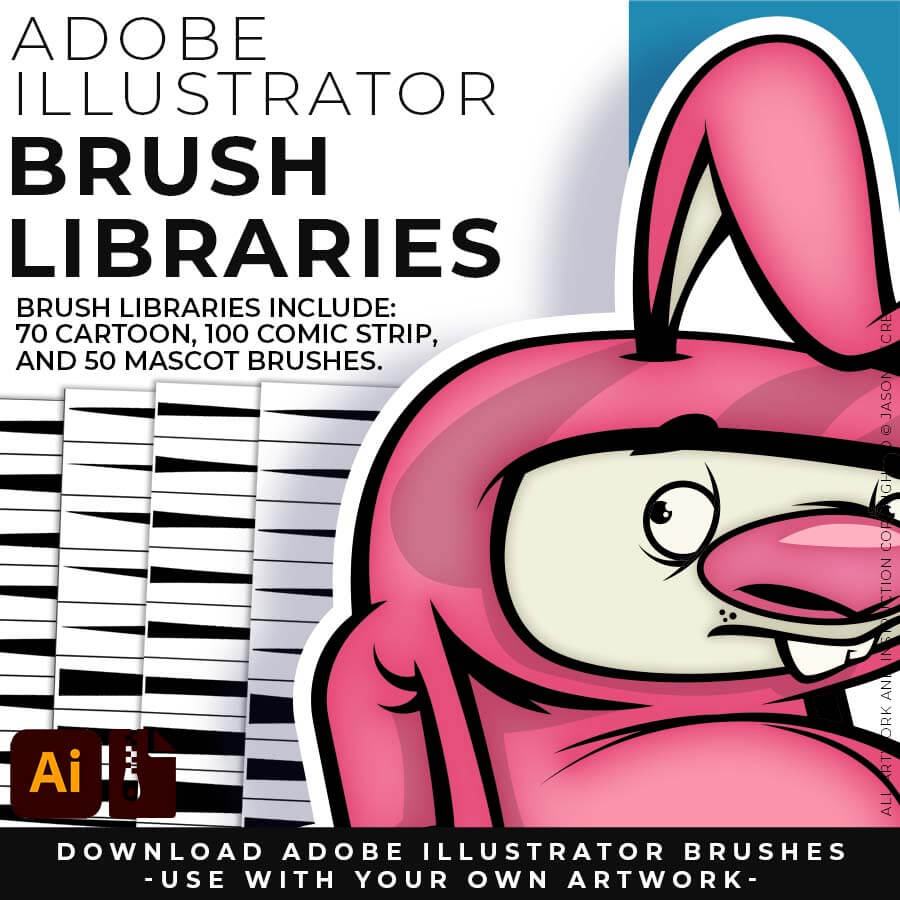
BRUSHES WORKFLOW GUIDE: Brush libraries are what separate raw vector paths from professional illustration. A clean silhouette drawn with the Pen Tool is just a shape until it carries line weight, taper, and texture — that's what a brush library gives it. This guide walks through installing your three brush libraries, building a proper stroke hierarchy, applying width profiles, and locking down your file correctly before you expand a single path.
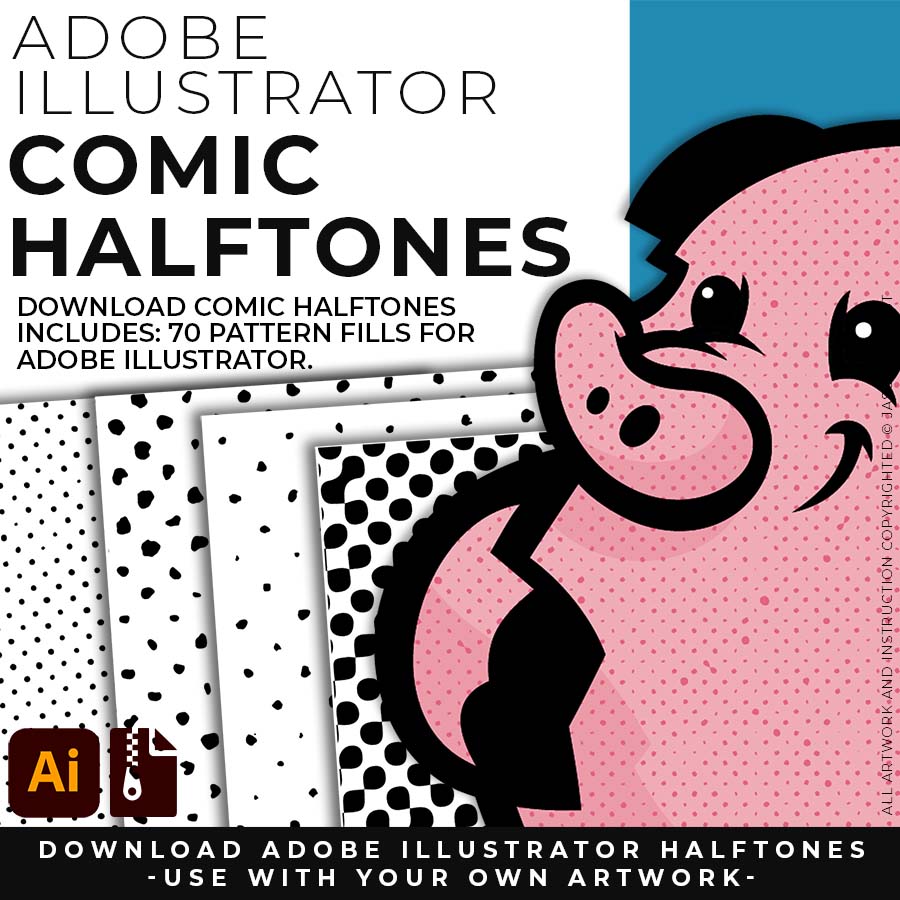
HALFTONES WORKFLOW GUIDE: Halftone fills are what give a flat-colored design that authentic comic-print or screen-print look — rows of dots standing in for shading. In Illustrator, they apply directly on top of your flat color using the Swatches Panel — they are fills, not overlays. This guide walks through installing the swatch library, planning your value zones before you touch a single swatch, applying fills correctly, recoloring dots, and using the Ghost Plate Generator for vintage offset-print effects.
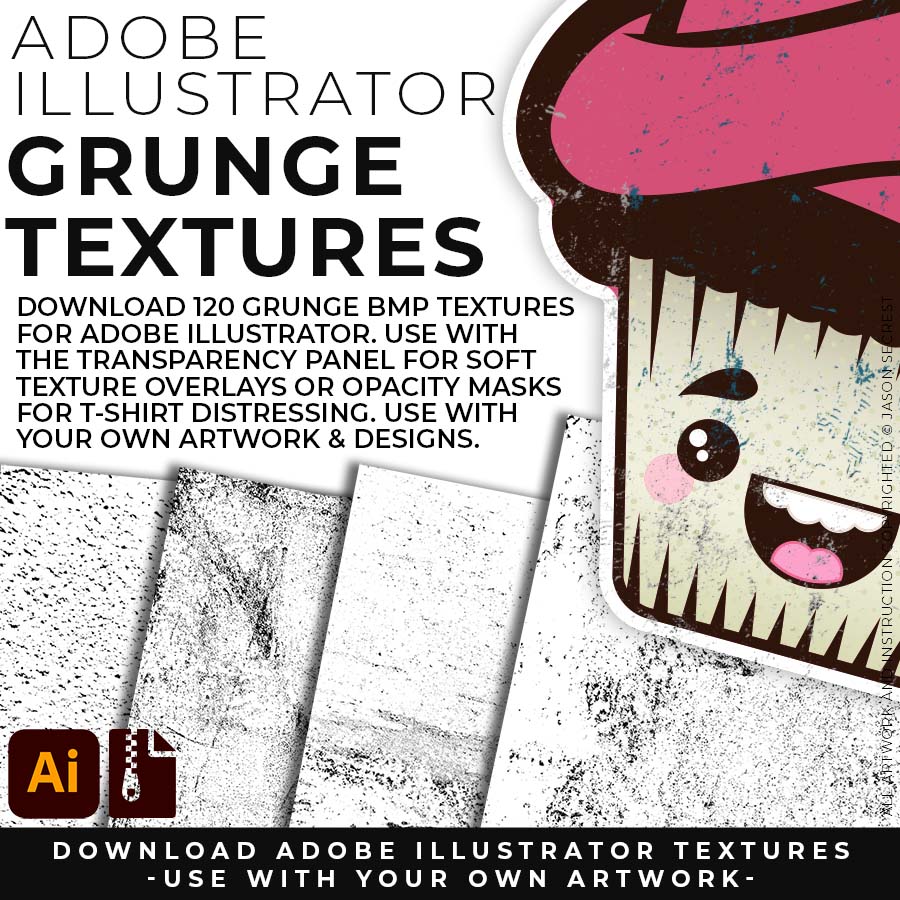
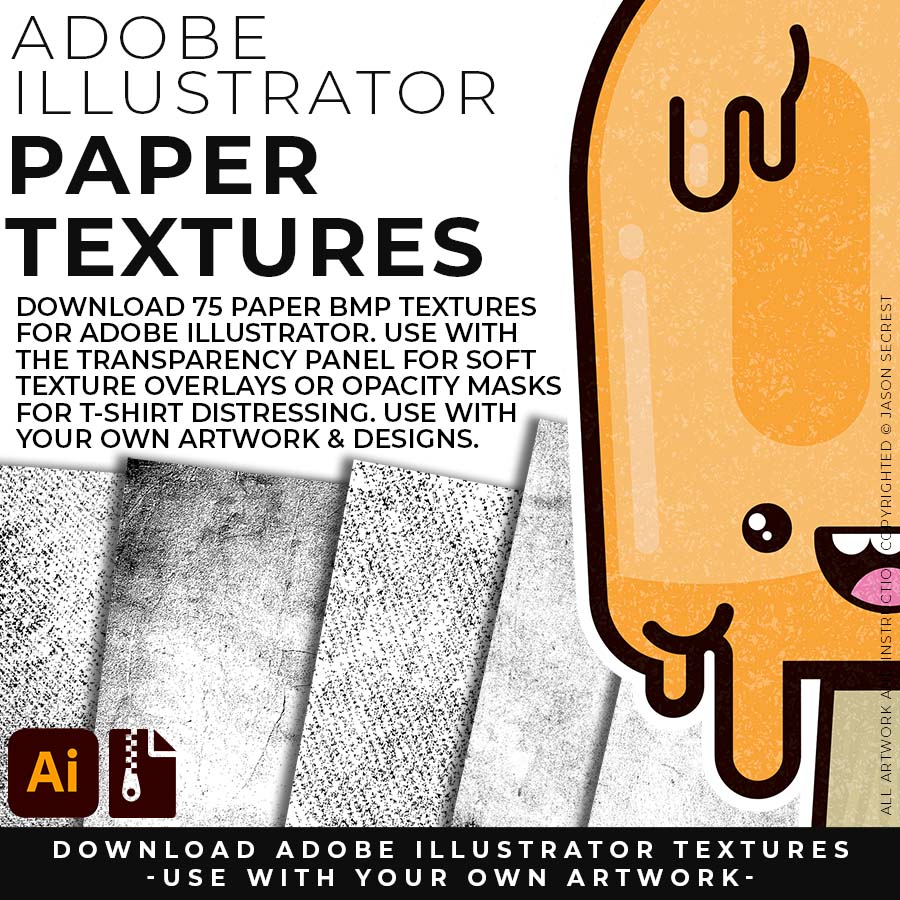
TEXTURES WORKFLOW GUIDE: Textures are what make a printed design feel like it's actually been on a shirt for ten years — worn ink, cracked surface, warm grain. In Illustrator, this is applied non-destructively using Opacity Masks: a technique that punches distress through your flat color without touching a single vector anchor. This guide walks through the texture types in your kit, the exact file prep required before masking, the 6-step masking process, coloring tiers, intensity control, and export.
COLORING TO FILE EXPORT
Prepare, export, and launch your finished designs to print-on-demand platforms — to spec, every time. On September 23, 2026, I updated the Designed Learning Paths and Learn to Launch Curriculum on Teachable. If you are not currently enrolled - you will be slightly reminded and delicately nudged to enroll to access Learning Modules on Teachable. → ACCOUNT LOGIN
COLOR EDITING GUIDE: Correct, adjust and harmonize color across your artwork before it ships. Follow the six steps below in order — the sequence itself (duplicate first, check gaps before painting, background before detail) is what prevents the frustrating spills and greyed-out menus students usually blame on the tool.
TYPE TOOL GUIDE: A workflow, not a tool tour. Four tools, one goal: get text into a design and keep it live as long as possible — the decision points below are where students either save themselves hours of rework or lose editability by accident.
FILE PREP + EXPORT GUIDE: Building and exporting are two completely separate things. You build small, focused, and fast. You export large, clean, and platform-ready. Most export problems come from skipping the prep steps between these two phases. This guide walks you through every step — from final edits through PNG export for apparel.
PRODUCT LAUNCHPAD
Build print-ready designs for apparel and product art. Production tools. Bulk-generate on-brand prompts, sharpen them, and pipe them straight into product-ready briefs. On September 23, 2026, I updated the Designed Learning Paths and Learn to Launch Curriculum on Teachable. If you are not currently enrolled - you will be slightly reminded and delicately nudged to enroll to access Learning Modules on Teachable. → ACCOUNT LOGIN
T-SHIRT PRODUCT GUIDE: Step 1 of the Launchpad asks two things: which niche you're designing for, and a description of the specific concept behind the shirt. This lesson explains why those two inputs carry so much weight — and how to write a concept description that makes everything downstream dramatically better.
COLLECTION BUILDING GUIDE: Most students generate a batch of designs and call it a collection. This lesson explains why those two things are completely different — and why the difference determines whether a buyer purchases one item or five.
LISTING + SHOP LAUNCH GUIDE: A listing is not a form to fill in — it's a sales document with a specific job to do. Every field has a purpose, a character limit, and a search function. This lesson breaks down the anatomy of a strong Etsy listing so you understand what each section does before you write a single word.