DIGITAL DOWNLOADS: Many of you are jumping over from YouTube looking to download our Adobe Illustrator Brushes and Textures Folders. Digital Downloads will come as Zipped Folders through Teachable. Once you have downloaded and extracted the folders, digital downloads are ready to be used. No Install is required.
PROMPT PACKS: Creative System with Digital Downloads and AI Prompts that work together to speed up your workflow. Access our Creative System Library of Prompts through Teachable. Our Creative System is in a Subscription Model to include Updates. New Prompts and Updates are added on a Weekly - Monthly Basis.
RESOURCE GUIDES: Full-Length Learning Modules include Workflow Guides, Directions, and Action Steps. Start with our Resource Guides inside of Teachable to understand how to apply resources in Adobe Illustrator. New Creative Memberships and Programs launched on May 15, 2026.
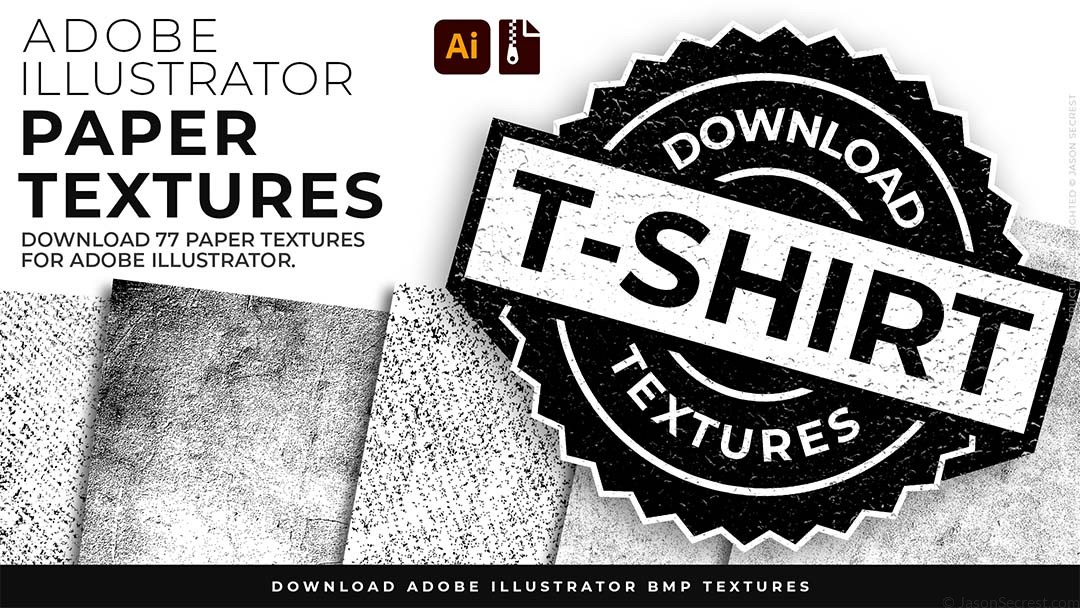

WHO IS THIS FOR: Created for specifically for T-Shirt And Print on Demand T-Shirt Printing. Add vintage and distressing using your own Original Artwork and Opacity Masks to show through to the garment color. Works for vintage apparel, distressed badges, or anything that's supposed to feel like it came from a different era.
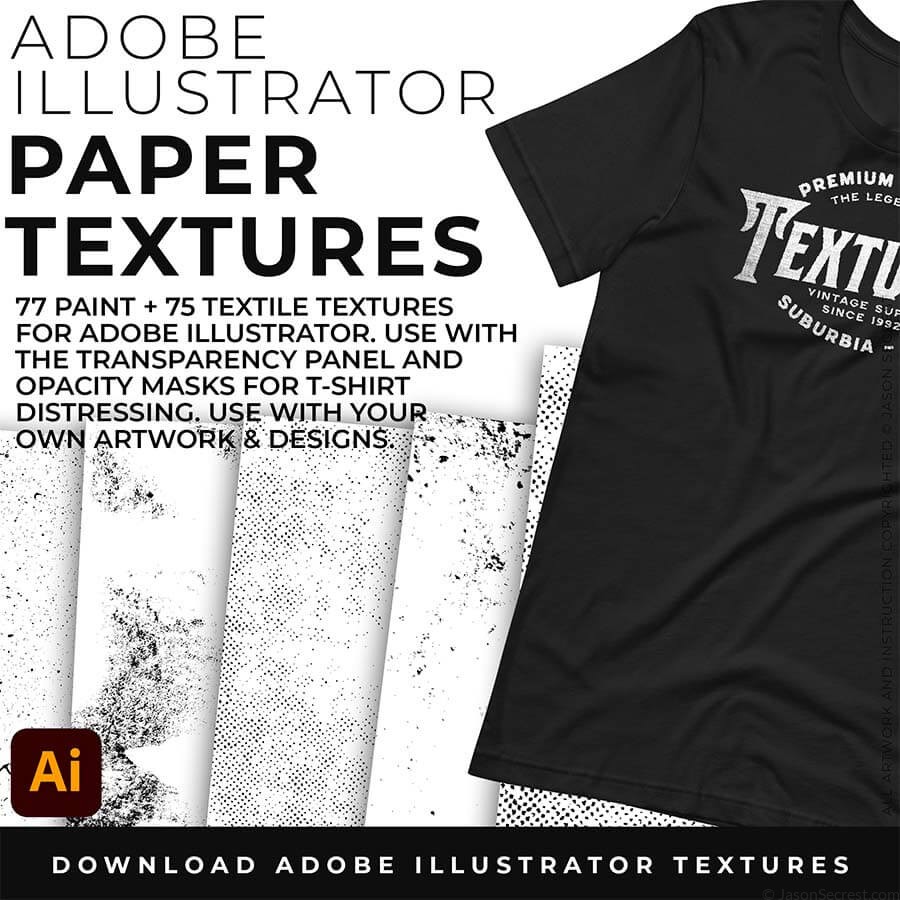
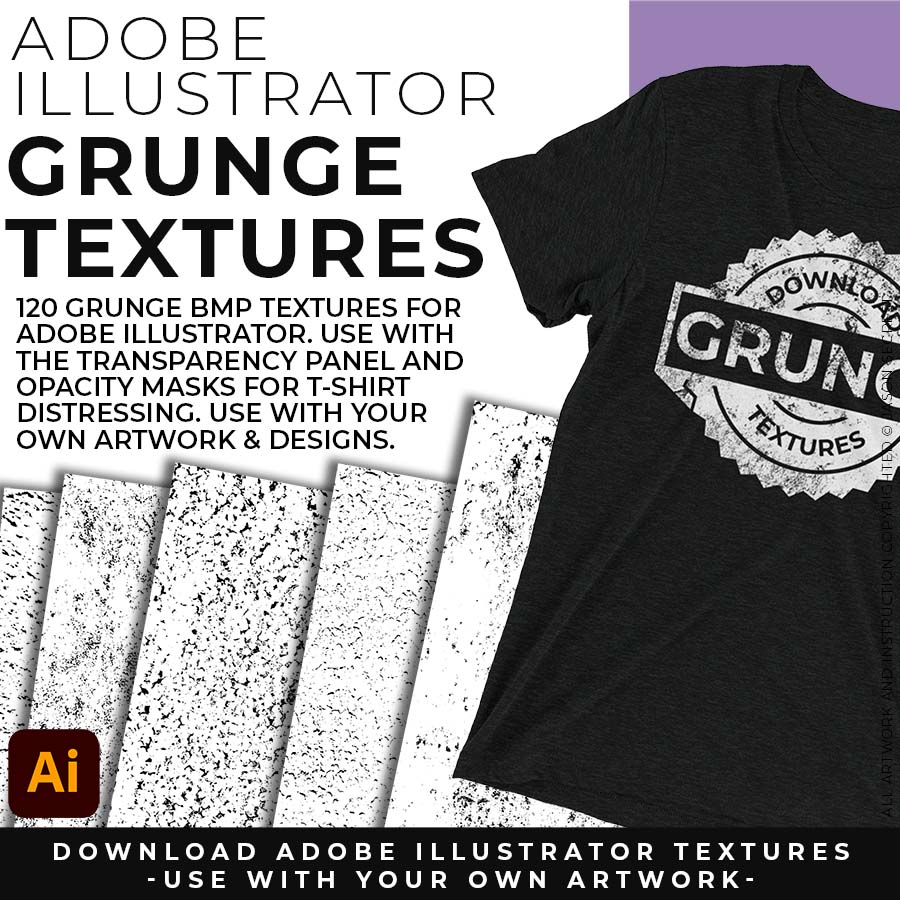
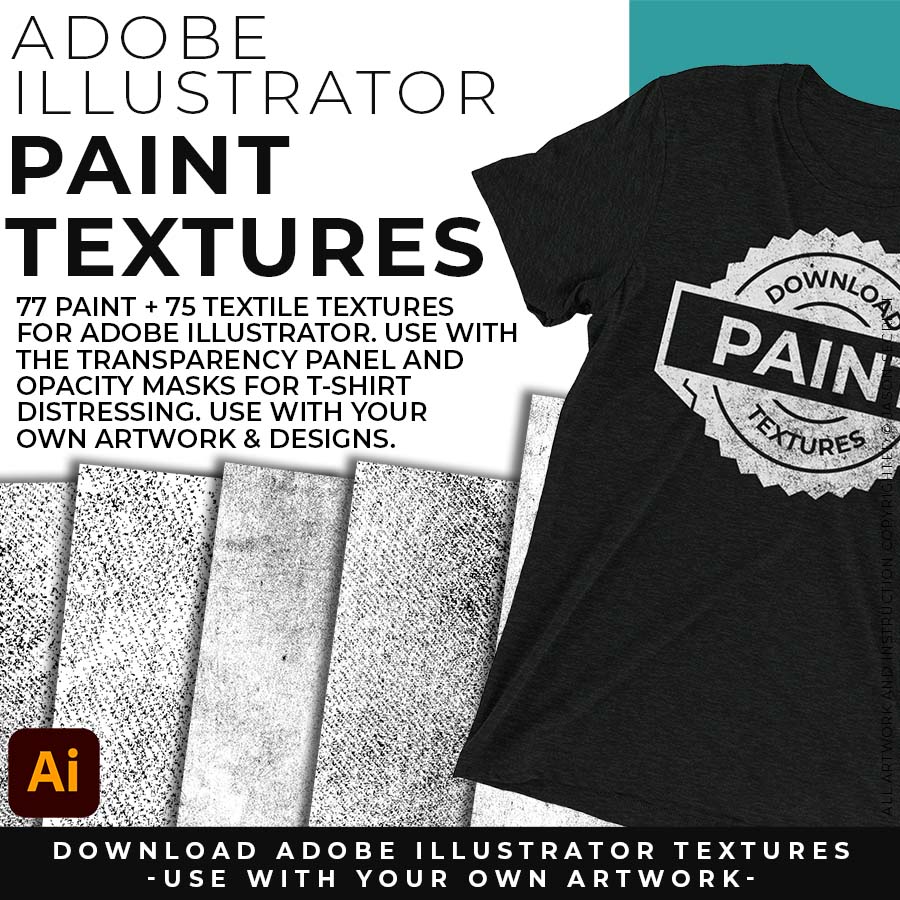
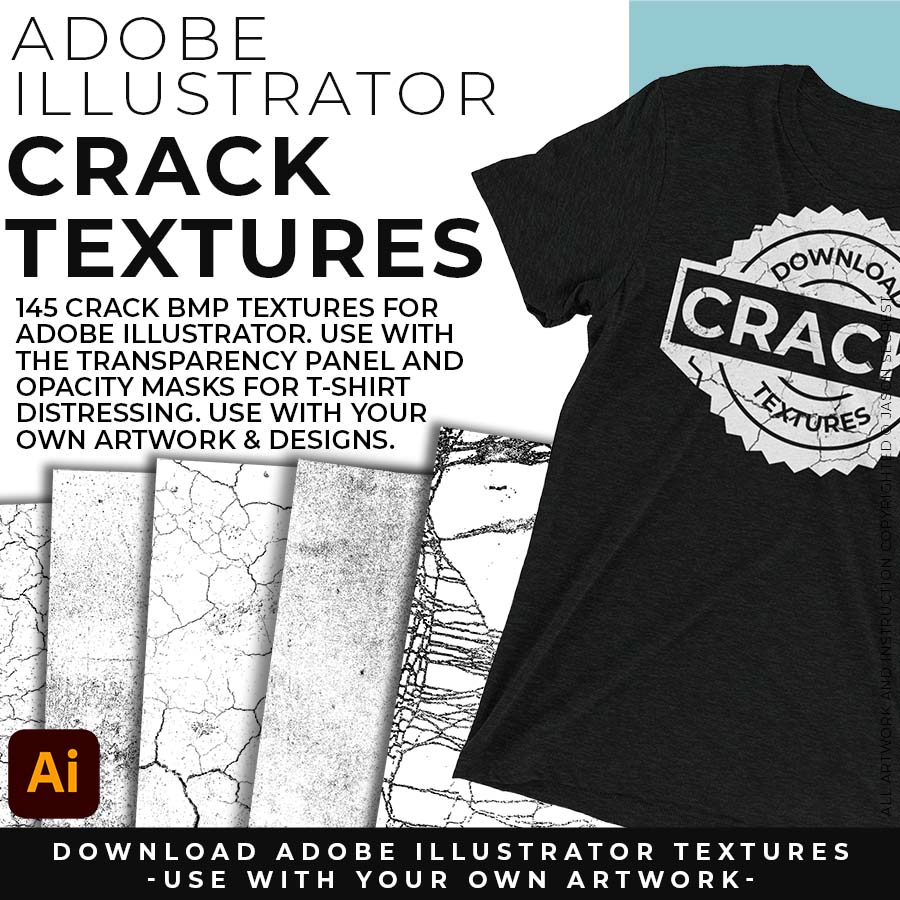
WHAT THIS LOOKS LIKE: 150 BMP files covering organic textile patterns, spray and splatter, surface buildup, edge erosion, and rough surface texture. Each file has its own character — these are not uniform repeating patterns. The organic variation is what makes them look genuinely unplanned when applied to vector artwork.

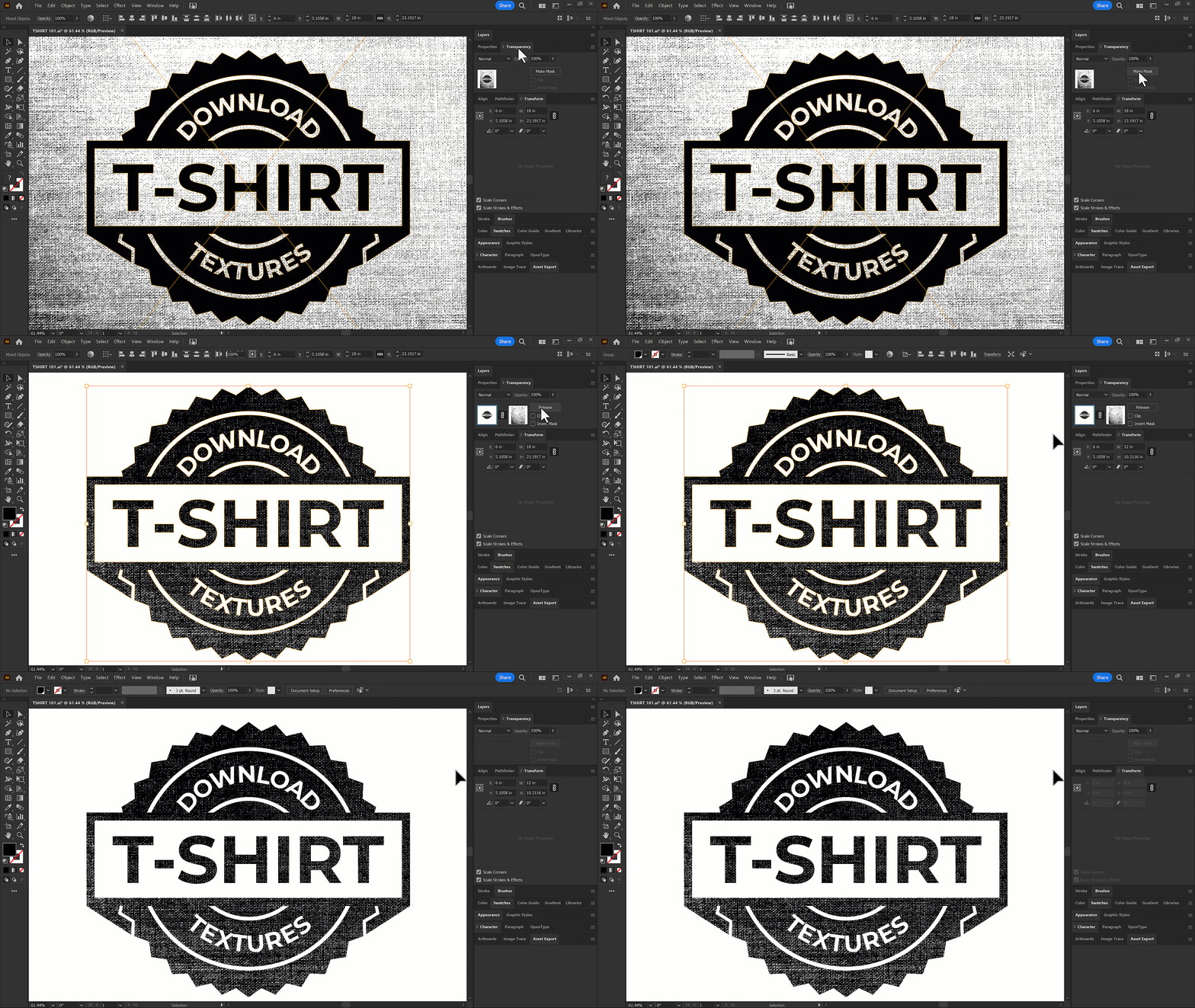
WHAT THIS HELPS YOU DO: Place BMP texture over the artwork in Adobe Illustrator, select both, click Make Opacity Mask. The textures pattern knocks through your disign to show through to the garment color. The design now reads like it was screenprinted years ago.
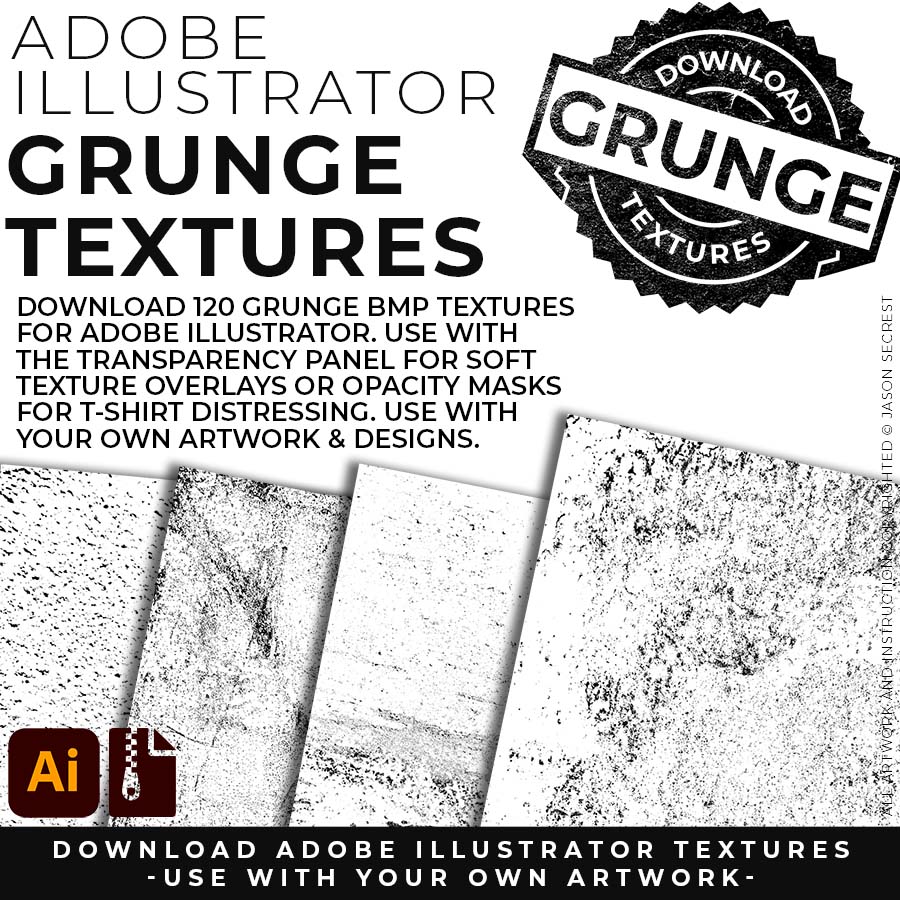
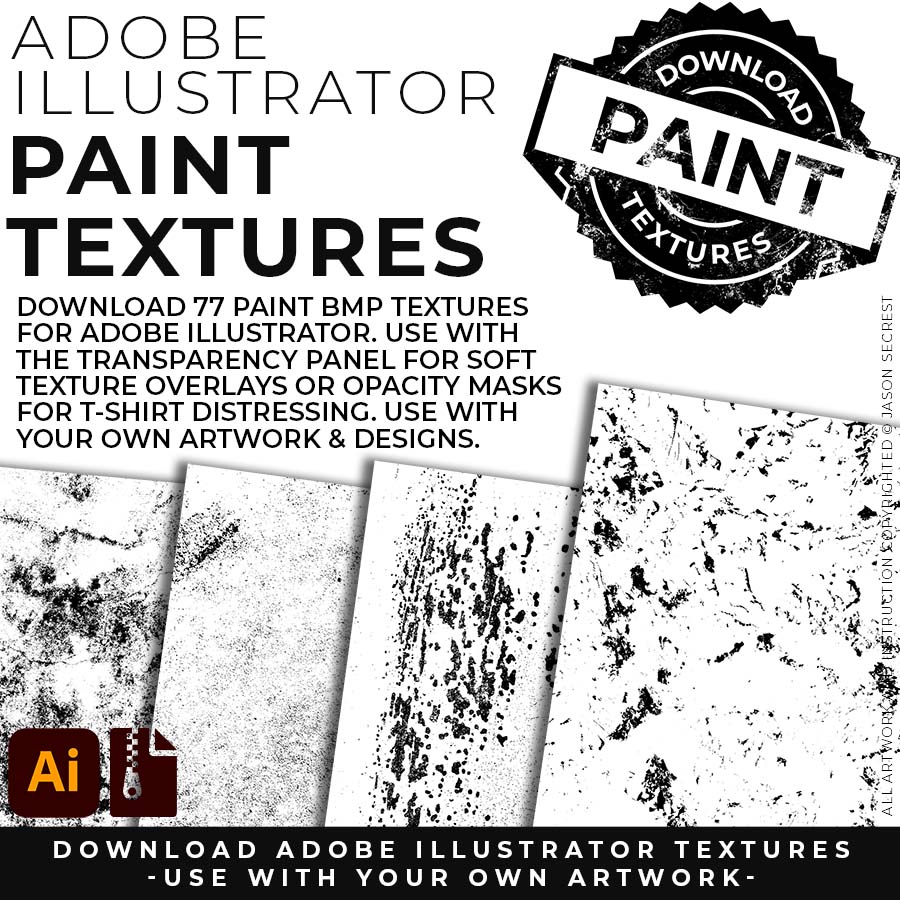
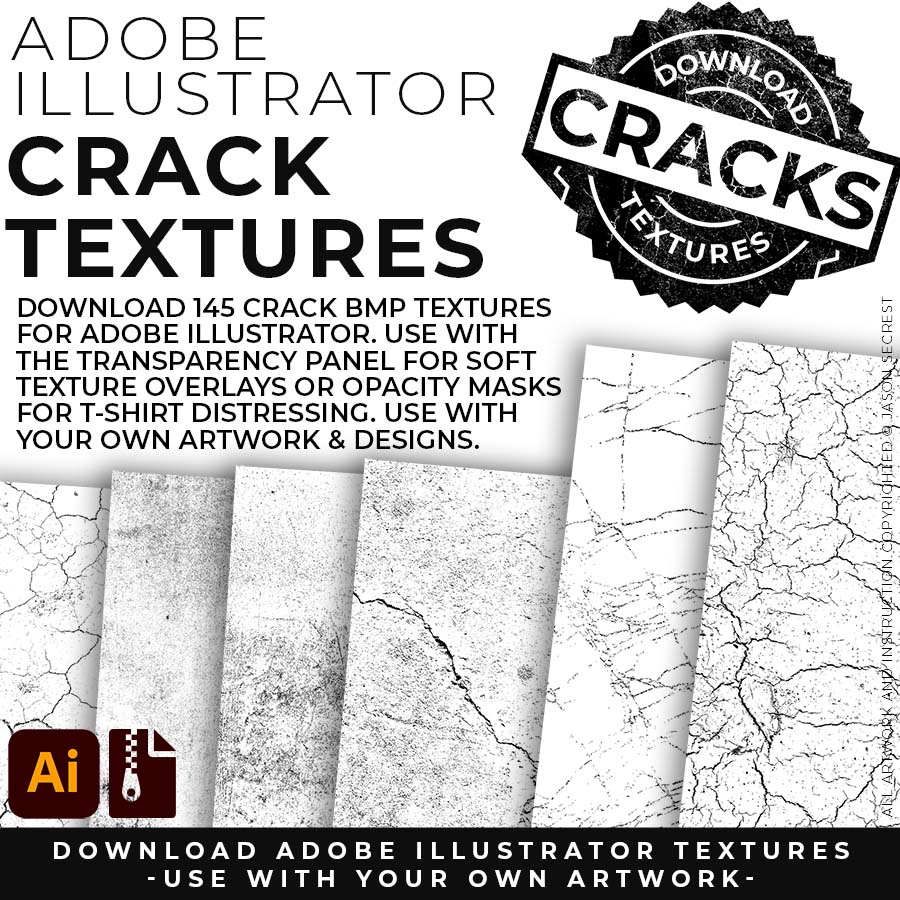
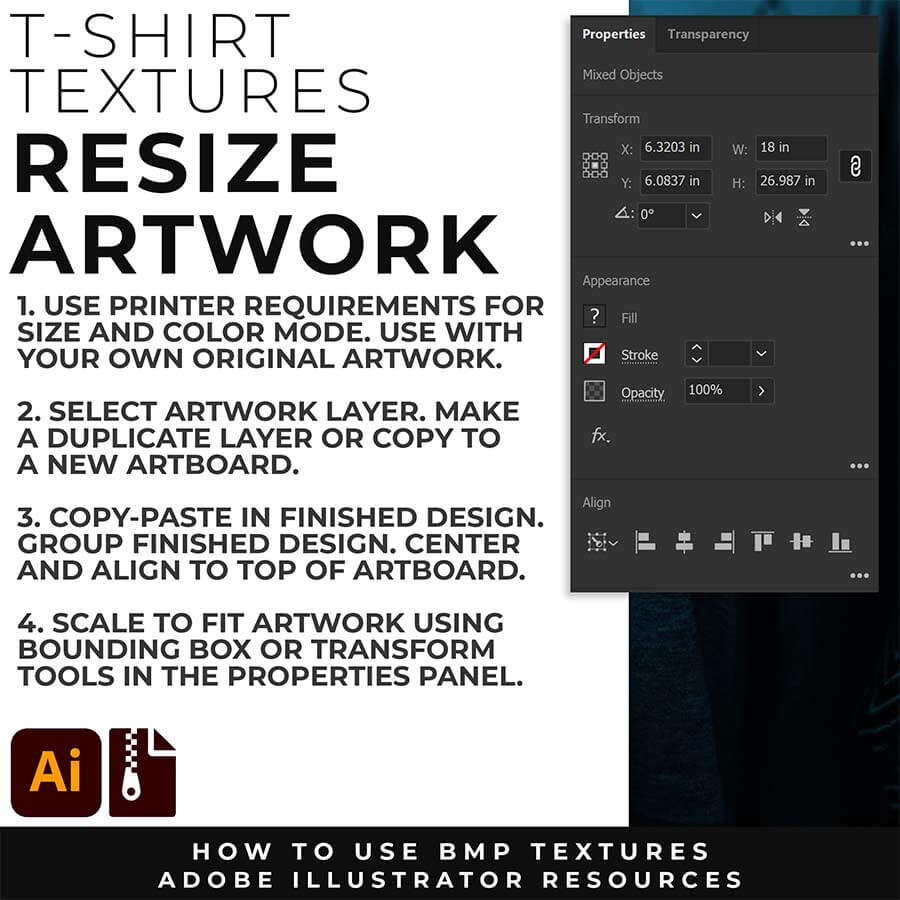
RESIZE ARTWORK: If you are building in a smaller scale you will need to resize your artwork before applying textures. I recommend duplicating the layer or copying and pasting to a new artboard. Select All - Group. Use the Properties Panel to transform your original Artwork or Design to fit Printer Requirements.
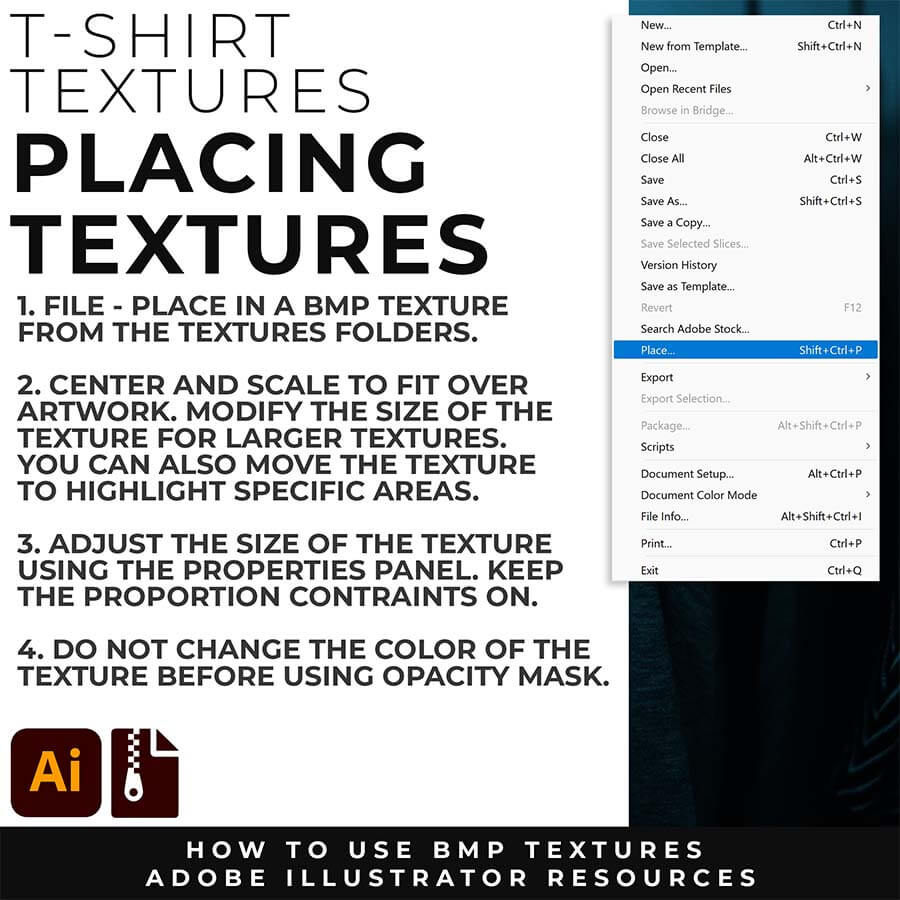
FILE - PLACE: Once you have grouped and resized (if needed) your own finished original artwork, you are ready to bring in the BMP Textures. Under File - Place Textures into your working Artboard. Scale to Fit over your entire design. To use Textures with Opacity Masks you will need to Group and Scale your Finished Artwork before Applying.
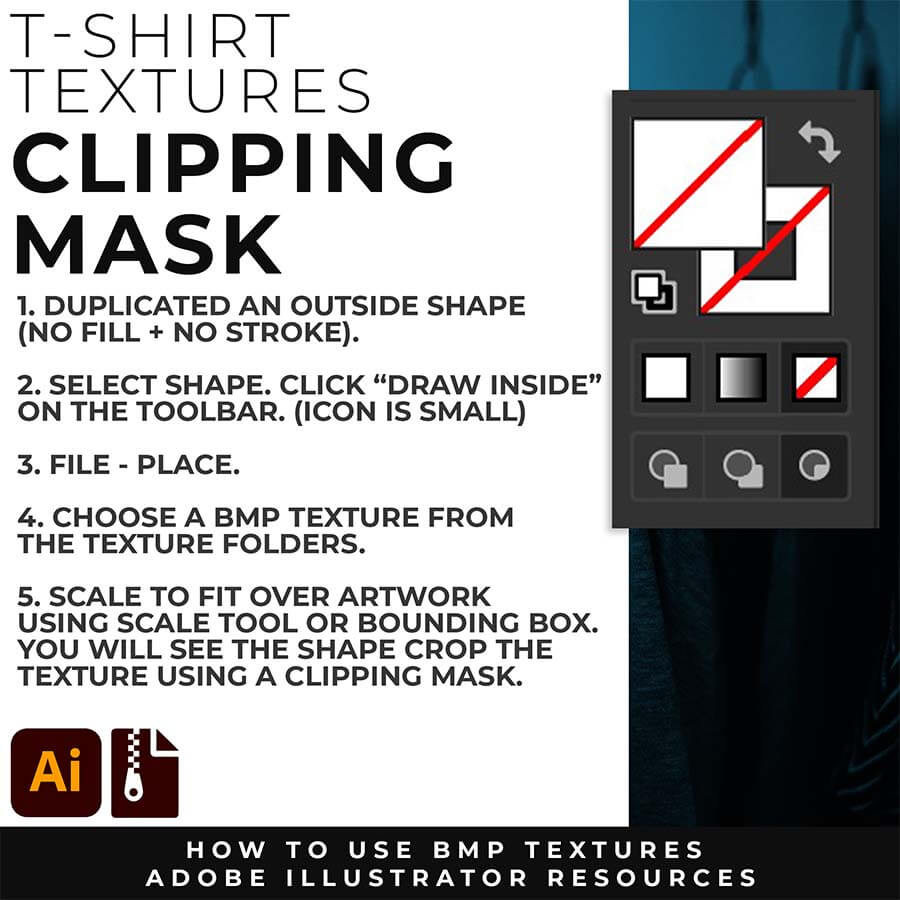
CLIPPING MASKS: Using the "Draw Inside" feature is an easy way to use Clipping Masks in Adobe Illustrator. Simply File - Place in the BMP Texture into the selected "Draw Inside" Shape.
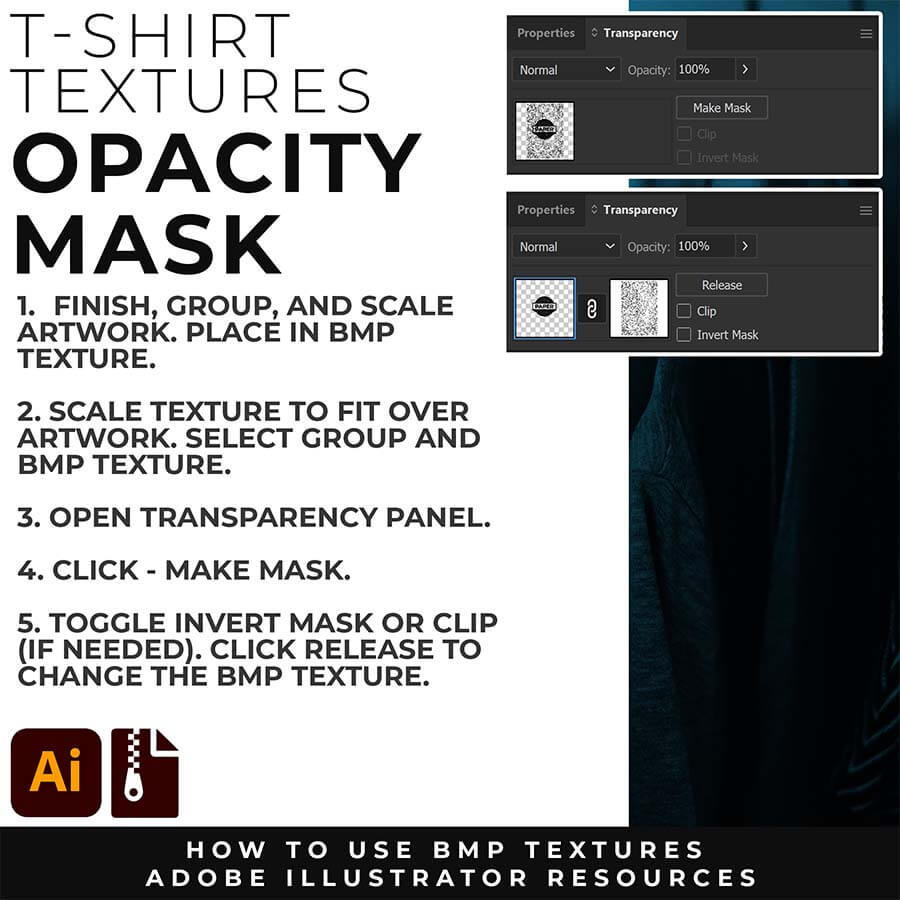
OPACITY MASKS: Using Opacity Masks in Adobe Illustrator is extremely fun. Click on "Make Mask" in the Transparency Panel. This will be for your own original artwork for T-shirt Distressing.
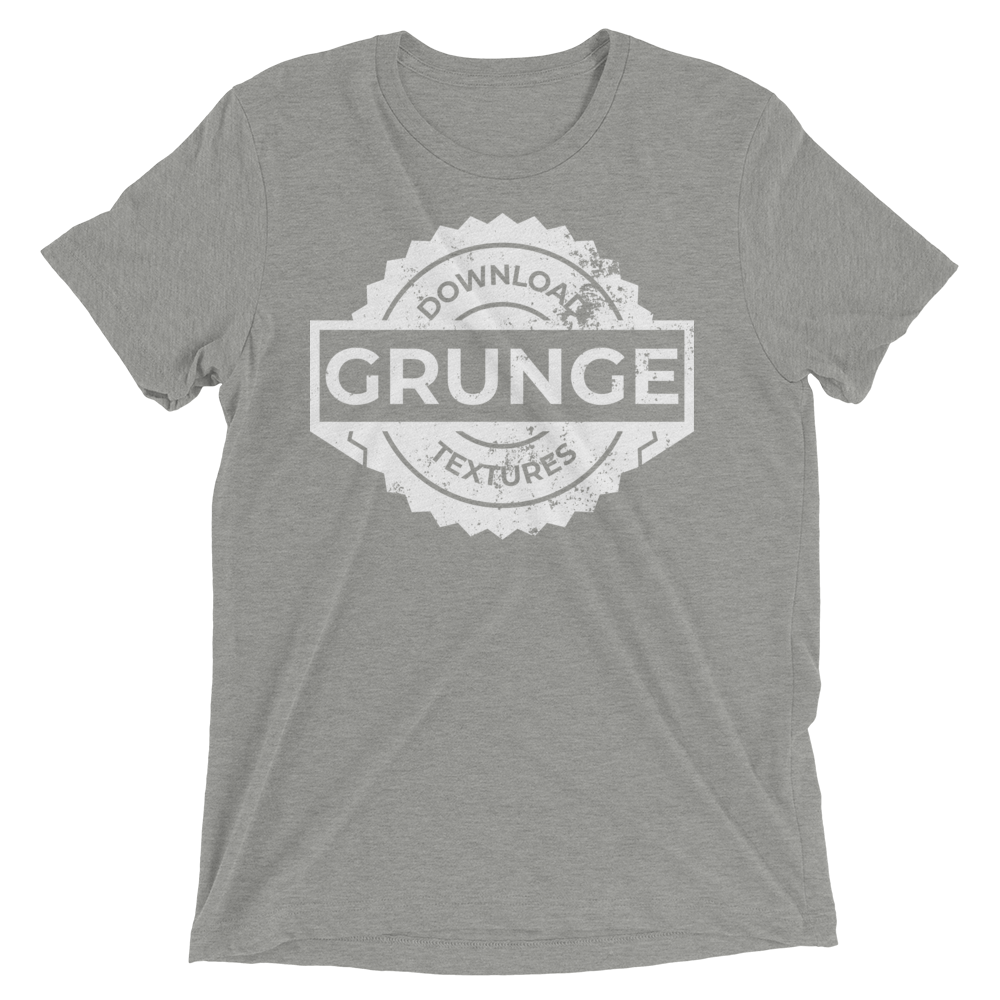
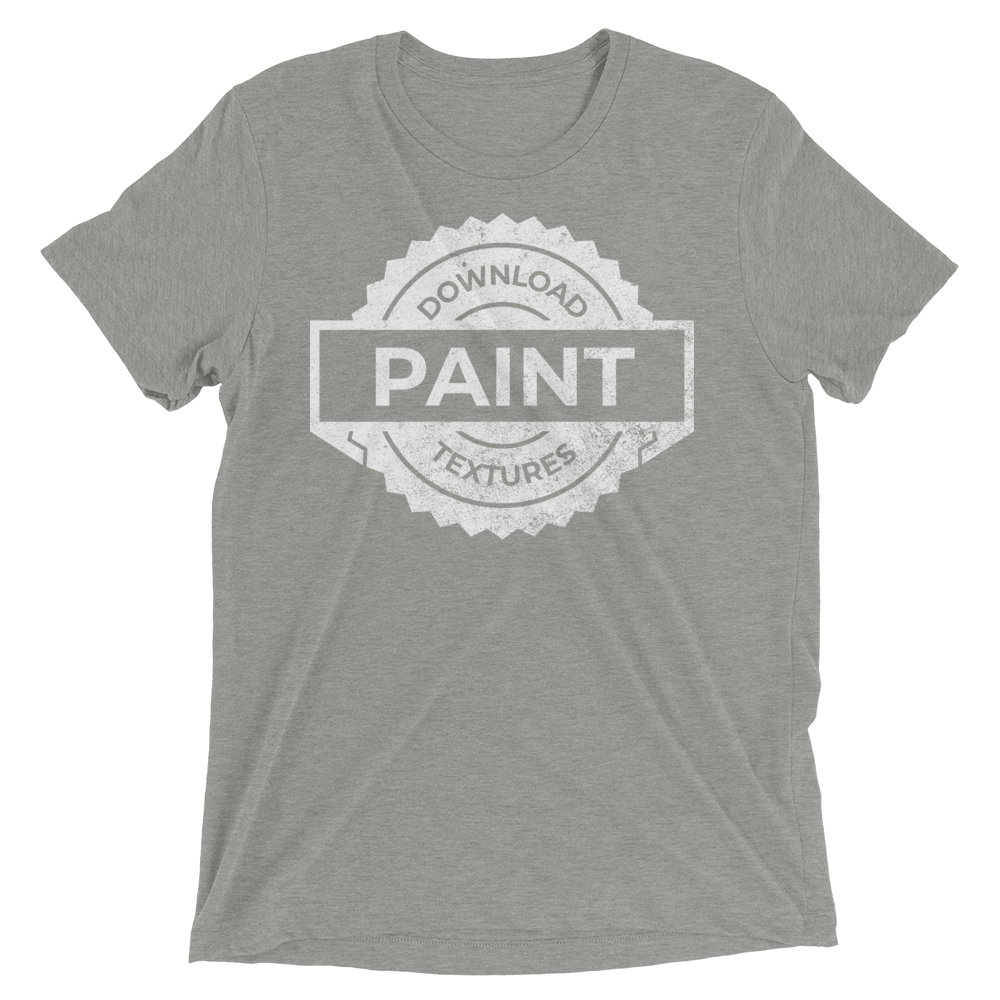
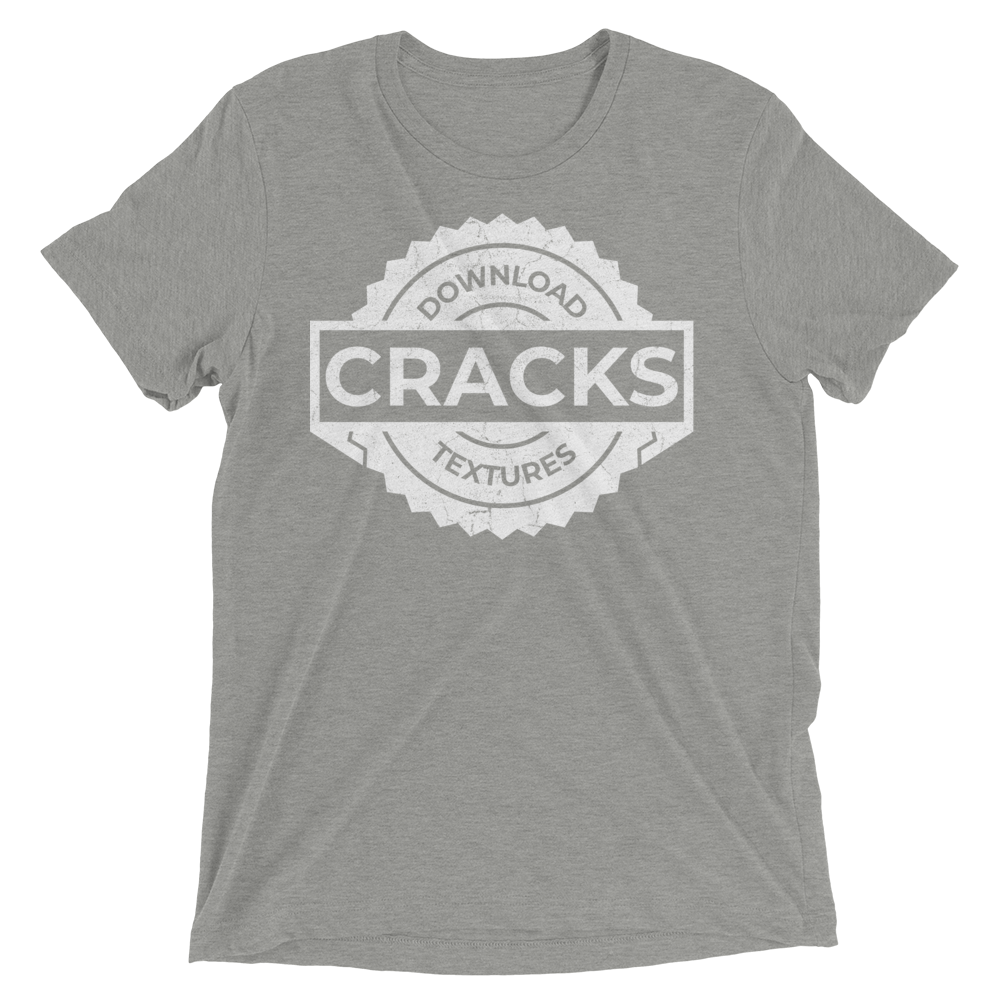
Downloads and Prompts live inside full course format resource guides through Teachable.
Copy the ready-made prompt - One click — no prompt-writing needed.
Paste into your AI tool - Generate the result in seconds.
Subscription Model -Updates Included - 365-day access includes every update to the pack.
PAPER TEXTURES
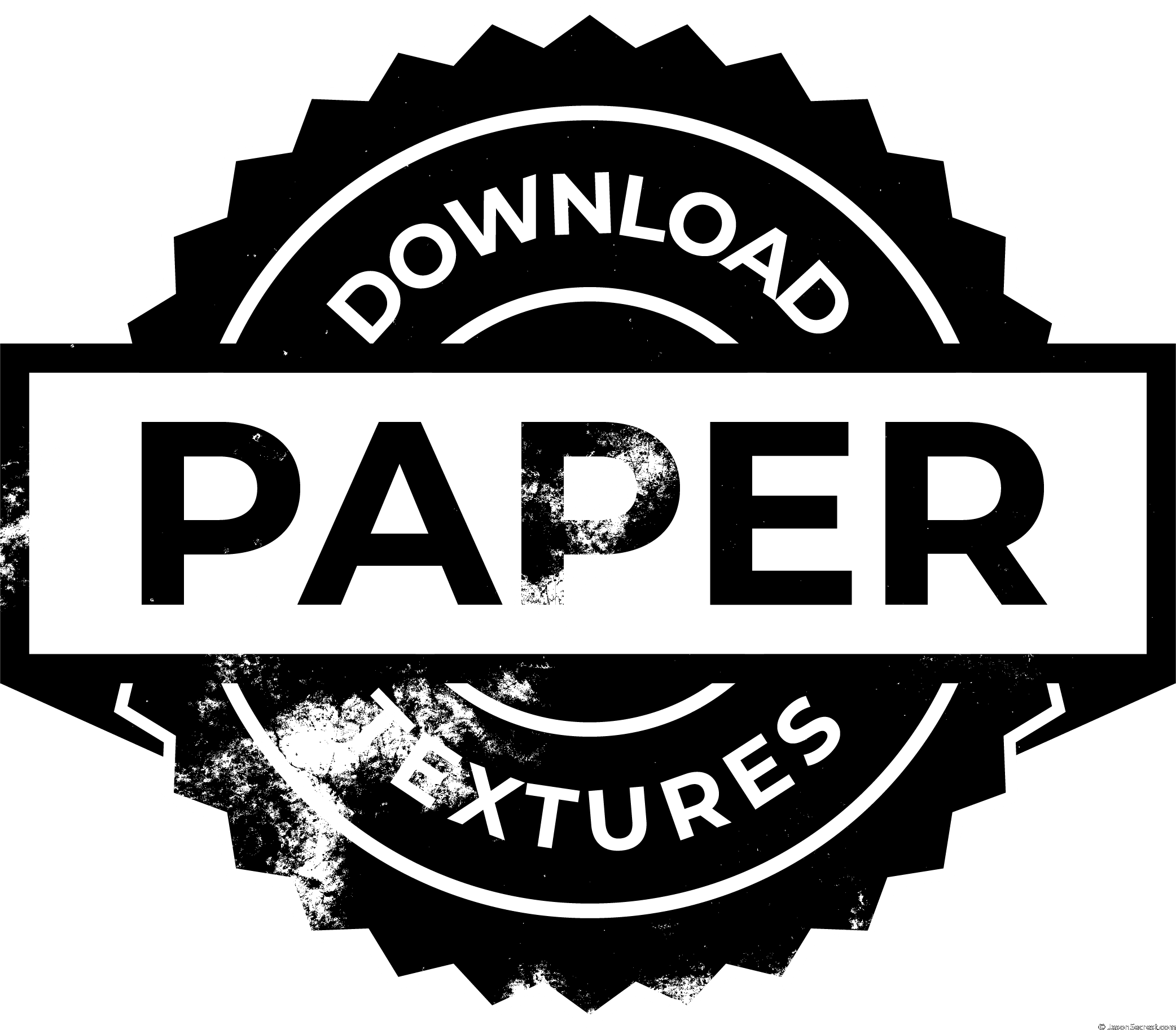
Make any vector design look genuinely aged, weathered, and worn — not just stylistically distressed
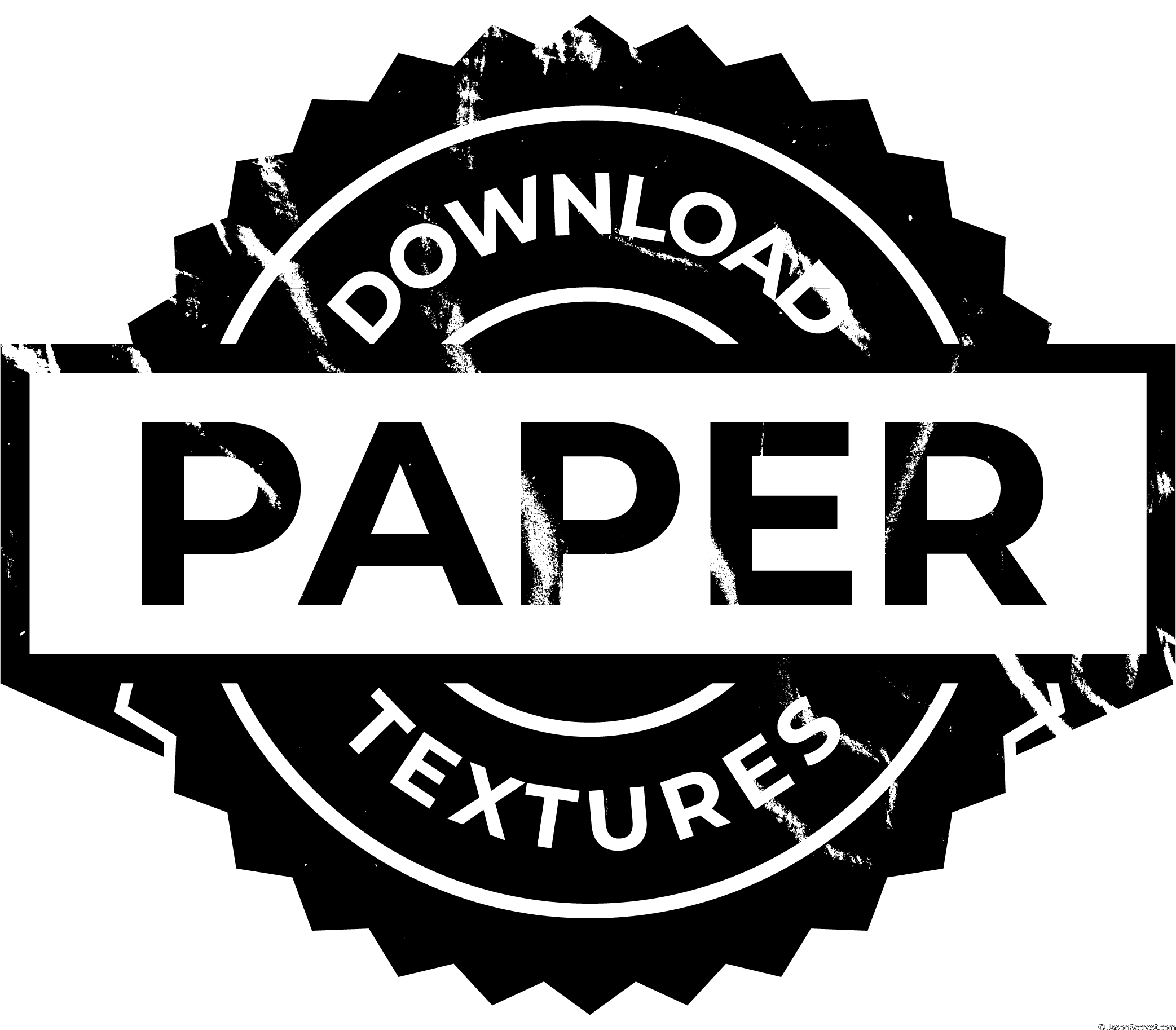
Work across the full paper spectrum: subtle hairline for worn-print to dramatic break for vintage distress
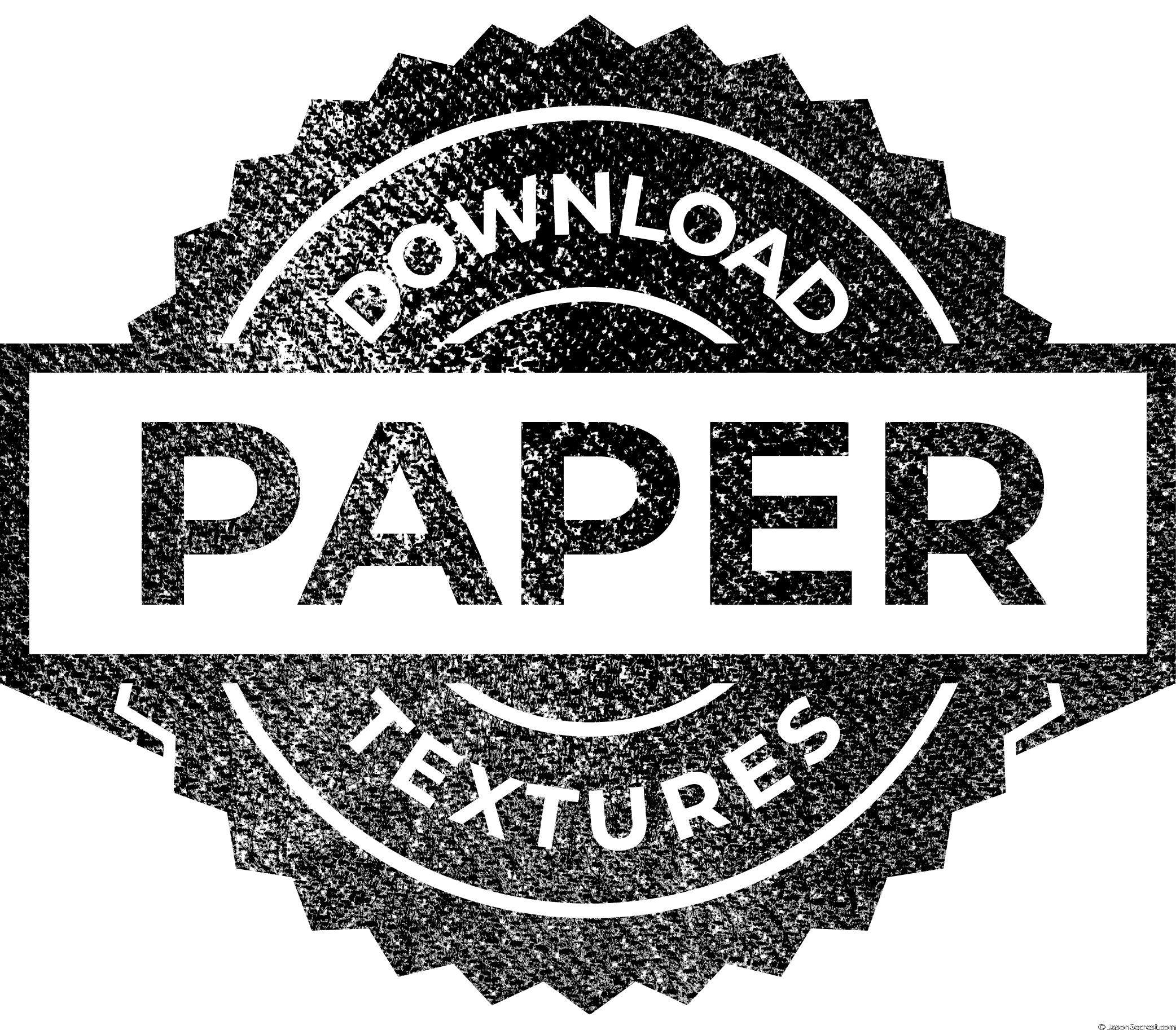
Apply and control with precision using the Opacity Masks in the Transparency Panel
ENROLL IN TEXTURES
Membership — includes all future updates. $47/year · Renews automatically · Cancel anytime. Previous purchasers: an active membership is required for access. Enroll or renew to continue. Digital products are non-refundable. See Terms & Conditions.